

People coach
Ask itWho on my team needs attention this week, and what do I owe them?
- 1:1 CompanionFull access
 Team PulseRead all
 Feedback LoopRead all
- Reads themes across your 1:1s
- Flags commitments you owe
- Sums up the week's check-in
Six apps for leading a team: every 1:1, an anonymous weekly check-in, a brief before each meeting, a register of decisions, your hiring panel and feedback on your own talks. They sit on your Home Screen, a coach watches them together, and a point you mean to raise carries over until you raise it.
Tap one and watch the phone
 2Meeting Brief
 Decision Log
 Marci
This is a manager's Home Screen: two apps and two goals. Tap 1:1 Companion or Team Pulse, or ask me one of these.
Add 'promotion timeline' to Sam's agenda in 1:1 Companion
Start this week's Team Pulse check-in with a question about the launch
What did we decide about the pricing page in Decision Log?
What's open with Dana before our 2:00 in Meeting Brief?

Your work, your clients, your lists.
Each app does one part of the job well and starts working the day you add it. Ask Marci for any of them by name, or say what you need and she picks.
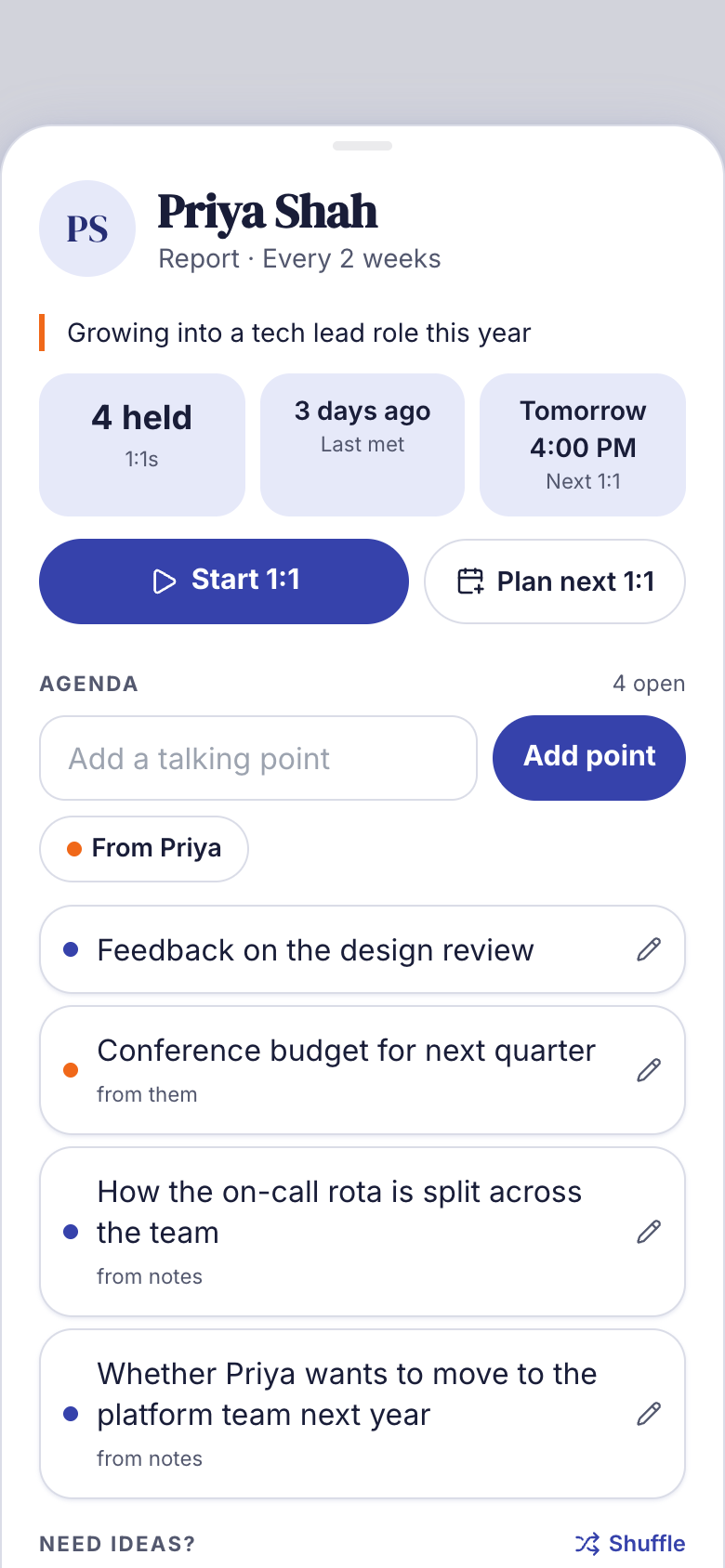
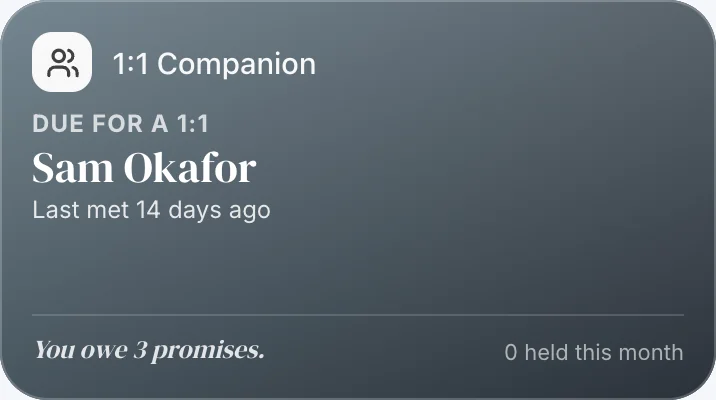 Every 1:11:1 CompanionA running agenda for each person you meet one-on-one, commitments both ways and the themes that keep coming back. A prep card before each 1:1 puts carried points first, and with Granola the notes become the recap on their own.
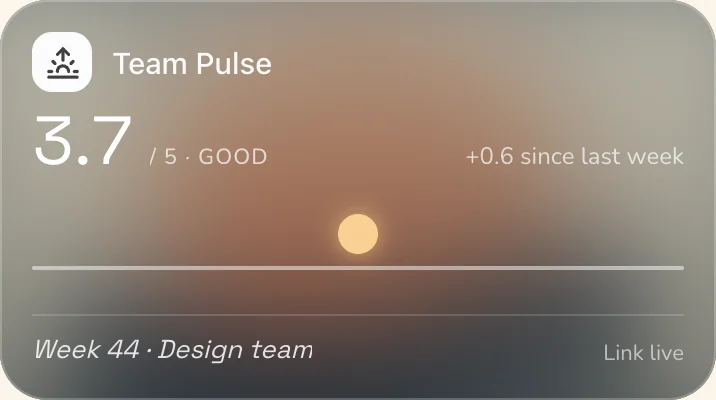 How the team is really doingTeam PulseA weekly anonymous check-in from one link or a QR at stand-up: energy from 1 to 5, what's in the way and a shout-out, with no account. Results unlock at three answers, your AI sums up the week, and Trends shows energy week by week.
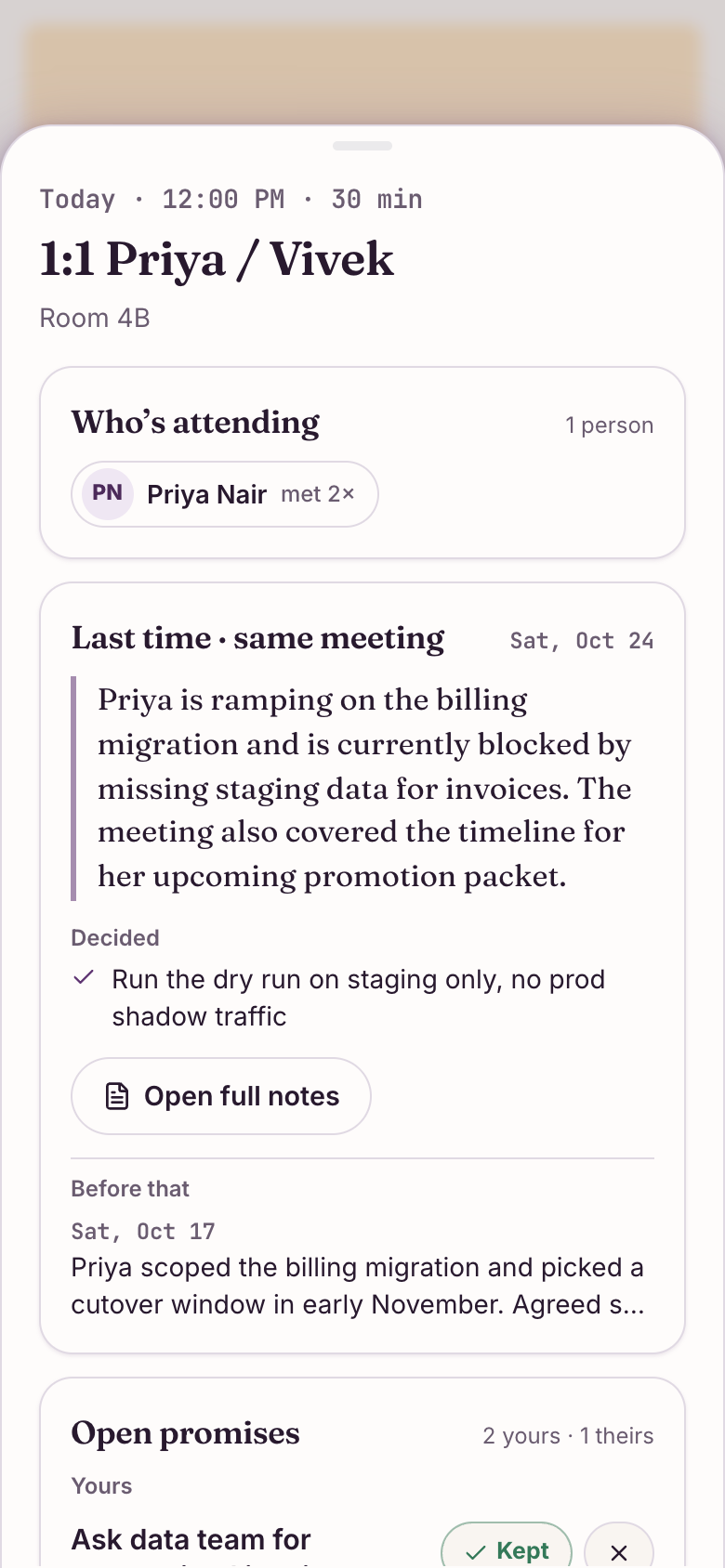
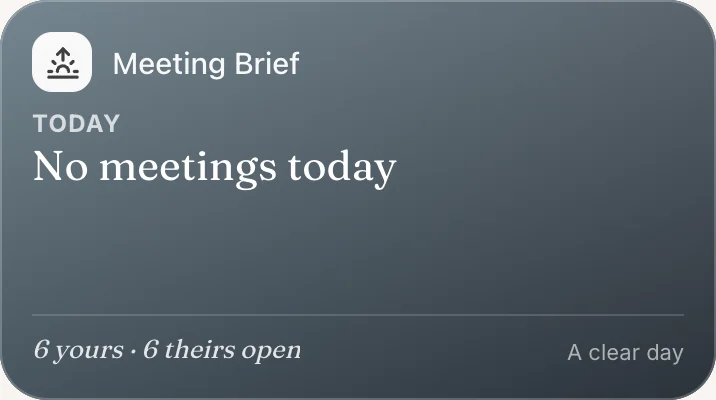 Before every meetingMeeting BriefEach morning, a brief for every meeting on your calendar: who's attending, what happened last time and the promises still open both ways. After the meeting, Granola notes become next time's brief.
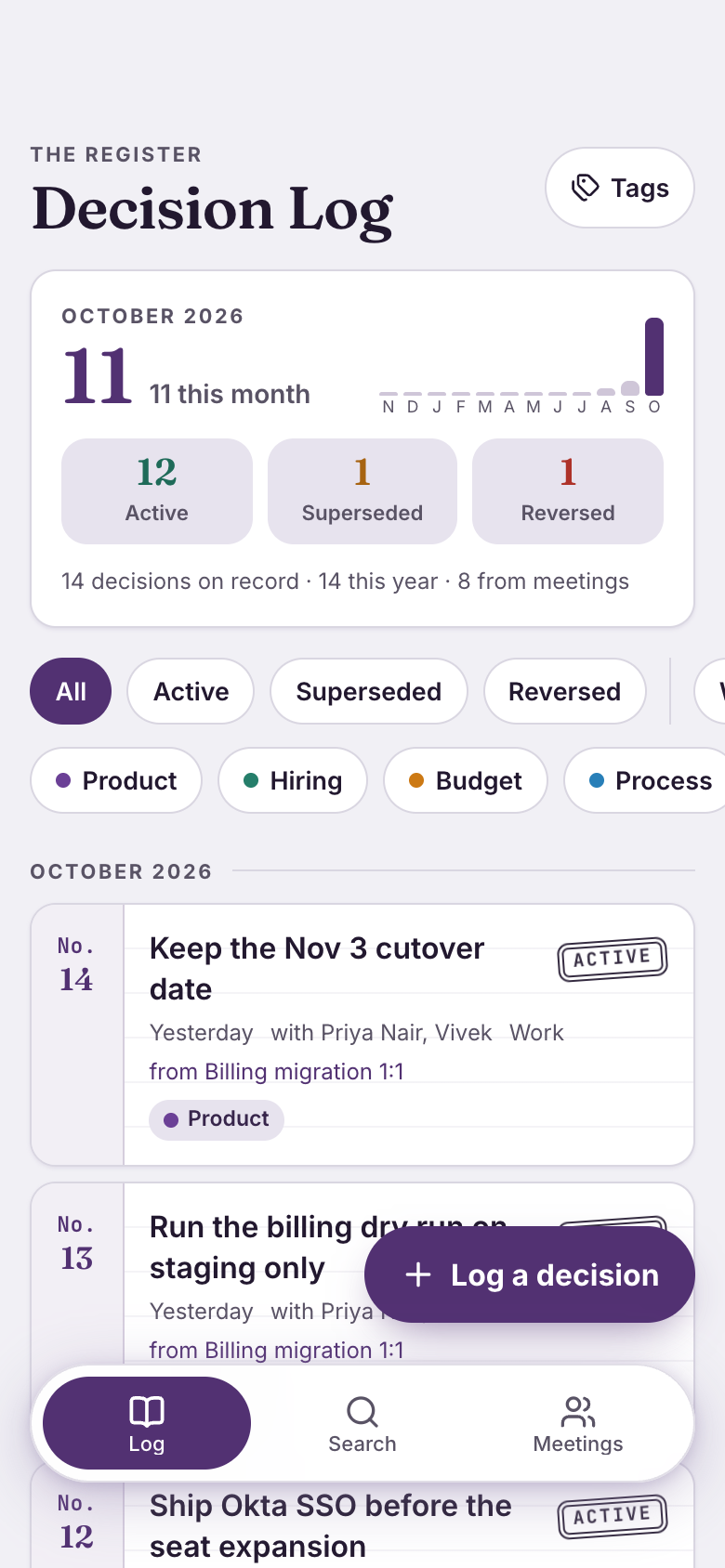
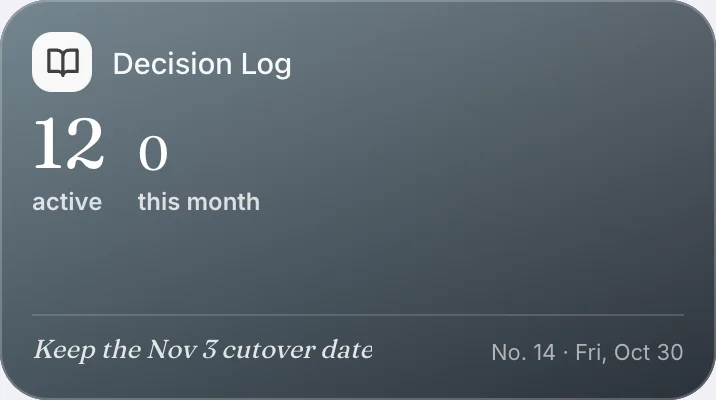 When did we decide that?Decision LogA numbered register of what was decided, why and with whom. Decisions from your Granola meetings file themselves, superseded ones stay linked to what replaced them, and one search answers when you decided it.
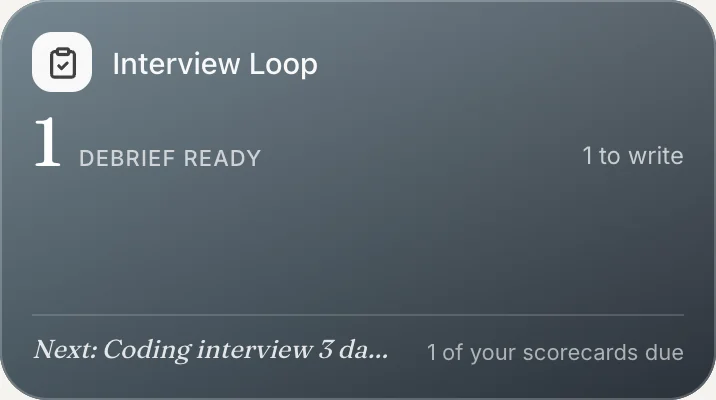 When you're hiring
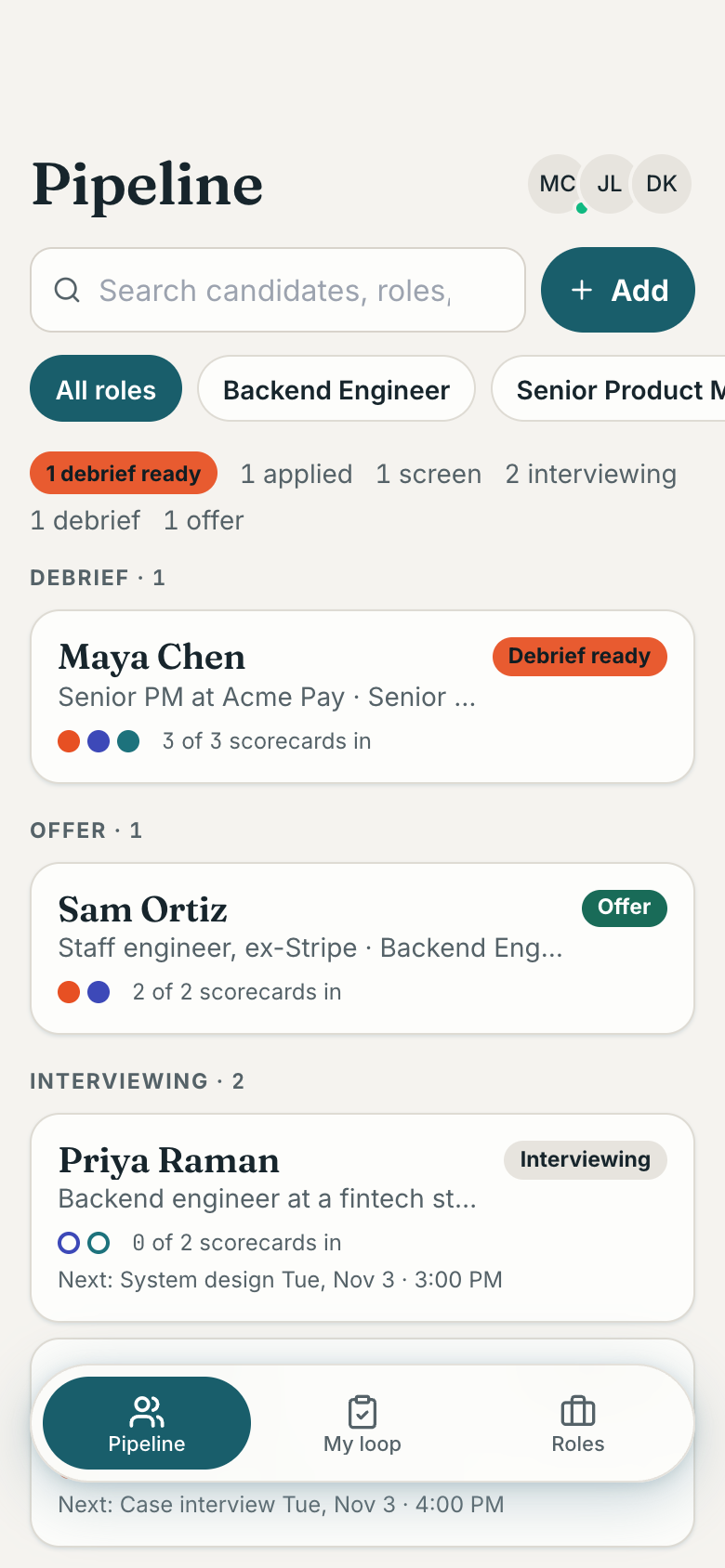
 Interview LoopShared with your panel: roles with the competencies you hire for, scorecards private until each interviewer submits, and a debrief that opens once every scorecard is in, so nobody anchors the room.
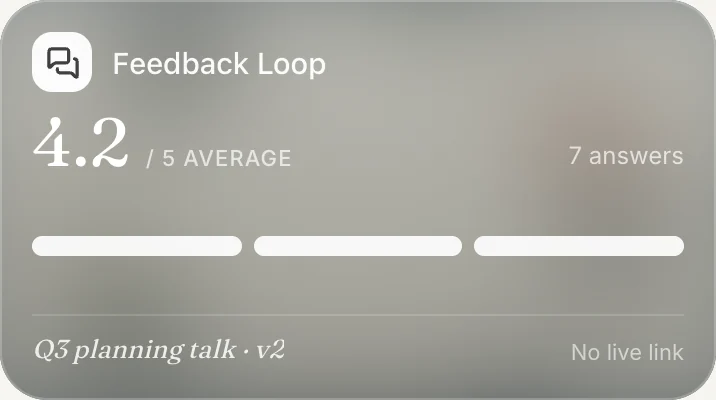 After your all-hands talkFeedback LoopPut a big QR code on your last slide and people score the talk on up to five things, with one thing to keep and one to change, anonymously. Compare v1 and v2 side by side.
Here is how the six apps share a week, with the real screens they show.
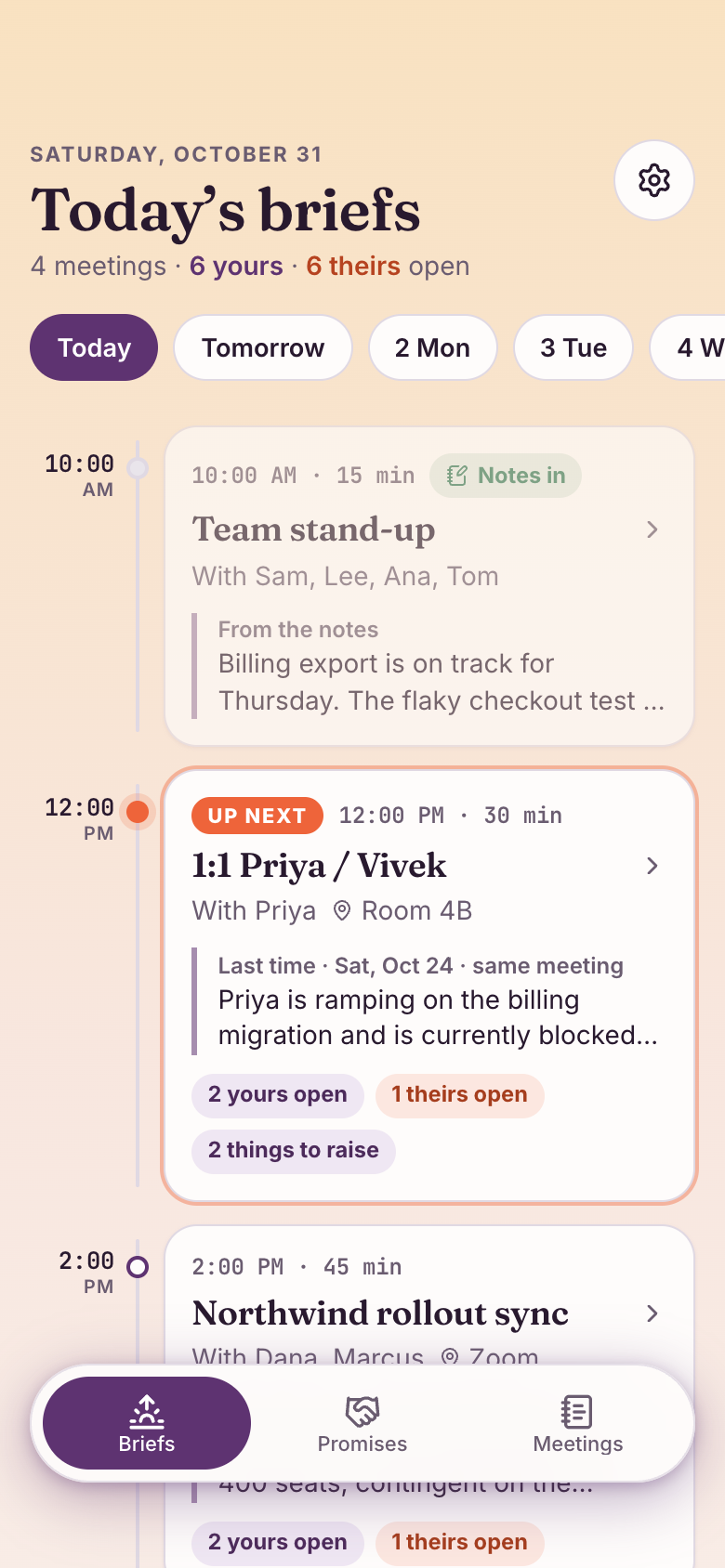 Monday morningThe day's briefs, in orderOne card per meeting with who's coming, last time's line and what's still owed both ways.Meeting Brief
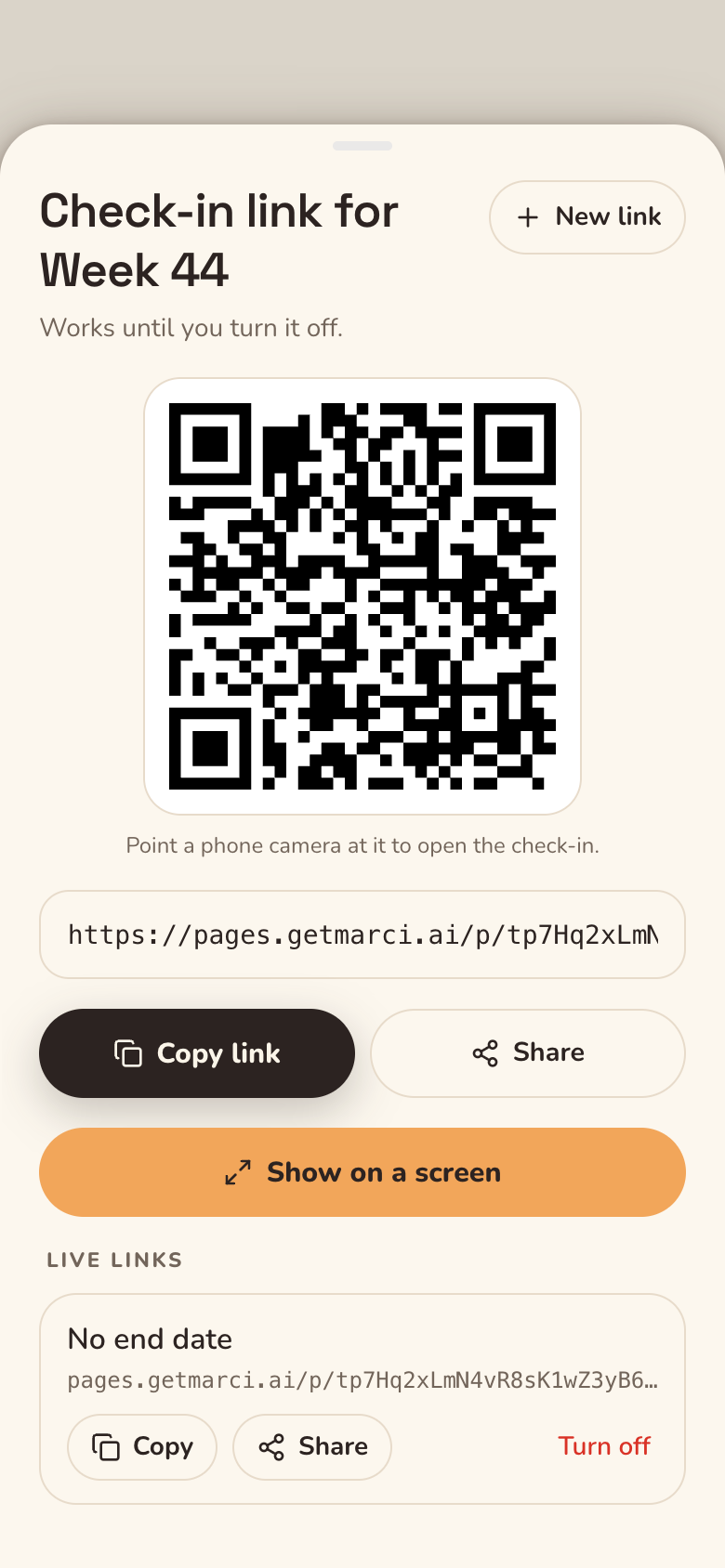 Monday stand-upA QR on the screenShow the big QR at stand-up. People answer in two minutes from their phones, with no account and no name.Team Pulse
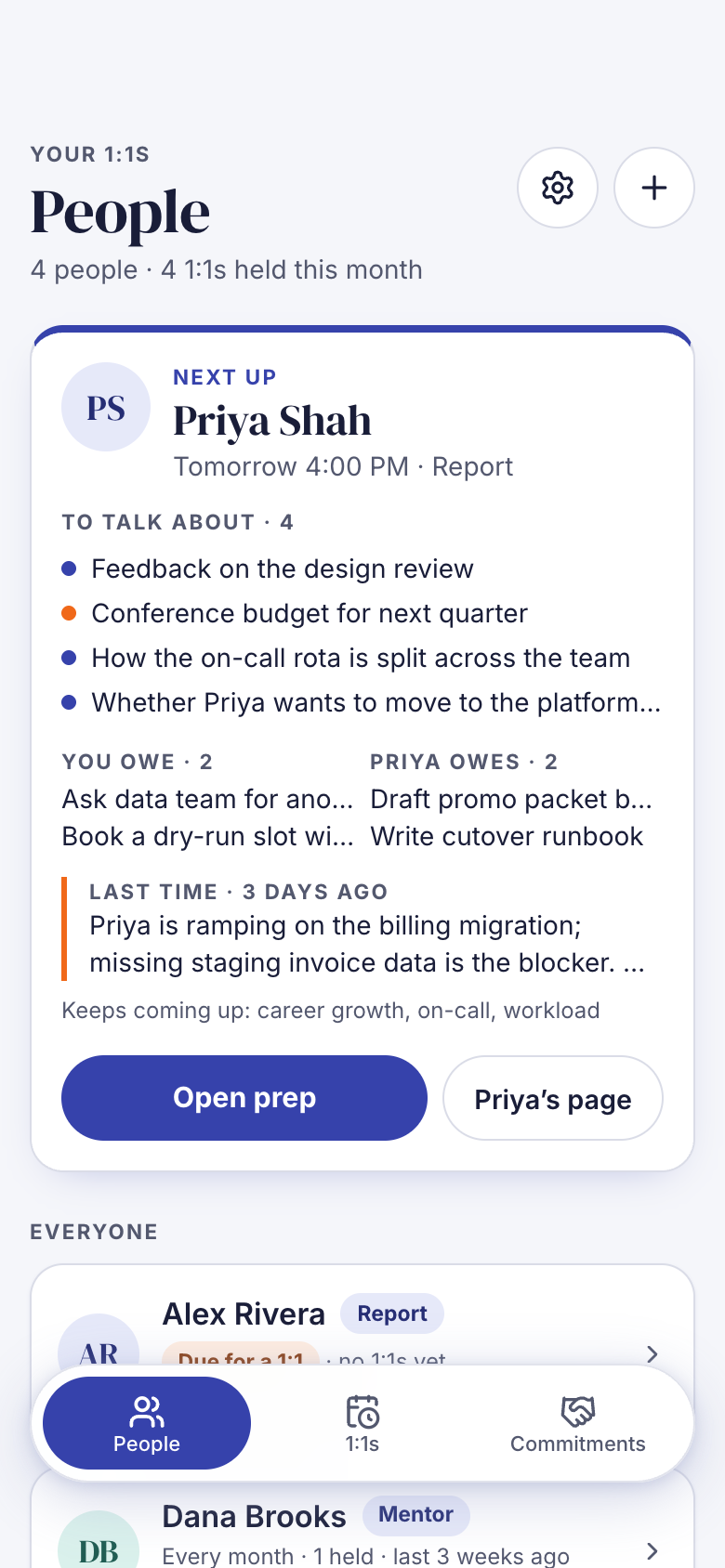 TuesdayWalking into a 1:1 preparedThe prep card puts carried points first, then commitments both ways, the last recap and the themes that keep coming back.1:1 Companion
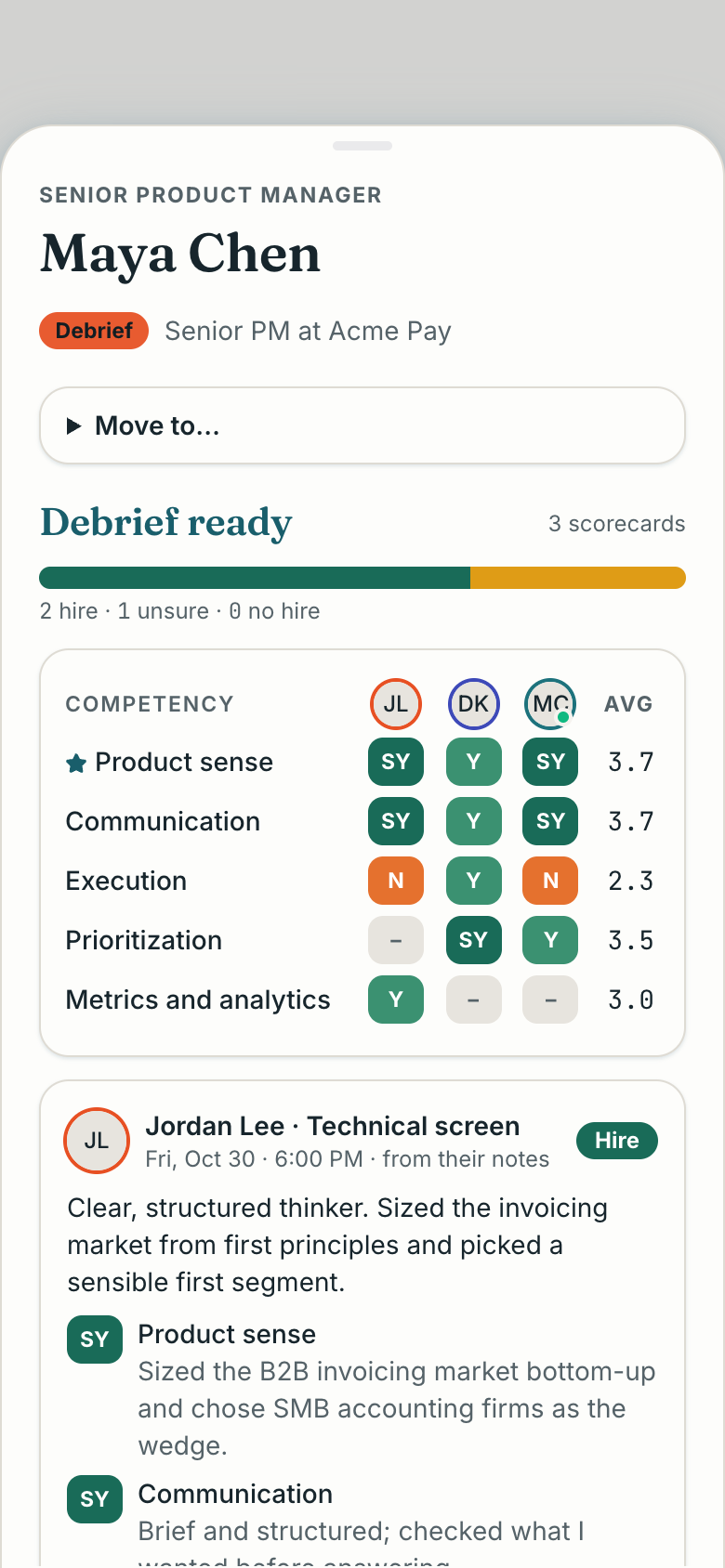 WednesdayA debrief with every voice inThe last scorecard lands and the debrief lays the panel side by side by competency. You decide hire, no hire or hold.Interview Loop
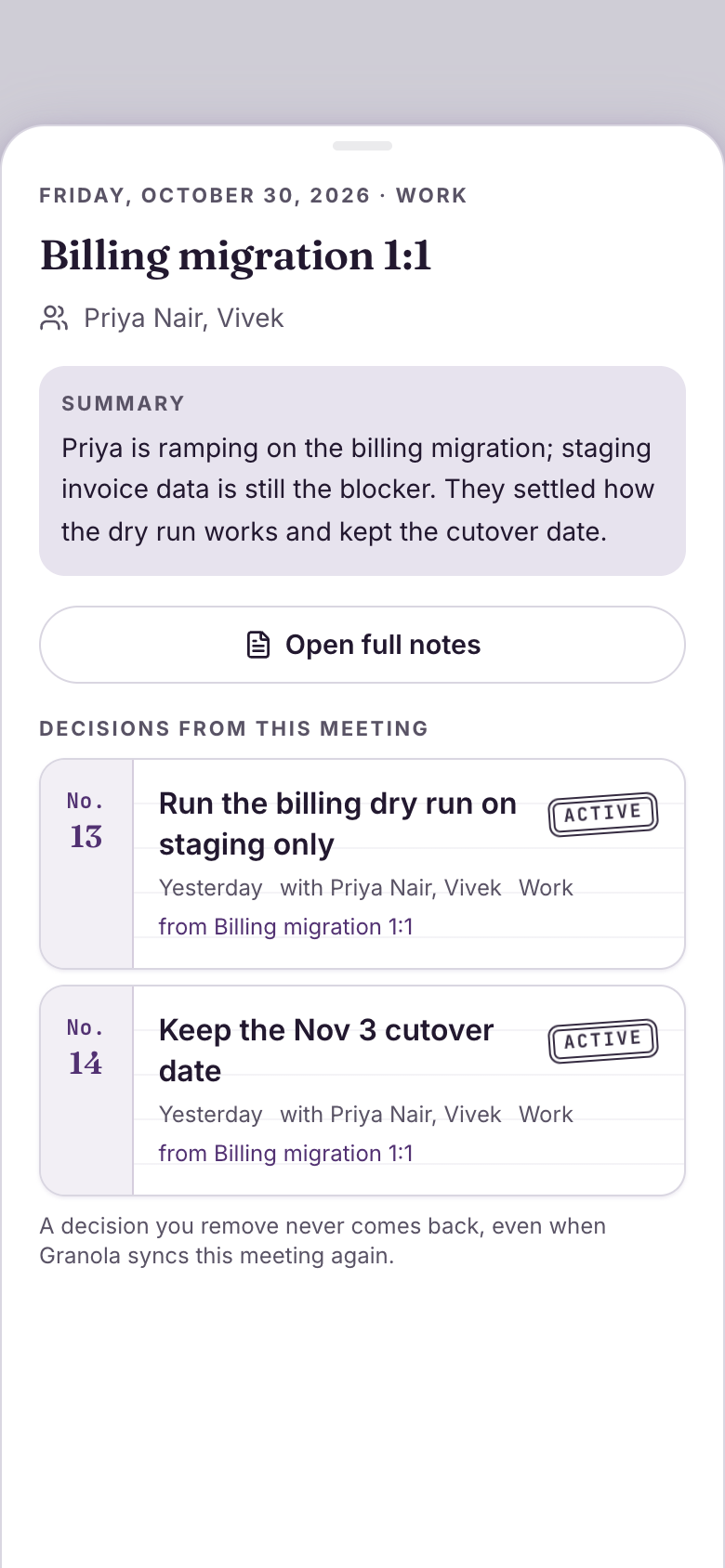 ThursdaySettled, and findableThursday's planning meeting files its decisions from your Granola notes, each numbered and stamped, with who was there.Decision Log
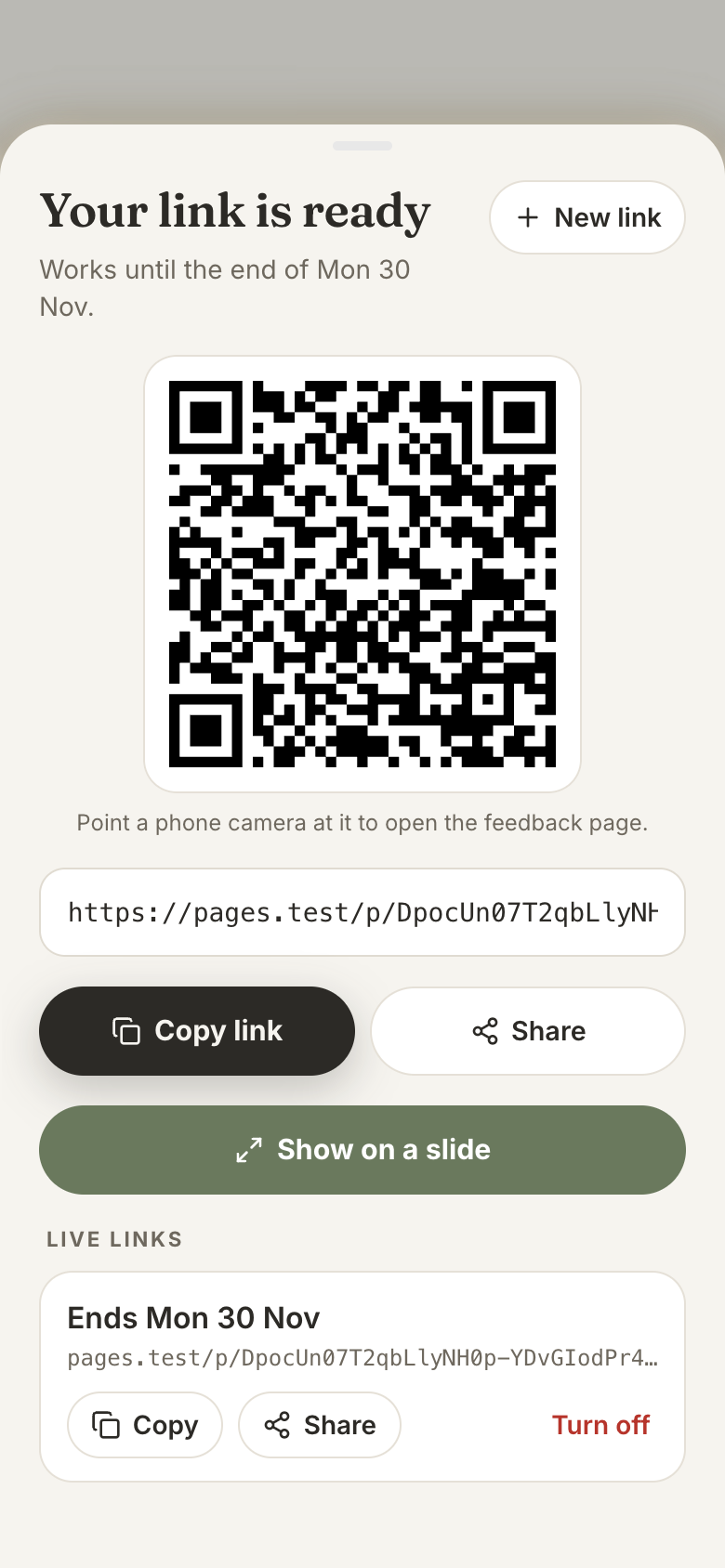 Friday all-handsNotes on your talkThe QR on your last slide brings in anonymous scores. At three answers they unlock, and your AI groups what to keep and change.Feedback Loop
A chat can help you word hard feedback. It can't carry Sam's unraised point into next week's 1:1, keep every answer anonymous until three people have checked in, or tell you in March what the team decided in November. Managing is a long memory across many people, and it needs real screens from your first week, not a notes doc you stop opening.
So each app was built for one moment that comes back every week. 1:1 Companion is two chairs and a shared notebook: when you save a 1:1, covered points fold away and the rest carry over with a badge. Team Pulse is a sunrise over the team, and the third answer unlocks the week as the sun rises to the team's energy. Interview Loop gives each interviewer a sealed envelope that opens only once it's handed in.
Team Pulse and Feedback Loop lock results until three people answer, show written lines with no names or times, and blur possibly unkind ones until tapped.
With Granola, notes fill 1:1 recaps, meeting briefs, decisions and scorecard drafts on their own. Each app works by hand too.
1:1 Companion and Meeting Brief track what you owe and what you're owed, carried from meeting to meeting until kept.
Ask for a new field, a new view or a new step, and Marci changes your copy of the app.
Ask itWho on my team needs attention this week, and what do I owe them?
1:1 CompanionFull accessTeam PulseRead allFeedback LoopRead all
Ask itWhat did we decide last month about hiring, and what's still open?
Meeting BriefFull accessDecision LogFull accessInterview LoopRead all
Say the outcome in your own words. Progress comes from what the apps record, never from a number you type in.
| Who | What they get | From |
|---|---|---|
| Your team | A weekly check-in page from a link or QR, anonymous and with no account | Team Pulse |
| Co-leads | The week's results, summary, trends and the discussion under them | Team Pulse, shared with them |
| Your interview panel | Their interviews, scorecards to write and the debrief once all are in | Interview Loop, shared with them |
| The audience of a talk | A feedback page from the link or the QR on your last slide | Feedback Loop |
| Nobody else | 1:1 agendas, meeting briefs and decisions stay yours | 1:1 Companion, Meeting Brief, Decision Log |
Connect Marci once in each. They all read and write the same apps, so each can do what it does best: set up a hiring loop from a job description, connect what Team Pulse says to your 1:1s, turn Instagram saves into questions, or watch what your company posts on X.
 ChatGPTFrom a job description
Here's the job description for our Staff Engineer, Platform role. Set it up in Interview Loop with the competencies it asks for.
Here's what I'll add to Interview Loop: Staff Engineer, Platform, on the Infrastructure team, with six competencies from the description, and system design, technical leadership and incident judgment marked must-have. Your panel will see it, so say yes and I'll add it.
 ClaudeAcross your apps
Read the last month of Team Pulse and the themes in my 1:1s. What keeps coming up that I should raise with design?
Waiting on design reviews. It's been the top blocker theme in Team Pulse three weeks running, and a recurring theme in your 1:1s with Sam, Ana and Leo. I added it to the things to raise at Thursday's sync with design in Meeting Brief, with where each came from.
 MuseWhenever you save one
Whenever I save a post with 1:1 questions on Instagram, add the one that fits best to the agenda of whoever it suits in 1:1 Companion.
You saved a post of five career questions. 'What would make next quarter feel like a win?' fits Sam, who has a promotion timeline point open, so I added it to his agenda in 1:1 Companion for Thursday. I'll do this each time you save one.
 Grok BotEvery morning, from X
Every morning, read what Relay and our CEO post on X. When they announce a decision that changes my team's plans, log it in Decision Log.
Each morning I'll read Relay's posts and Mara Chen's. When one announces a decision that touches your team, I'll ask you before logging it with the post's link and day. Today there's one: Android ships before web next quarter, which moves your roadmap.
One post on X reaches the right 1:1s and this week's check-in, and nobody's answer in Team Pulse is ever tied to a name.
Sees your CEO post on X that Android ships first and, once you say yes, logs it in Decision Log.
Decision LogFinds two commitments in your 1:1s that the change affects and adds a point to Sam's and Ana's agendas.
1:1 CompanionYou save a post of questions for times of change on Instagram, and the one that fits lands on Ana's agenda.
1:1 CompanionAdds a question on the change to this week's Team Pulse check-in, once you say yes.
Team PulseOnce three people answer, shows the week to you and your co-leads with no name on any answer, and puts carried points first on each 1:1 prep card.
Add a career goals section to each person in 1:1 Companion
Group Decision Log entries by project
Add a take-home exercise round to Interview Loop
Marci is free and invite only for now. Join the waitlist, or ask a friend on Marci for an invite.
Ask for 1:1 Companion, add the people you meet and drop one point on each agenda.
Team Pulse for Monday's stand-up, Meeting Brief once your calendar is connected. Then ask Marci for a coach that watches them together.
Answers carry no name and no account, results stay locked until three people answer, written lines show in a shuffled order with no times, and Marci answers how the team is doing, never who said what.
Yes, optionally. Granola notes fill a finished 1:1's recap and commitments, close the loop in Meeting Brief, file decisions in Decision Log and become an interviewer's private scorecard draft in Interview Loop.
Interview Loop is built for small teams without one: roles and competencies, a candidate pipeline, scheduled interviews, private scorecards and a debrief once every scorecard is in.
It helps: Meeting Brief builds each morning's briefs from your calendar, and 1:1 Companion shows upcoming 1:1s from it. Without it, add meetings and 1:1s by hand and they're filed the same way.
Marci is free for now and invite only, on iPhone, Android and app.getmarci.ai.

Marci is invite only for now. Join the waitlist, or ask a friend on Marci for an invite.