Four apps for a teacher's year: the week of lessons, conference season, sign-ups and the class wish list families claim from, and the license you renew. They sit on your Home Screen, a coach watches them together, and when a snow day hits, you push the lesson and every later one slides to the class's next meeting.
A chat can suggest a lesson idea. It can't hold five sections' worth of periods, slide every later lesson along when a snow day hits, or take twenty-eight conference bookings without showing one family another's name. Those jobs need real screens, ready the week you start, not after a weekend of building spreadsheets.
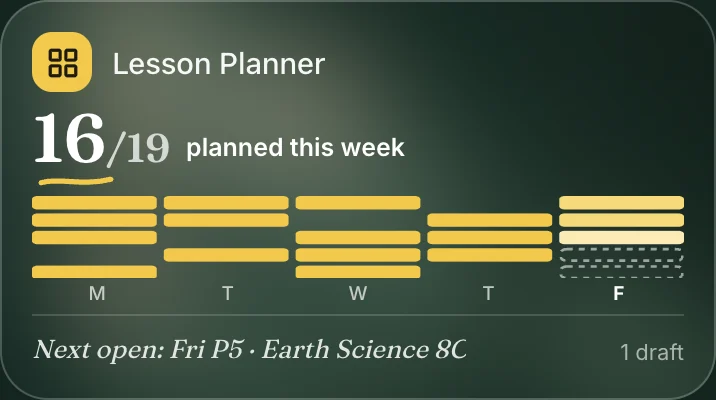
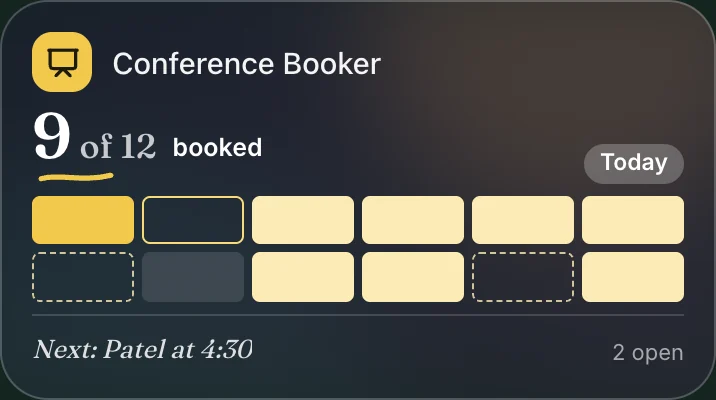
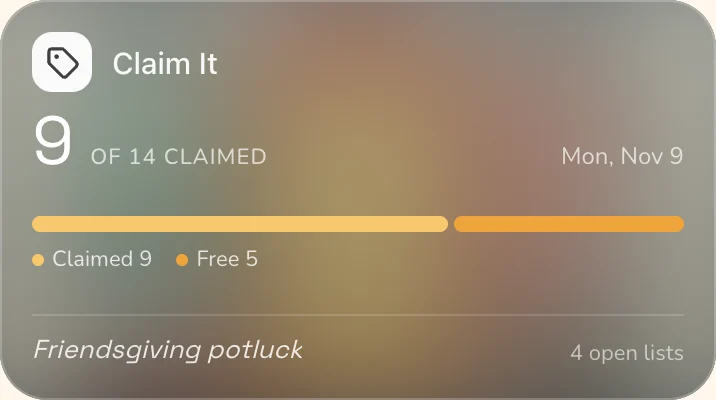
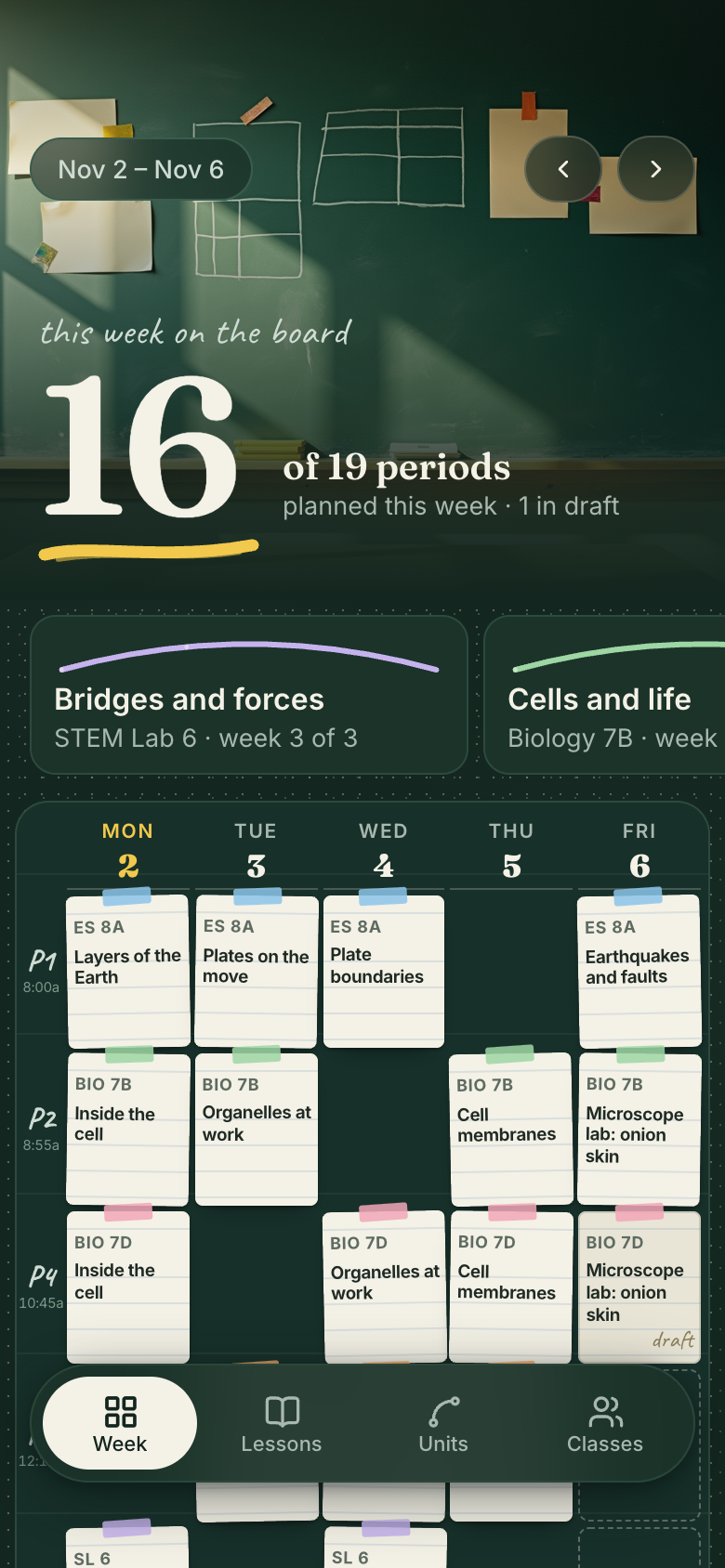
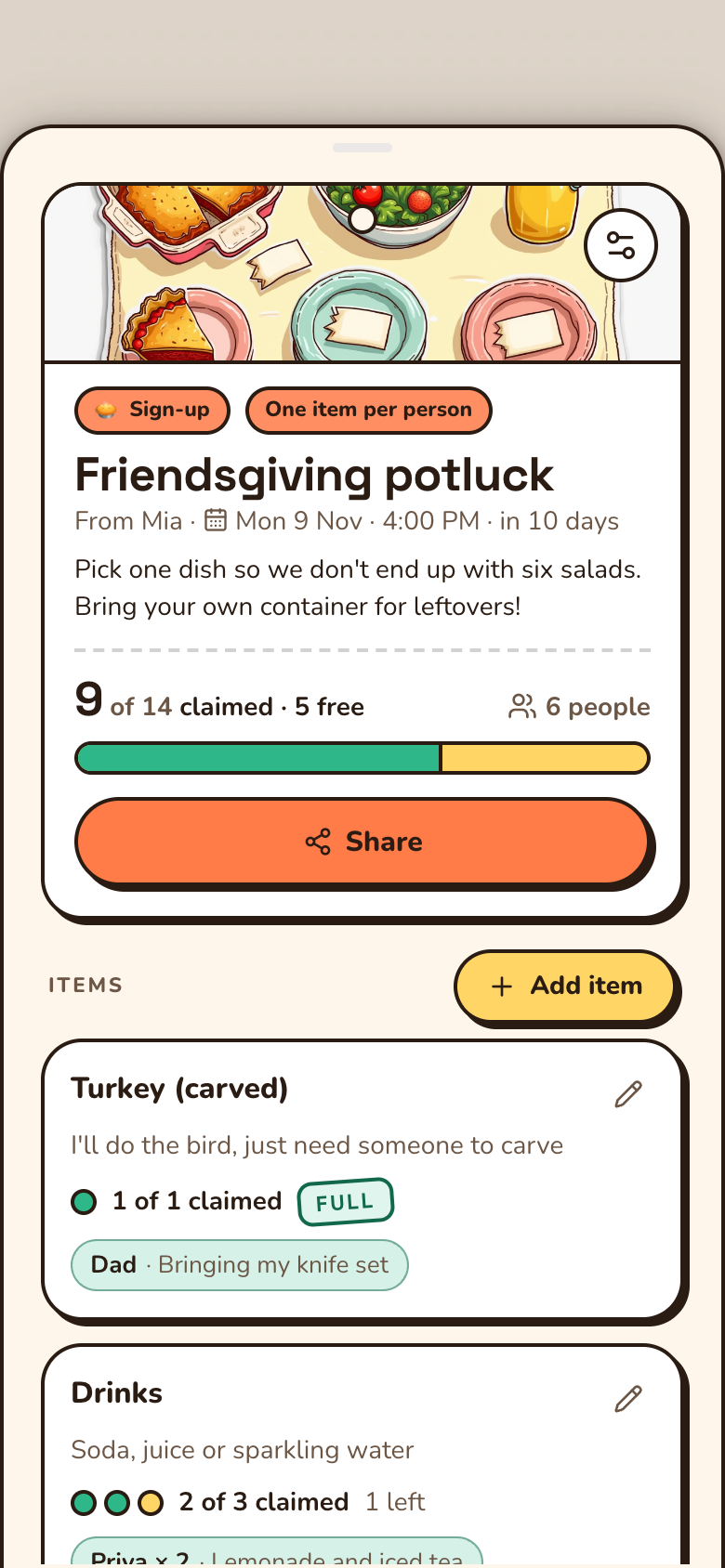
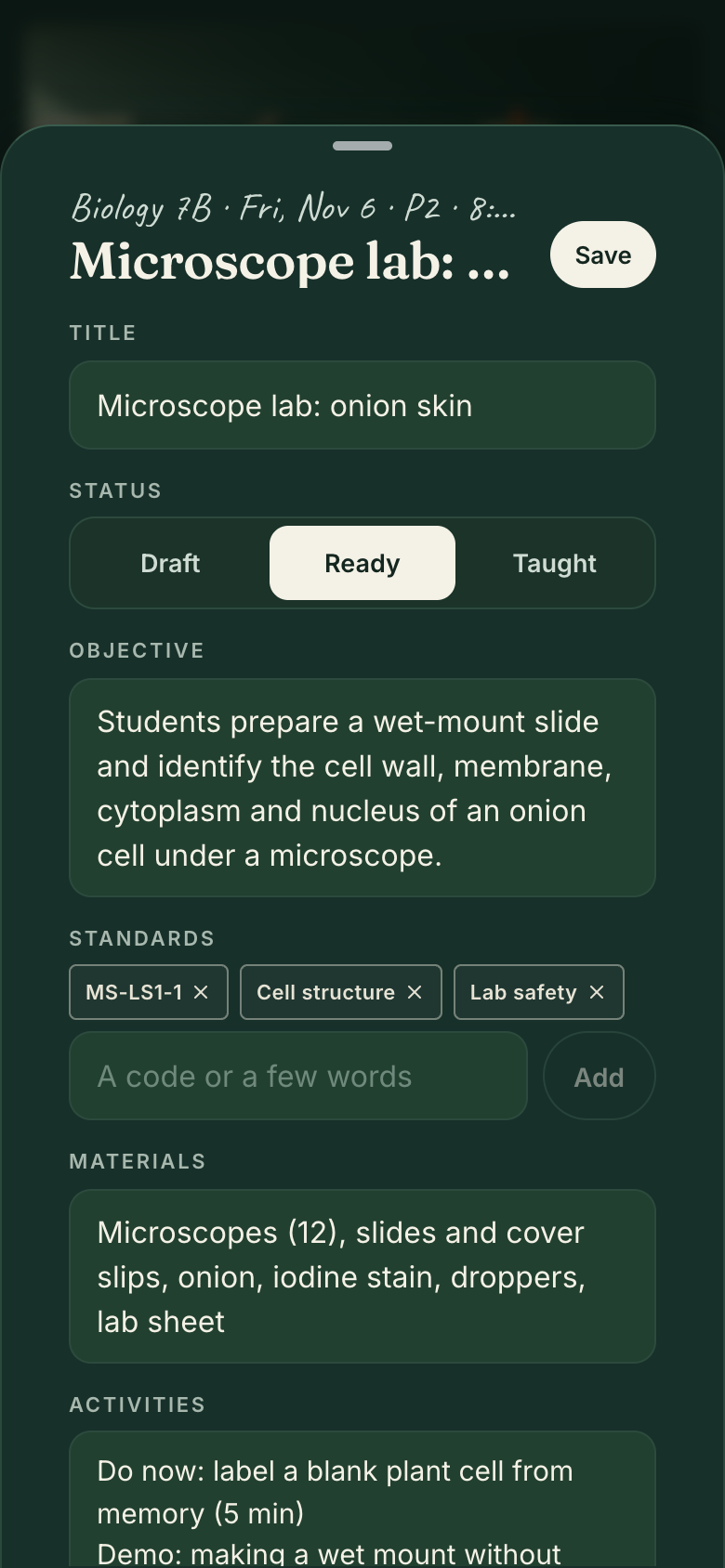
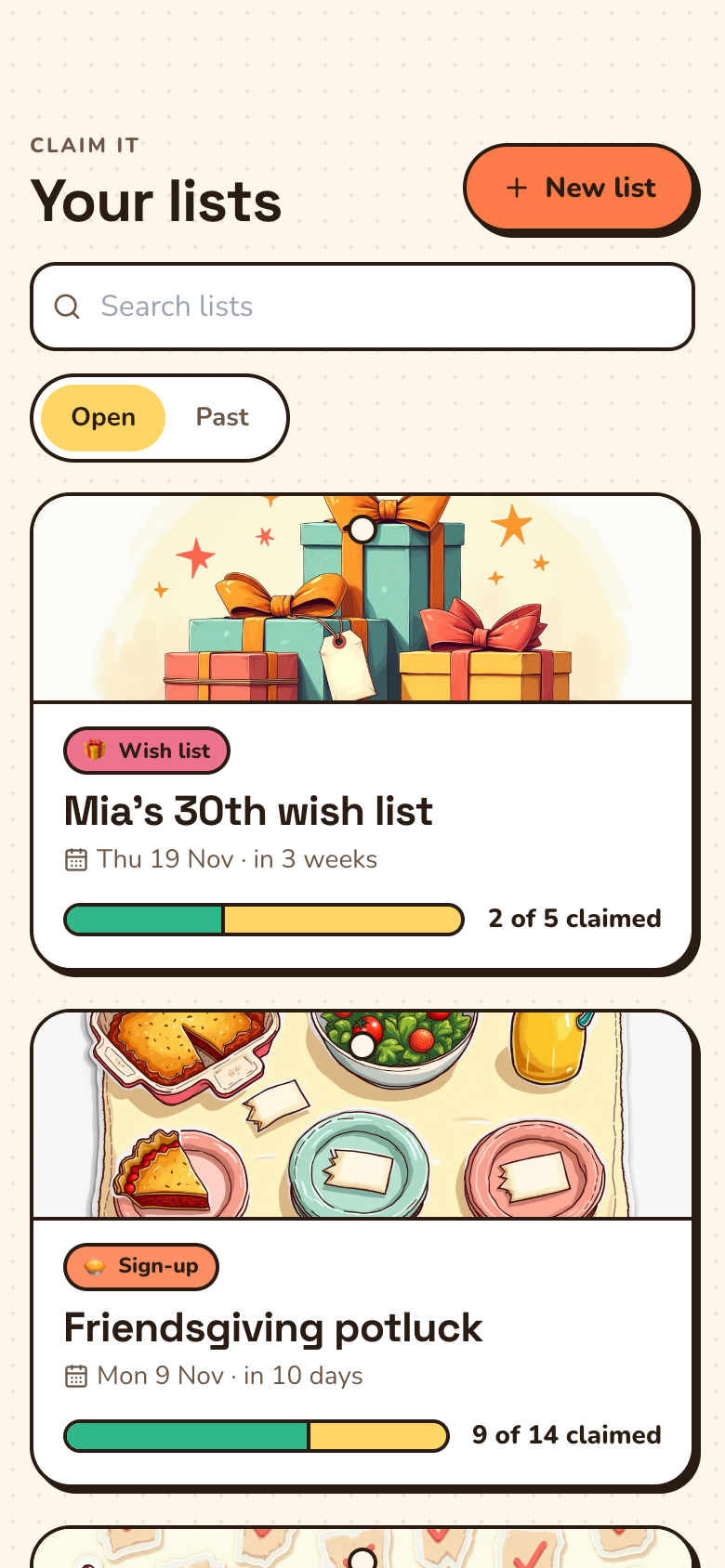
So each app was designed around one moment of a teacher's week. Lesson Planner is a slate planning board: the week drawn as periods, a paper index card pinned in each planned one, and a chalk underline that draws itself when the last open period gets its card. Conference Booker is the conference day chalked onto the board, each family a card that drops in with a push. Claim It is a sign-up sheet of name tags pinned to a board, where each claim stamps its line and the meter ticks up.
Plans, not student records
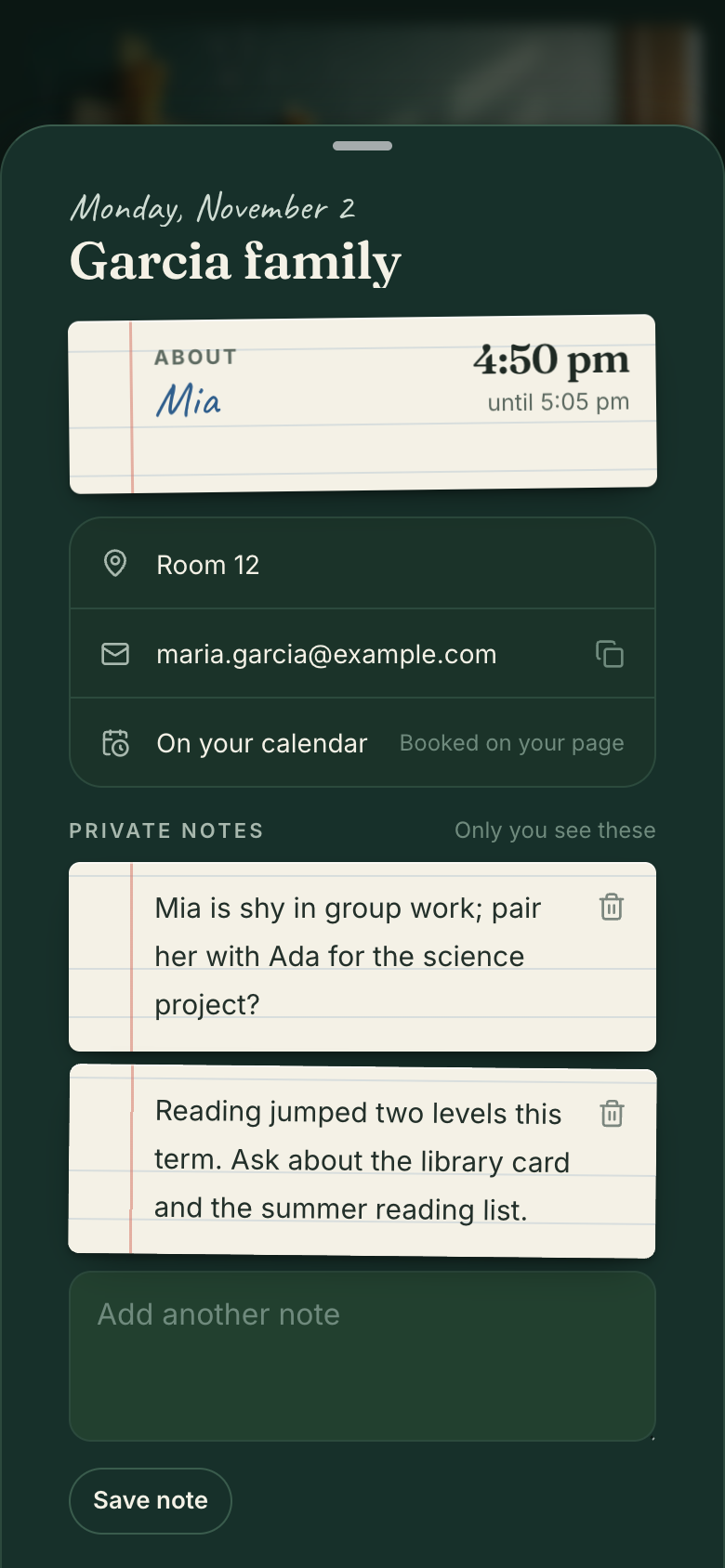
Lesson Planner keeps no student names, grades or behavior. Conference Booker asks a family only for their family name, the student's first name and an email.
Families need no account
The conference booking page and every sign-up or wish list open in any browser from a link. Families never see who else booked a conference.
Last year is a tap away
Copy any past lesson, including last year's, into a new day or another class, and see this week last year in the lessons list.
Still yours to change
Ask for a new field, a new view or a new step, and Marci changes your copy of the app.
Two coaches and your goals
Classroom coach
Ask itWhat's still open for next week, and what's unclaimed on the sign-up?
Say the outcome in your own words. Progress comes from what the apps record, never from a number you type in.
Plan every period next week18 of 25 periods ready · from Lesson Planner
Meet every family at conferences21 of 28 families met · from Conference Booker
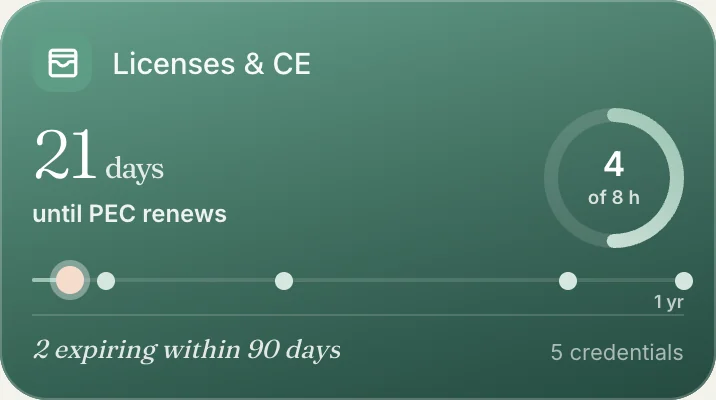
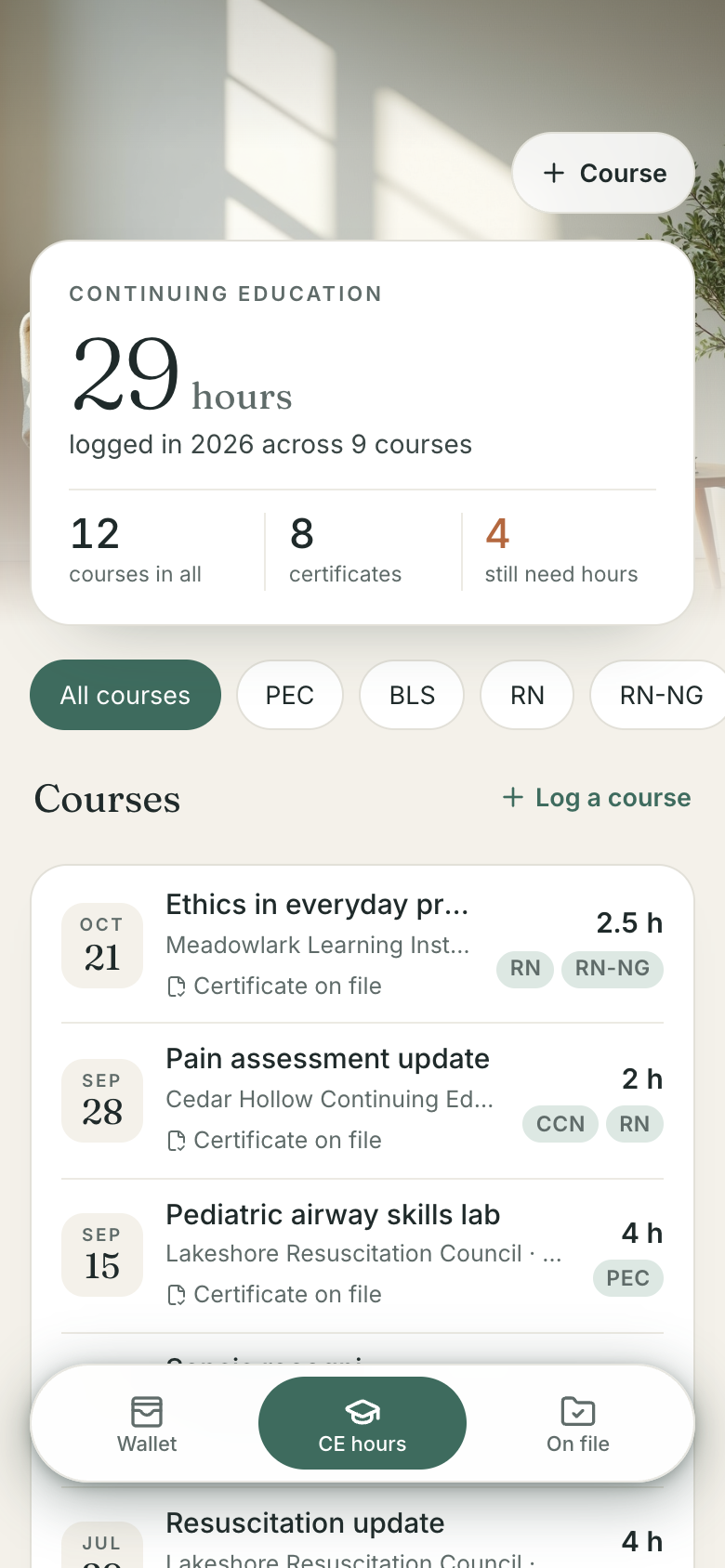
Finish 20 hours this renewal cycle12 of 20 hours done · from Licenses & CE
Who sees what
Who
What they get
From
Families
A booking page from your newsletter link, and their own link to change or cancel
Conference Booker
Families helping out
A sign-up or wish list page to claim an item from
Claim It
Your coaches
The apps you connect, each with Full access or Read all
Your rooms
Nobody else
Your plans, family notes and certificates stay private to you
Lesson Planner, Conference Booker, Licenses & CE
From ChatGPT, Claude, Muse and Grok Bot
Connect Marci once in each. They all read and write the same apps, so each can do what it does best: read the standards for you, spot what your labs still need, find free supplies on Facebook, or keep an eye on the district's posts on X.
ChatGPTFrom a PDF
Here's the state science standards PDF for grade 7. Tag the lessons in my Ecosystems unit with the standards each one covers, and tell me what no lesson touches yet.
Tagged 11 lessons in your Ecosystems unit in Lesson Planner with their standards. Two standards have no lesson yet: one on biodiversity and one on human impact. Want a draft lesson for each in next week's open periods, so they show on the board?
Check the materials on my labs for the next three weeks in Lesson Planner against my classroom wish list in Claim It. Add whatever's missing.
Three things: 30 owl pellets for the food web lab on the 18th, and 6 magnifiers and a bag of potting soil for the seed lab. None were on your wish list, so I added all three to Classroom supplies in Claim It with quantities. Families can claim them from your newsletter link.
Every morning, check the Buy Nothing groups near school on Facebook for anything on my Claim It wish list, and note what you find on the item.
A neighbor in Elm Park is giving away 12 magnifying glasses, pickup from her porch by Friday. I noted it on magnifiers in your wish list in Claim It, so families hold off buying them, and drafted a reply for you to send her. I'll look again tomorrow.
Every school morning, watch the district's X account for a snow day or a closure. If they call one, push that day's lessons in Lesson Planner.
Each school day at 5:30 AM I'll read Maple Valley Schools' posts on X. If they call a snow day, I'll ask you before marking it a day off, so your lessons slide to their next meetings. Nothing today. Their last closure post was for January's ice storm.
The standards ChatGPT tags tell Claude what the lab needs, Muse finds it free nearby, and families see the wish list from your newsletter link with no account.
ChatGPT
Reads the state standards and tags the food web lab with the ones it covers.
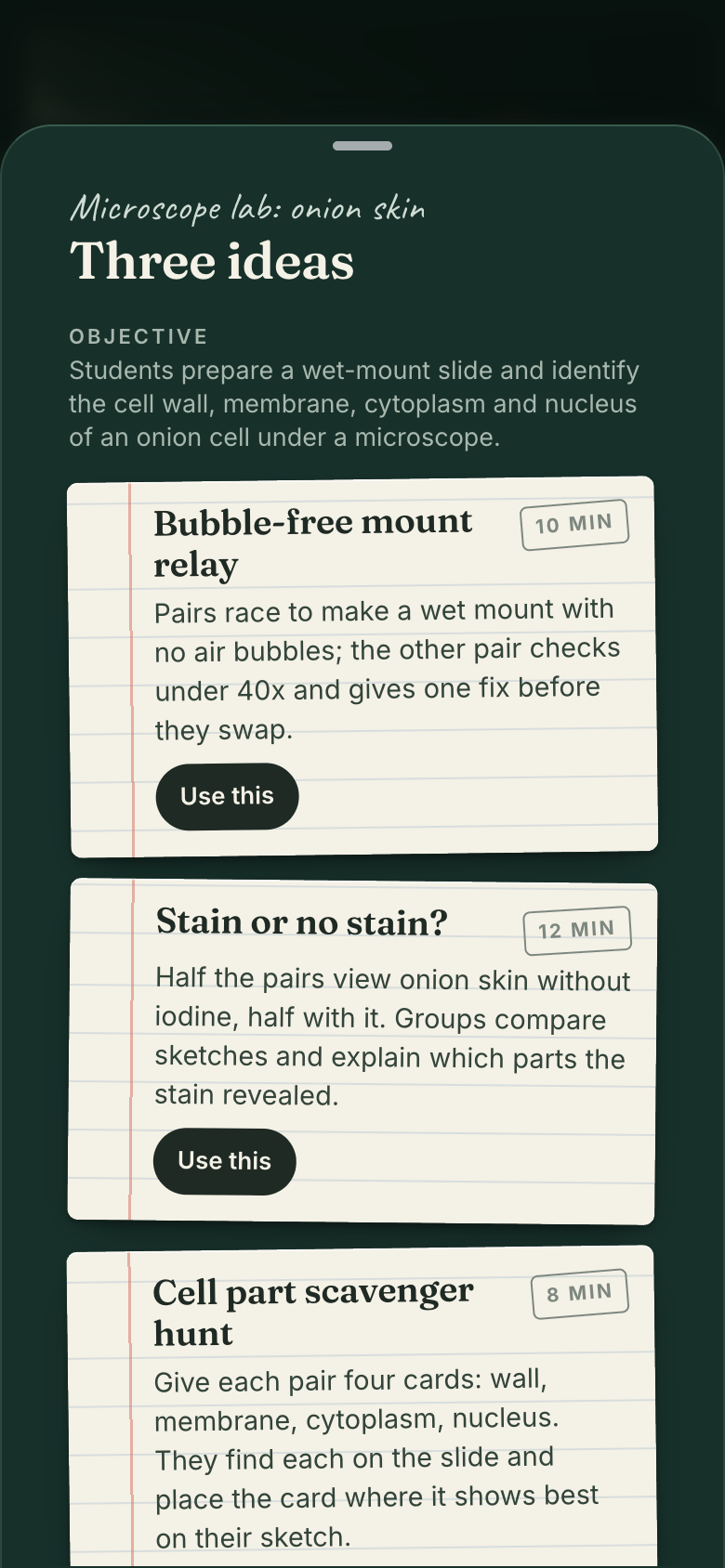
Lesson Planner holds your plans: objective, standards tags, materials, activities and homework for every period. When you ask, Marci suggests three activity ideas for an objective and you pick one. The plan stays yours to write.
Does it store student information?
Lesson Planner keeps no student names, grades or behavior. Conference Booker keeps the family name, the student's first name and the email a family gives when they book, and Claim It keeps the name someone gives when they claim an item.
Do families need an account to book a conference?
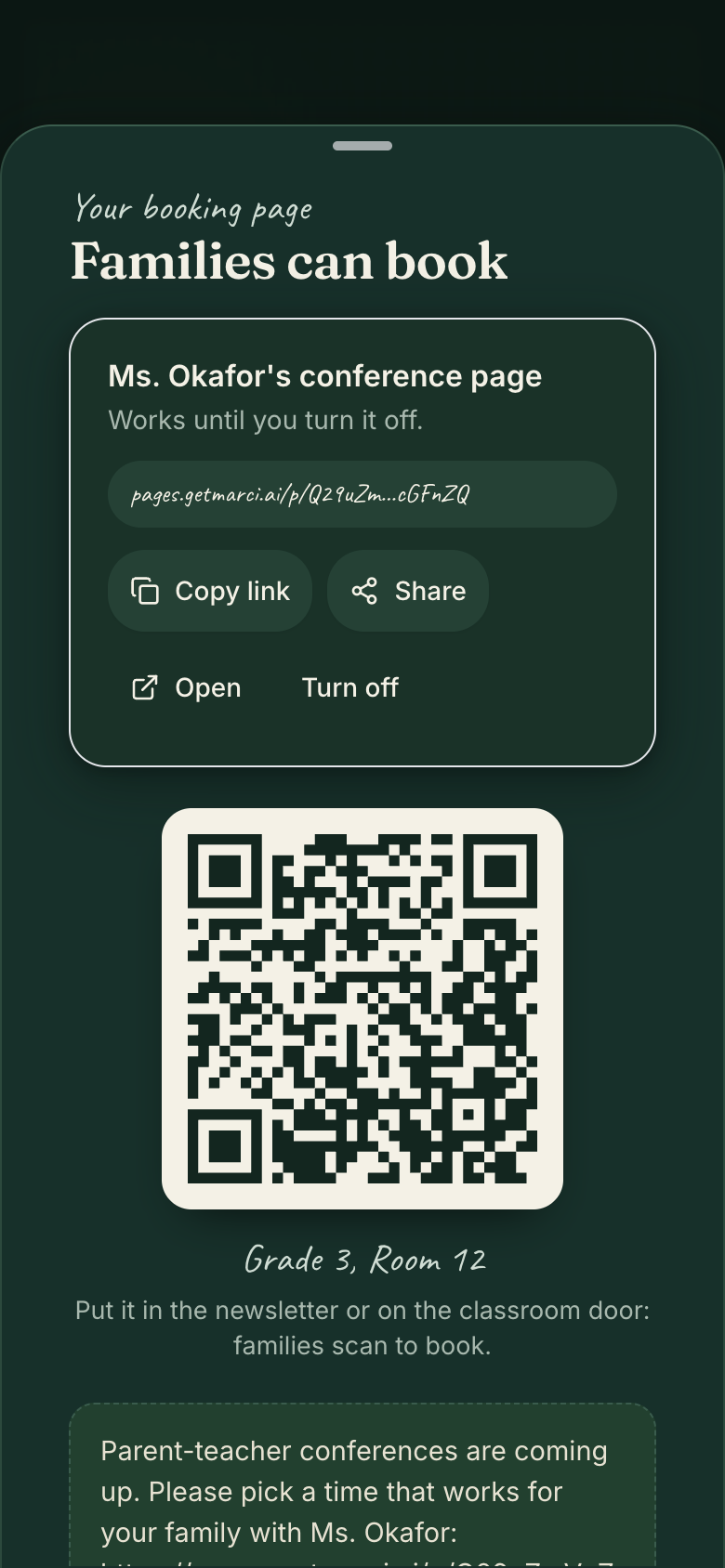
No. They open the booking page from your link or QR code in any browser, pick a free slot and get their own link to move or cancel it. They never see who else booked.
Can I reuse last year's lessons?
Yes. Copy any past lesson, including last year's, into a new day or another class. The lessons list also shows what you taught this week last year.
How much does Marci cost?
Marci is free for now and invite only, on iPhone, Android and app.getmarci.ai.
Marci is rolling out now
Marci is invite only for now. Join the waitlist, or ask a friend on Marci for an invite.
 Marci

 Licenses & CE


 Claim ItFull access
 Conference BookerRead all


 ChatGPTFrom a PDF
 ClaudeAcross your apps
 MuseEvery morning, from Facebook
 Grok BotSchool mornings, from X
