Site Log
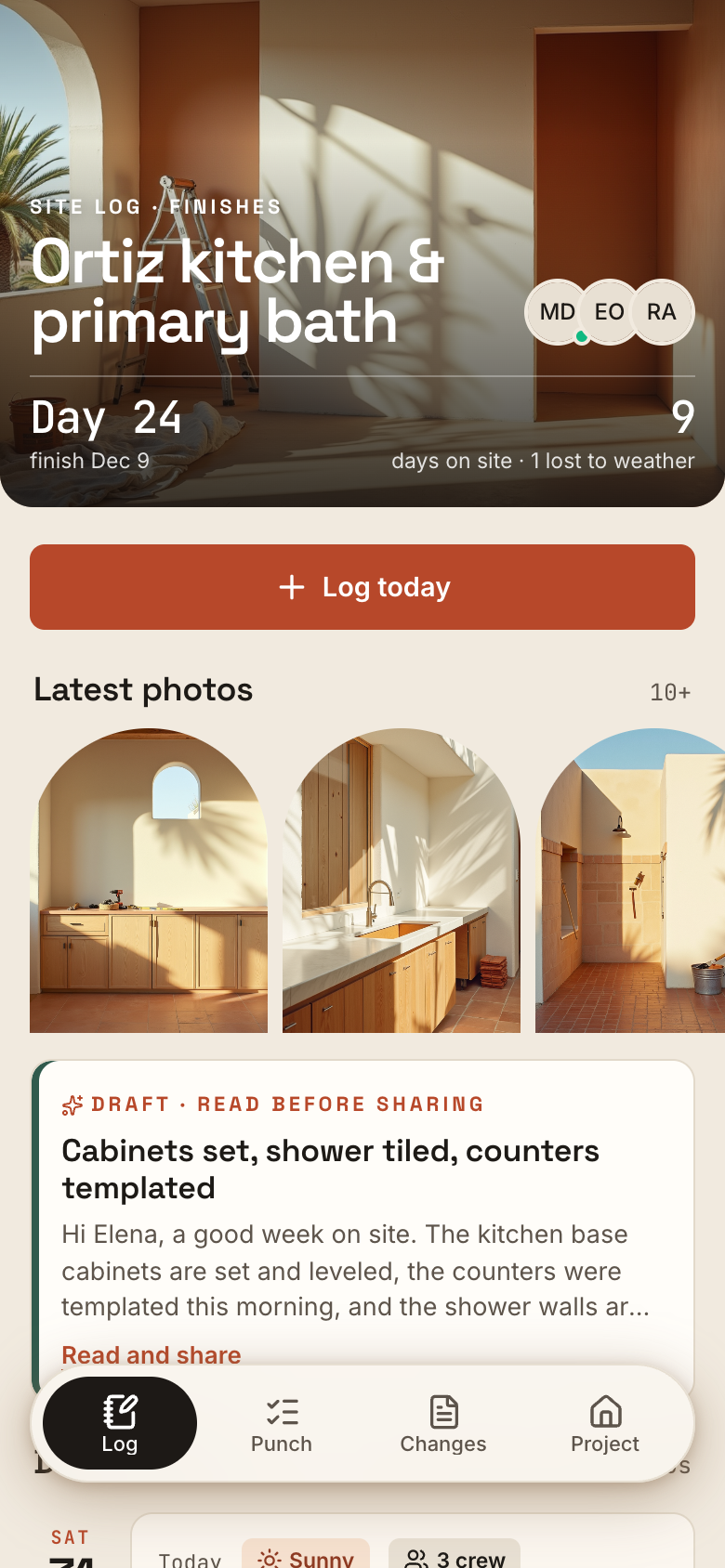
Site Log is the job log a contractor shares with the homeowner, built on Marci. Log each day with work done, weather, crew and photos, keep a punch list until every item is signed off, and send change requests the homeowner approves or declines in the app, with who decided and when on record.
Tap one and watch the phone

 Marci
Tap Site Log on the phone, or ask me one of these.
Who it's for
Contractors and remodelers
Log the day in the crew's words, walk the punch list with photos, and let Marci draft the weekly update in your voice.
Homeowners
Join as a viewer or editor, approve or decline changes with a note, and sign off punch items once they're fixed.

The desk where the day gets planned.
Every screen
Ways to use it
A change mid-job
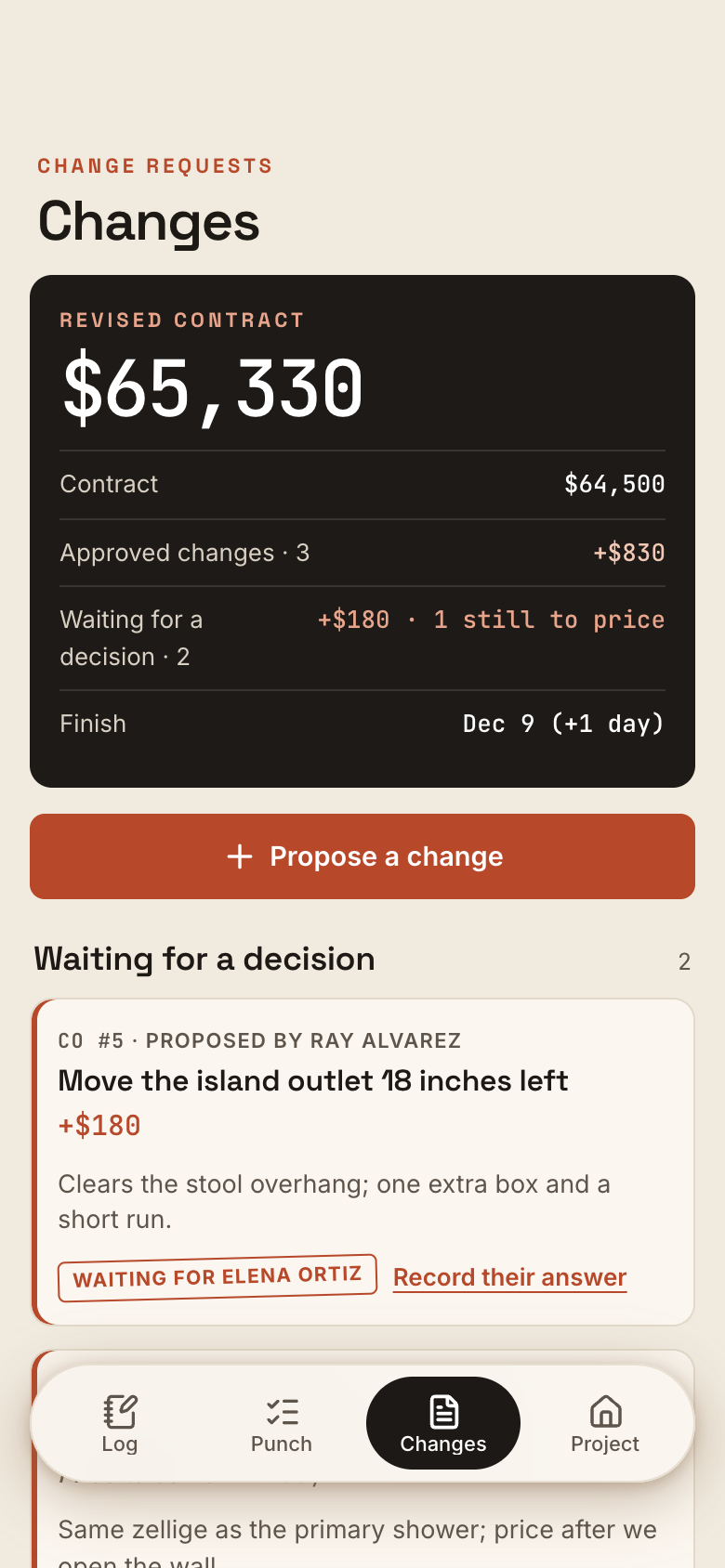
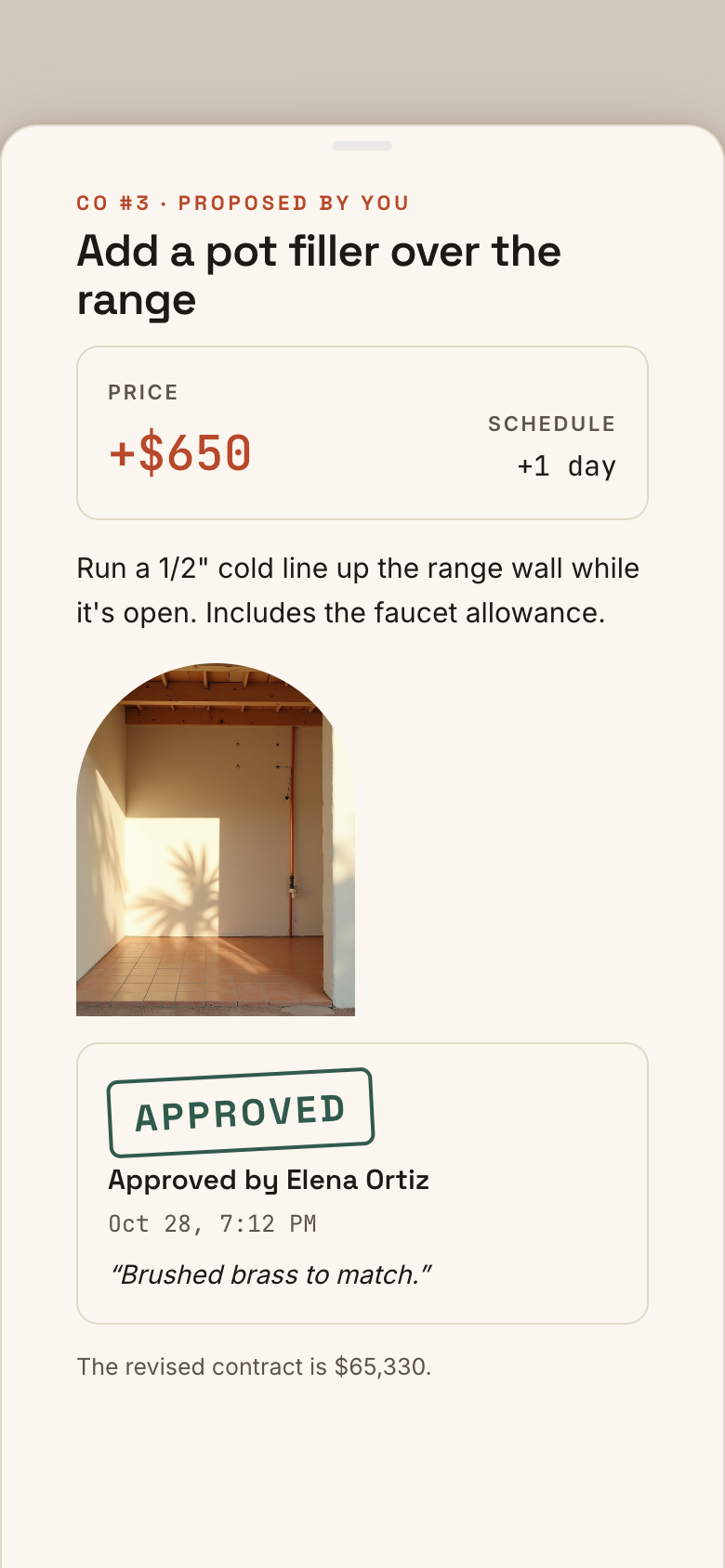
Propose a change with what, why, the cost change and days added. Once the homeowner approves, the revised price and target finish follow.
The final walk
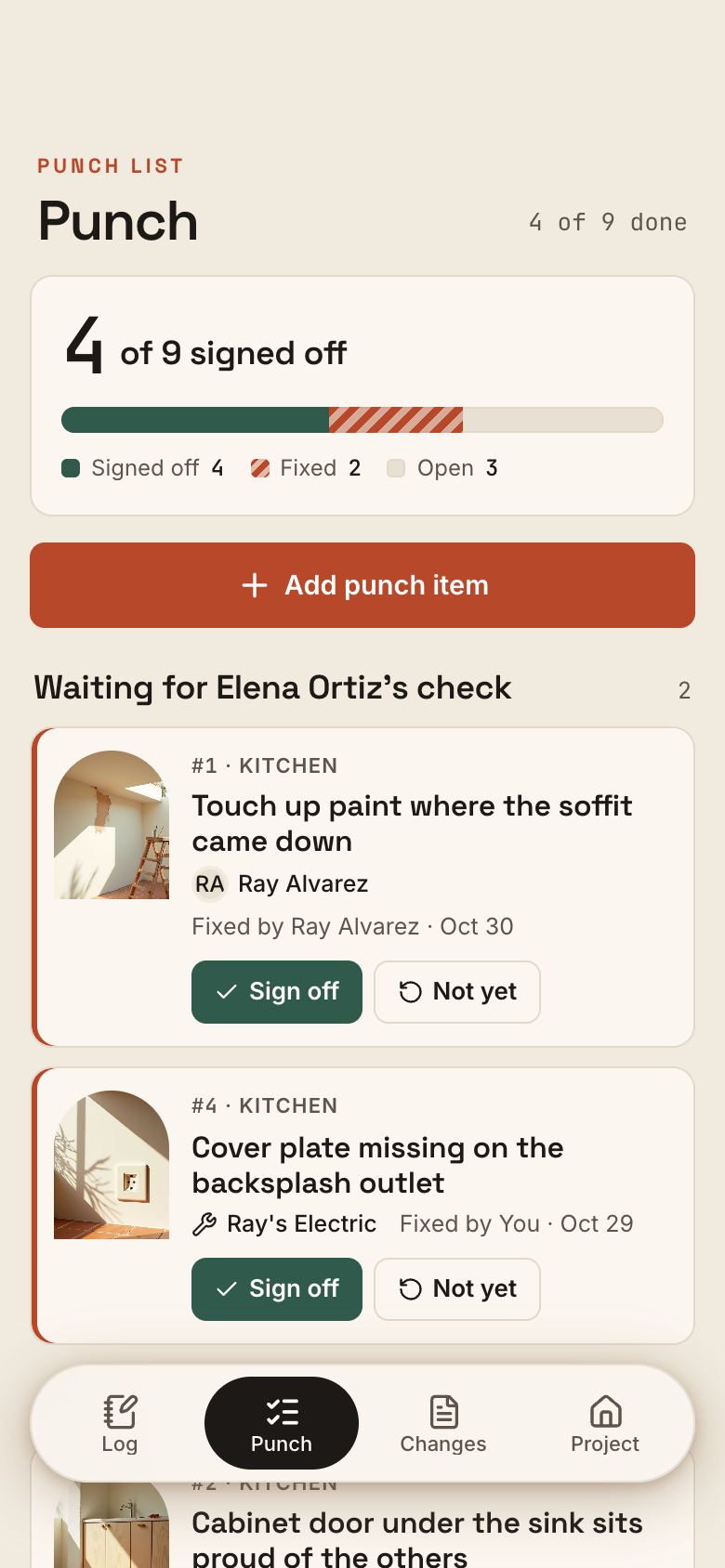
Add punch items with photos as you walk the job. Each one moves from open to fixed to signed off, with who fixed it and who signed it off.
Friday update
Marci drafts a weekly update from the week's log, punch list and changes. Edit it, then copy it or share it with the homeowner in the app.
What it does
- A daily site log: each day's work in the crew's words, the weather picked from sunny, cloudy, rain, snow, wind or heat, how many were on the crew, delays, deliveries and inspections, and site photos from the camera or gallery; a timeline newest first with the photos as a strip
- A punch list with photos: where, what's wrong and who is on it (a person in the app or a named trade); each item moves open, fixed (waiting for a check) and signed off, can be reopened, and records who fixed it and who signed it off and when
- Change requests: what changes, why, the cost change (or a credit, or price to come) and days added; the homeowner approves or declines in the app with a note, and the app records who decided and when
- Money and schedule that follow the changes: the contract price plus approved changes is the revised price, and approved days move the target finish; changes waiting show their total
- Shared with the homeowner: the contractor owns the job, the homeowner joins as a viewer or editor and says they are the homeowner (or the contractor names them); only the homeowner or the owner signs off punch items, and a change is decided by the homeowner or recorded for them with their name
- Works for one person: a contractor alone logs days, keeps the punch list and records the homeowner's yes or no on a change with their name and how they said it
- A weekly update Marci drafts from the week's log, punch list and changes, in the contractor's voice; the contractor edits it, copies it or shares it with the homeowner in the app
- Pushes to the person a record concerns: the homeowner hears about a new change, a day logged, a punch item ready for a check and a shared update; the contractor hears decisions and sign-offs; whoever is on a reopened item hears it
Make it yours
Ask for a change in your own words and Marci updates the app for you.
Add a materials ordered checklist to each day
Add a final cleaning phase
Show the revised price on the home card


Talk it over in its room
Site Log is made for sharing. Invite people as editors or viewers, start separate spaces for different groups, and tap the Marci button inside it to start a room with everyone in it.
Made for people like
Pairs well with



Questions
Can I use Site Log without the homeowner in the app?
Yes. A contractor alone can log days, keep the punch list and record the homeowner's yes or no on a change, with their name and how they said it.
Who can sign off punch items?
Only the homeowner or the owner of the job signs off punch items. Items can be reopened, and whoever is on a reopened item hears about it.
How is the revised price worked out?
The contract price plus approved changes is the revised price, and approved days move the target finish. Changes still waiting show their total.
Can an AI assistant help run the job?
Yes. Marci and connected assistants can log days, add punch items, propose changes and record decisions for the contractor, and answer where the job stands.
Marci is rolling out now
Marci is invite only for now. Join the waitlist, or ask a friend on Marci for an invite.