Client Recap
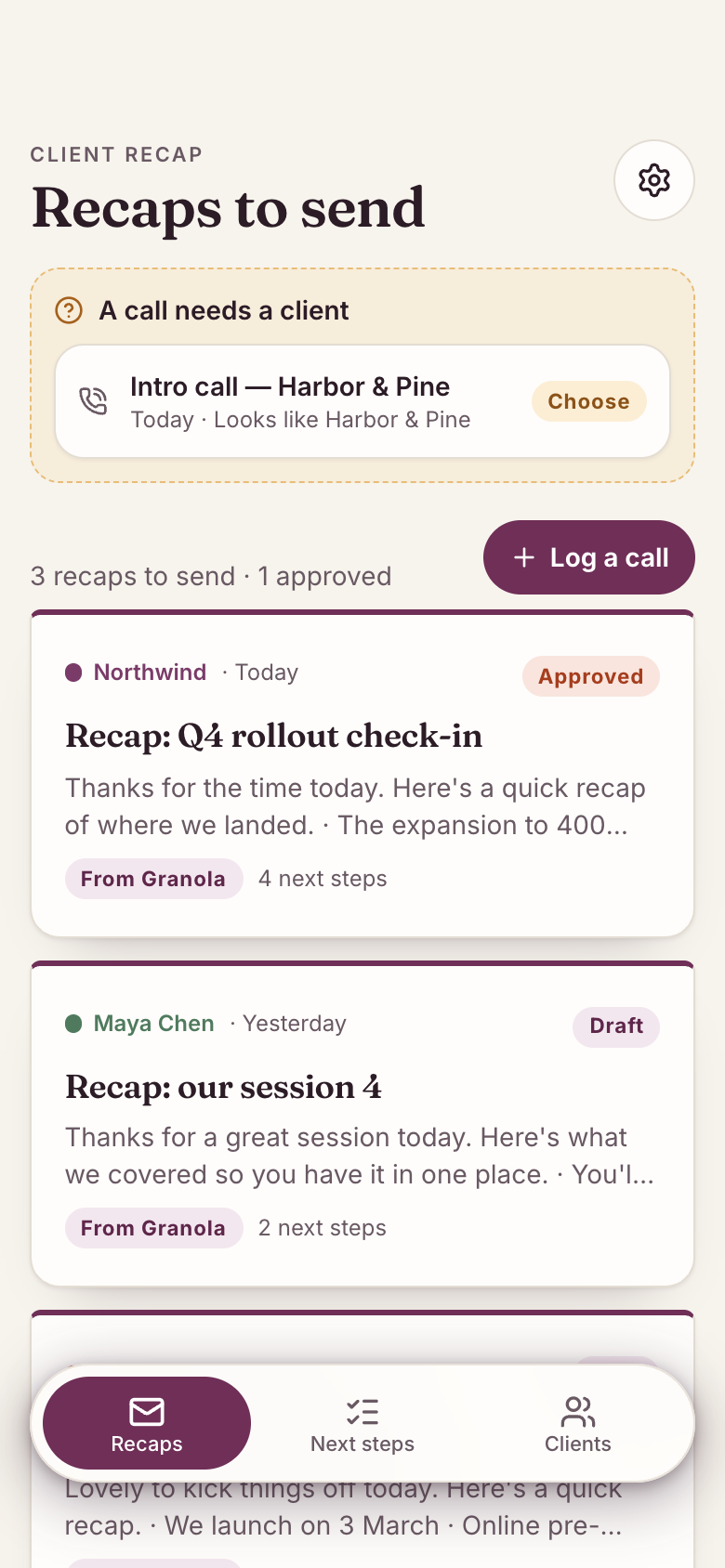
Client Recap is a Marci app that turns every client call into a recap ready to send. Marci reads your Granola meeting notes, drafts what you agreed and the next steps with owners and dates, and you edit, approve and copy it into your email. It also works without Granola: log a call by hand.
Tap one and watch the phone

 Marci
Tap Client Recap on the phone, or ask me one of these.
Who it's for
Consultants and coaches
Calls from Granola are matched to each client, and the recap is drafted in your tone so it goes out the same day.
Agencies, tutors and freelancers
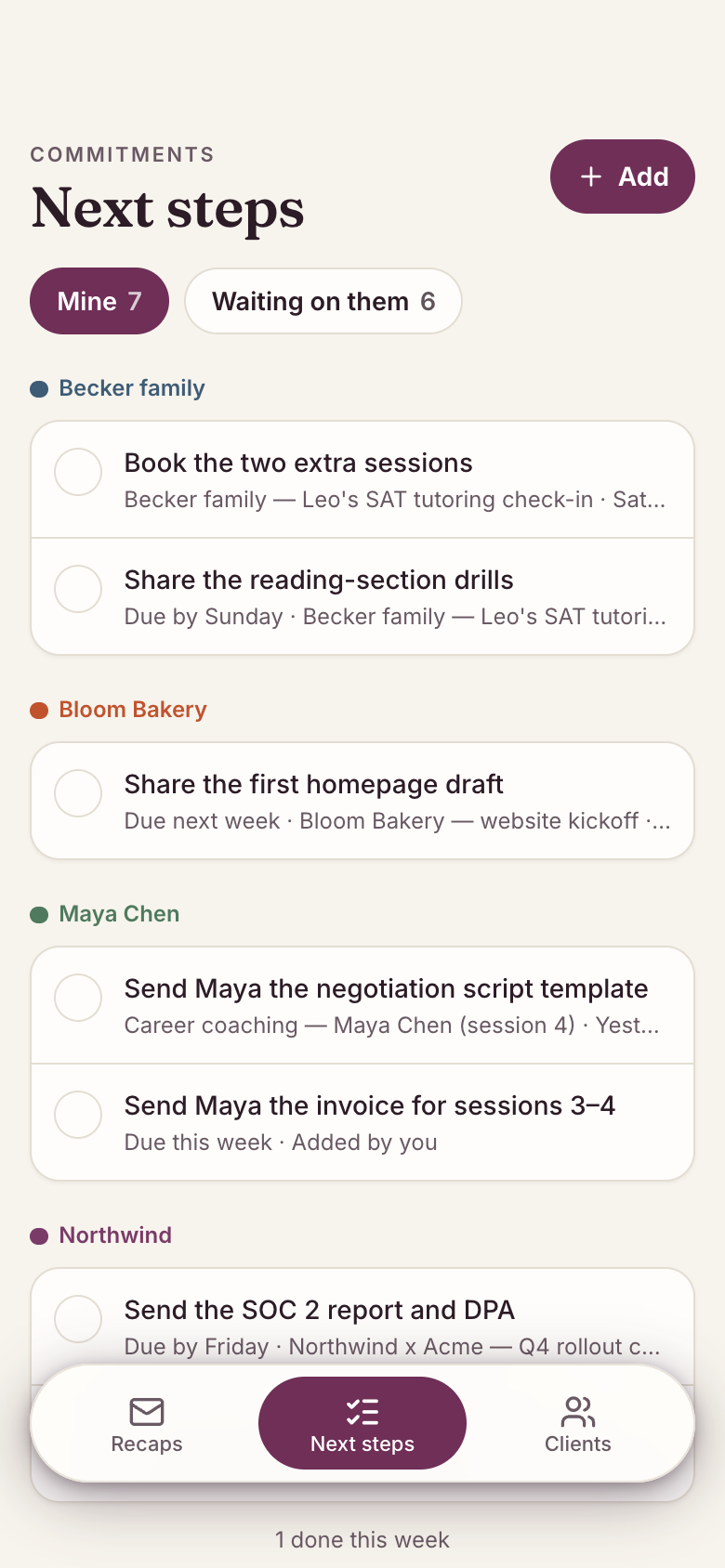
Next steps become commitments, split into Mine and Waiting on them, so promises on both sides stay visible.

Your work, your clients, your lists.
Every screen
Ways to use it
The recap goes out today
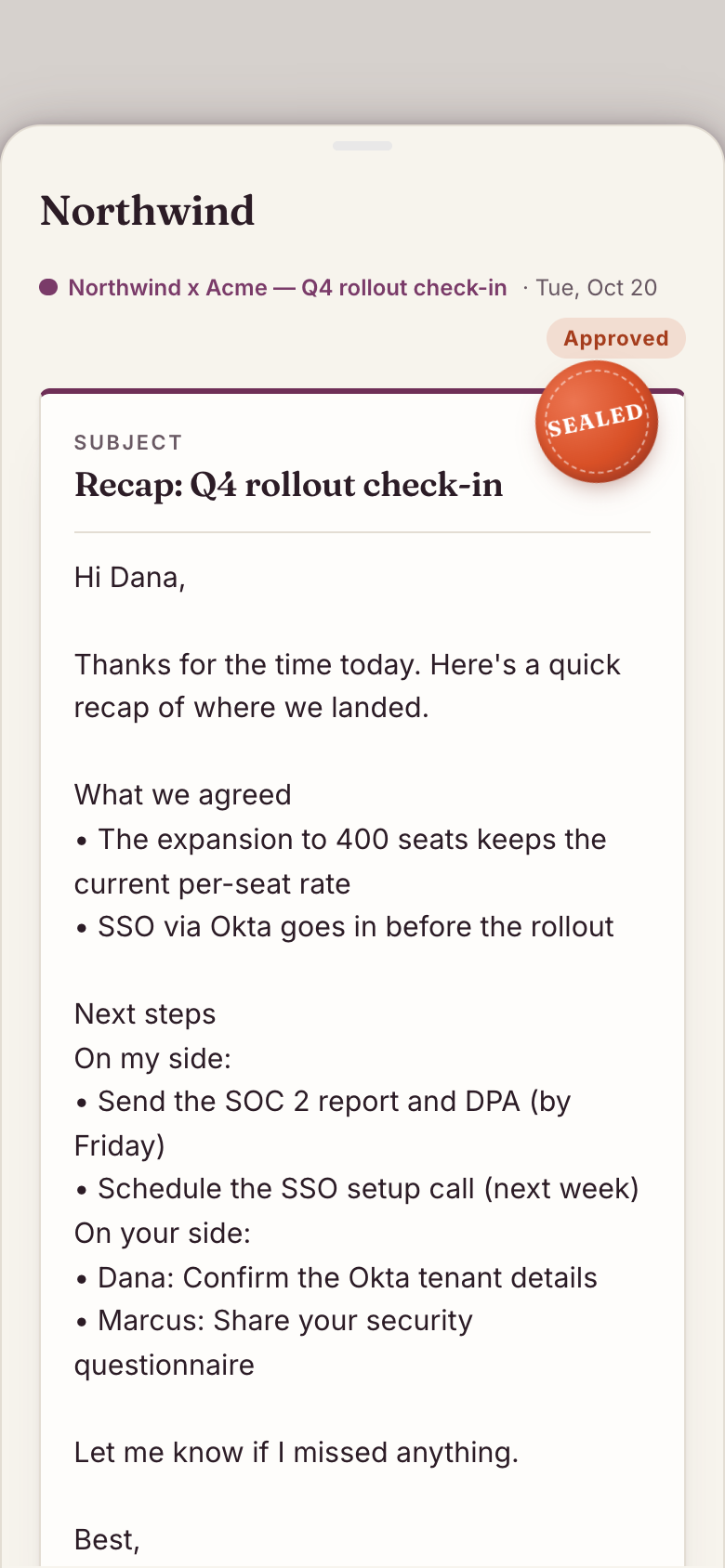
Open the draft, fix a line, tap Approve, then Copy message into your email or chat.
A call with no client
Calls that match no client wait under Needs a client: assign it, add it as a new client or dismiss it.
What did we promise them?
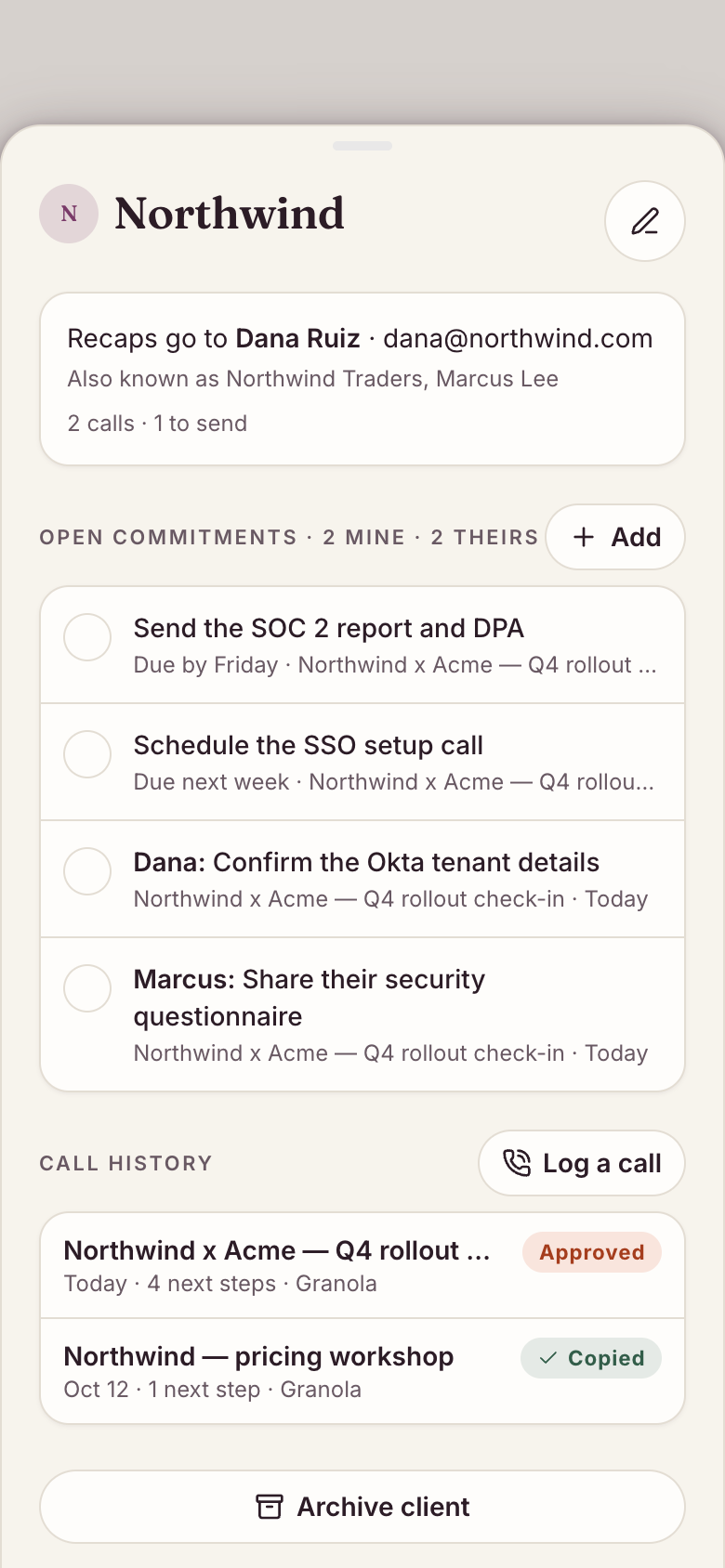
Each client page shows the call history, open commitments and past recaps.
What it does
- Clients with a contact name, email, colour, notes and 'also known as' names used to recognise them in meetings; edit, archive or remove
- Optional Granola meeting notes: each client call arrives with its summary, what was agreed and next steps; internal and personal meetings are left out; open the full notes when you need them
- Calls are matched to a client by name, contact or alias; unmatched calls wait under Needs a client to assign, add as a new client or dismiss
- A recap draft for every call (subject, greeting, what we agreed, next steps on both sides with deadlines as said, your sign-off) that Marci rewrites in your tone; Redraft with Marci
- Edit the recap, Approve it, then Copy message as ready-to-send text for your email or chat; Draft, Approved and Copied
- Next steps become commitments per client: Mine and Waiting on them, with deadlines in the call's words; check off, edit, delete or add your own
- A client page with details, call history, open commitments and recaps
- Log a call by hand with a client, title, date, what was agreed and next steps
Make it yours
Ask for a change in your own words and Marci updates the app for you.
Add a next call date to each client
Add a project field to each call
Show overdue commitments first on the home card


A coach for Client Recap
Tap the Marci button inside Client Recap and say yes to a coach: a room of its own where Marci knows the app, checks in on the days you choose and answers questions about your numbers. Give a friend their own copy with a share link; they get the app, never your entries.
Made for people like
- Marci for accountantsHow independent tax preparers and bookkeepers run tax season, bill monthly clients, book consults and send call recaps…
- Marci for freelancersHow freelancers and consultants run time, invoices, client calls, new deals, bookings and receipts on Marci: five apps…
- Marci for salespeopleHow salespeople and account executives keep a pipeline, walk into every call prepared, send recaps the same day and…
Pairs well with



Questions
Do I need Granola to use Client Recap?
No. Granola meeting notes are optional. You can log a call by hand with the client, title, date, what was agreed and the next steps.
Are internal meetings included?
No. Internal and personal meetings are left out, so only client calls arrive.
How do recaps get to my client?
You edit and approve each recap, then copy it as ready-to-send text into your own email or chat.
Is Client Recap free?
Marci is free for now and invite only. Join the waitlist at getmarci.ai, or ask a friend on Marci for an invite.
Marci is rolling out now
Marci is invite only for now. Join the waitlist, or ask a friend on Marci for an invite.