Wishlist Quest
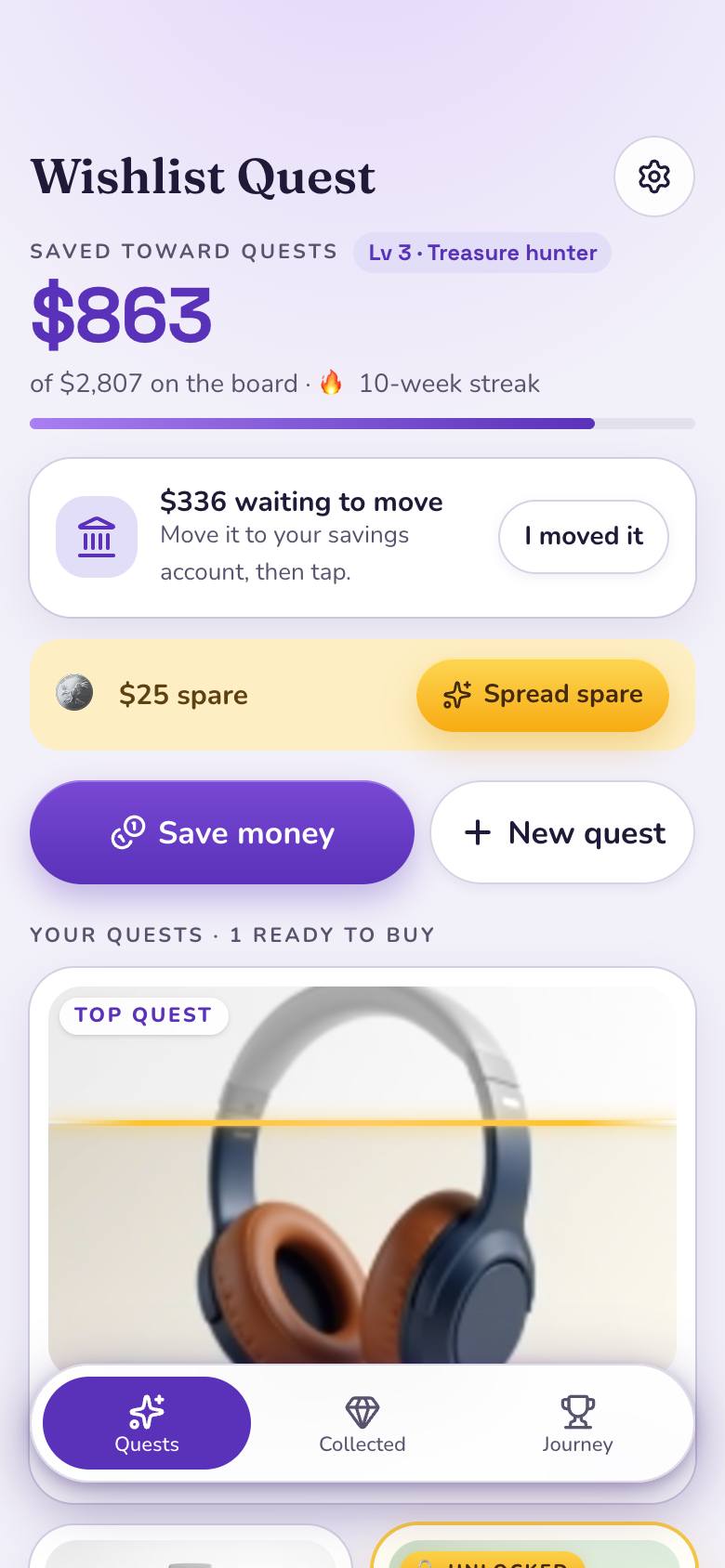
Wishlist Quest is a Marci app for saving up for the things you've decided to buy. Add a quest by pasting a link or typing it, and each quest's picture colors in from the bottom as you save. At 100% it unlocks with a celebration. Marci never moves your money.
Tap one and watch the phone

 Marci
Tap Wishlist Quest on the phone, or ask me one of these.
Who it's for
People saving for gadgets and gear
Paste a product link and Marci reads the name, price and picture, then watch it color in.
People saving for trips and treats
Order your quests, choose where each saving goes, and keep a weekly saving streak.

The desk where the day gets planned.
Every screen
Ways to use it
Headphones, colored in
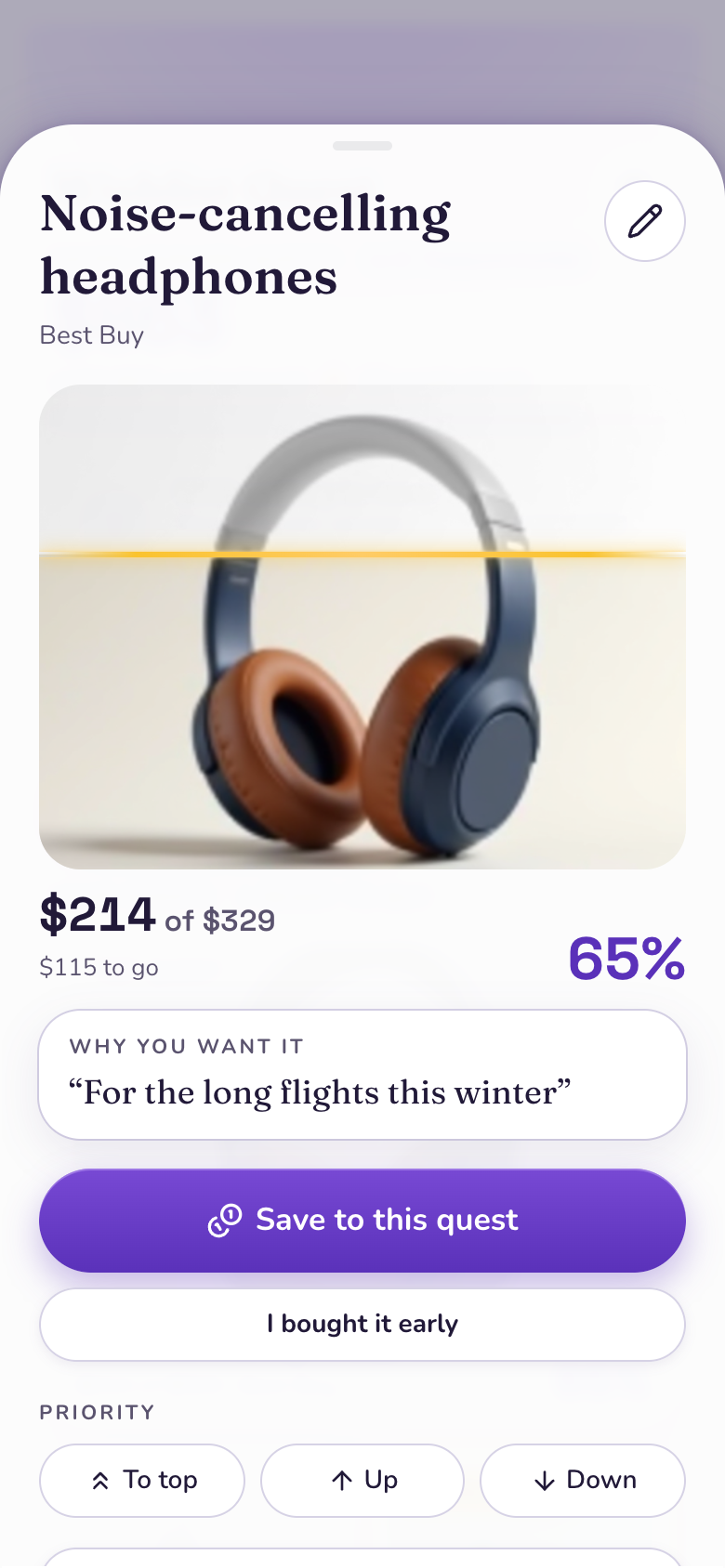
Add the $240 headphones as a quest. Each saving fills the picture from the bottom, with a gold line at how far you've got.
Split or focus
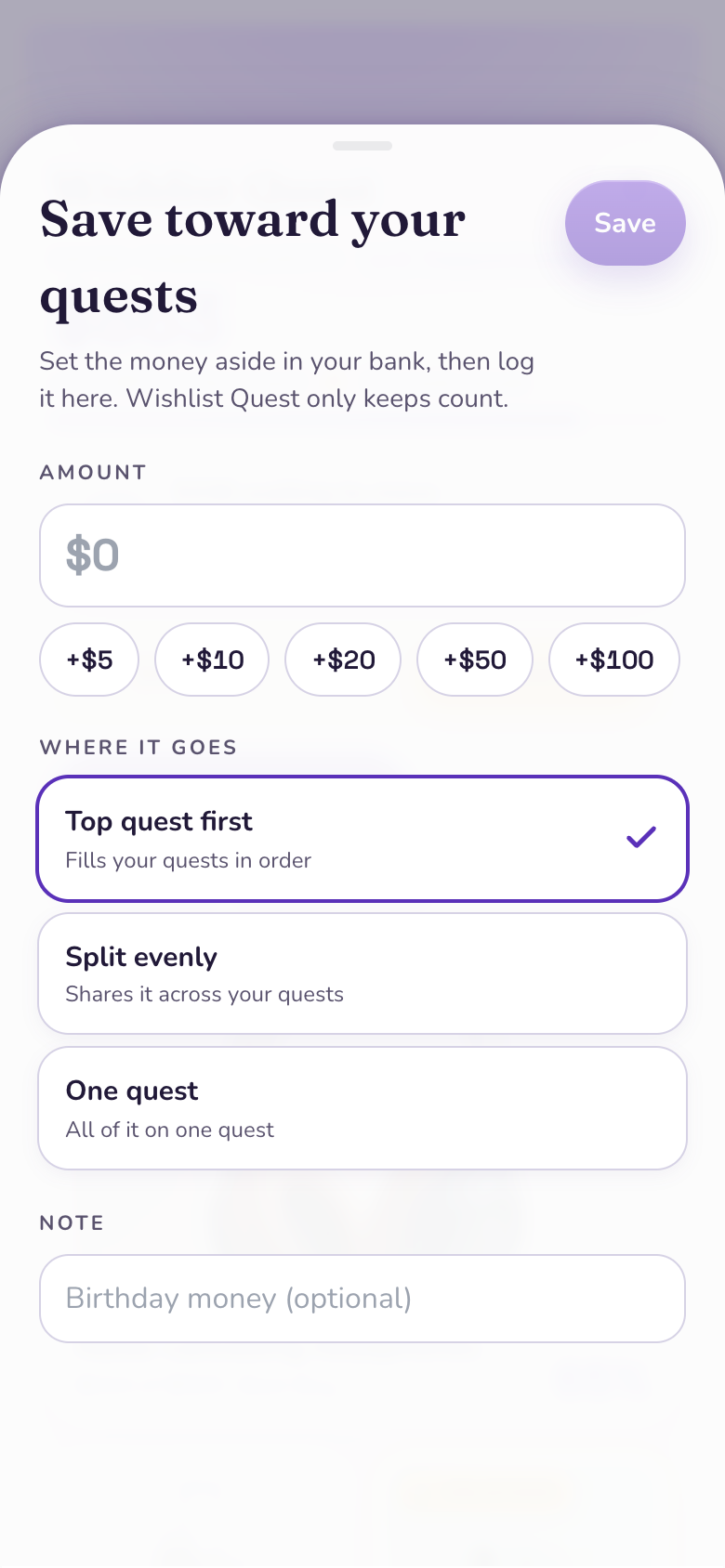
Send each saving to your top quest first, split it evenly, or put it on just one quest.
Got it
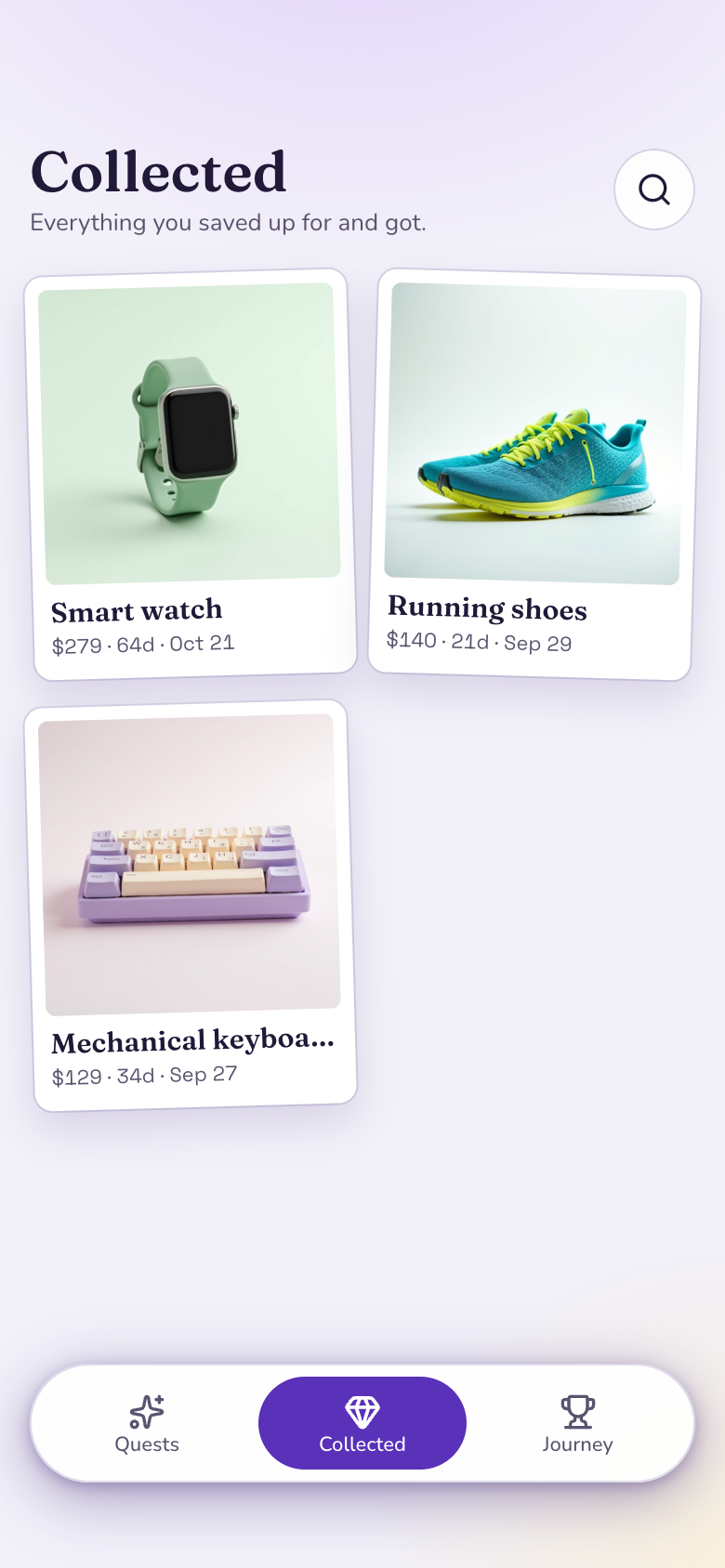
When you buy it, tap Got it with the price you paid, and it moves to your Collected wall with how long it took.
What it does
- Add a quest for something you've decided to buy: paste a link and Marci reads its name, price and picture, or type the name and price, with a category and why
- Every quest's picture starts grey and colours in from the bottom as you save, with a gold line at how far you've got
- Save toward your quests in one tap: quick amounts or your own, with a note
- Choose where a saving goes: top quest first, split evenly across your quests, or just one quest
- Order your quests: move one to the top, up or down; the top quest fills first
- A quest unlocks when it's fully funded, with a celebration and an Unlocked ribbon
- Tap Got it when you buy it: the price you paid, a celebration, and it moves to your Collected wall
- Leftovers wait as spare coins you spread in one tap; take money back off a quest or drop a quest when plans change
Make it yours
Ask for a change in your own words and Marci updates the app for you.
Split new savings evenly by default
Add a target date to each quest
Add a Gifts category


A coach for Wishlist Quest
Tap the Marci button inside Wishlist Quest and say yes to a coach: a room of its own where Marci knows the app, checks in on the days you choose and answers questions about your numbers. Give a friend their own copy with a share link; they get the app, never your entries.
Pairs well with
 Cool-Off ListCool off on a purchase first, then save for the ones that survive.
 PiggySimple piggy banks for goals that aren't a specific thing to buy.
 Round-Up JarWishlist Quest shows the thing you're saving for coloring in as your jar fills.
 Savings ChallengesStamp a savings challenge board to grow the money your quests draw on.
 Scent CabinetWishlist Quest helps you save for the bottle at the top of your wishlist.
Part of
Questions
Does Wishlist Quest move my money?
No. Marci never moves money. It shows what's waiting to move to your real savings, and you tap once when you've moved it.
What currency does it use?
Your own. Prices show in your currency.
Does it give financial advice?
No. It tracks what you save toward the things you've chosen.
Can I see progress on my Home Screen?
Yes. The widget shows your top quest's picture coloring in and how far along it is.
Marci is rolling out now
Marci is invite only for now. Join the waitlist, or ask a friend on Marci for an invite.