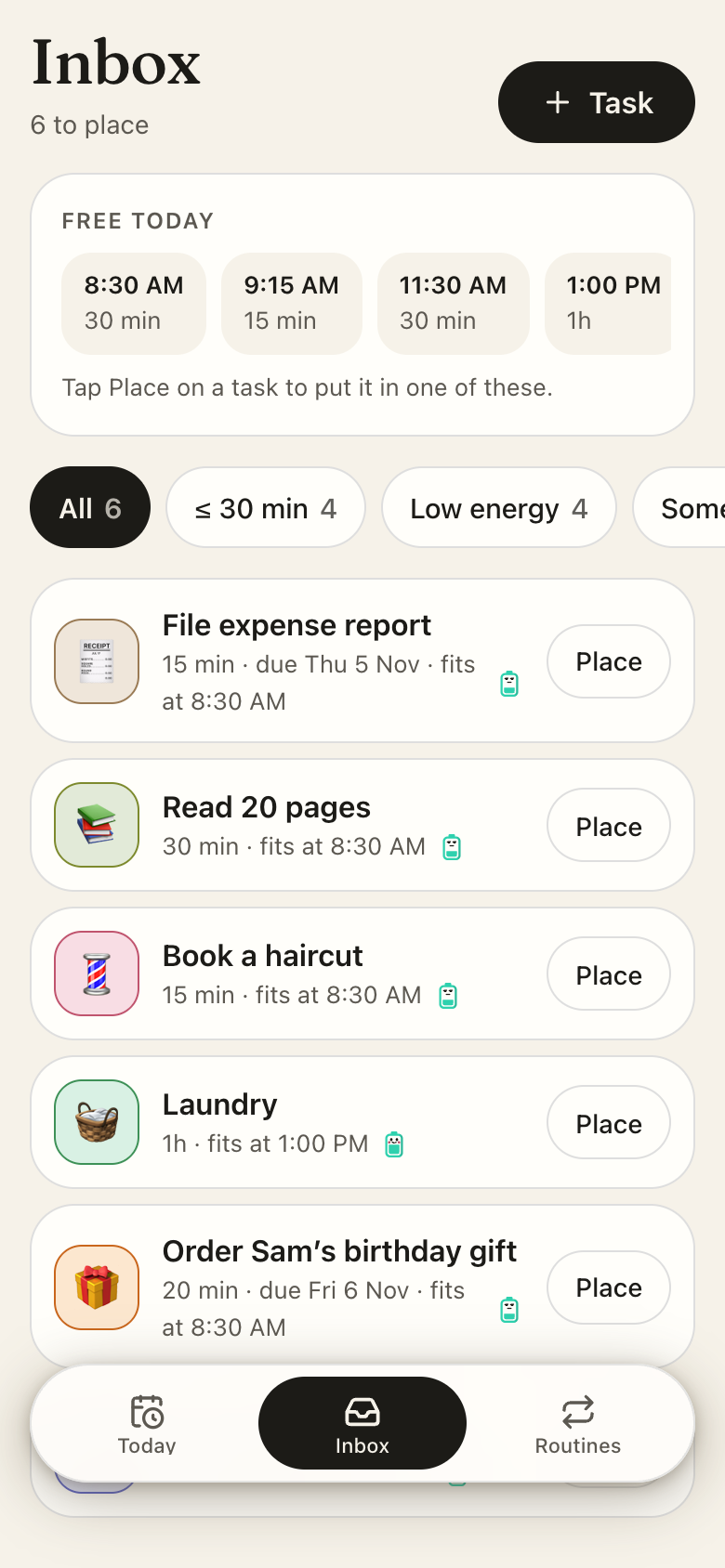
Five apps for a term: the cards you need to remember, a day built around classes and shifts, the hours you actually study, a Sunday reset and the house you share. They sit on your Home Screen, a coach watches them together, and Flashcards brings each card back when it's due, so the daily pile stays small.
A chat can quiz you once. It can't bring back the card you missed on Tuesday when it's due again, lay your classes and your shift into one day, or remember whose turn it is to buy dish soap. Studying runs on small repeats over weeks, and that needs apps with real screens from the first day of term.
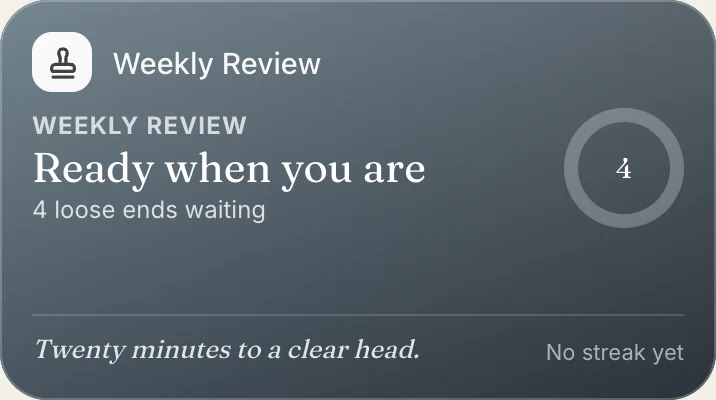
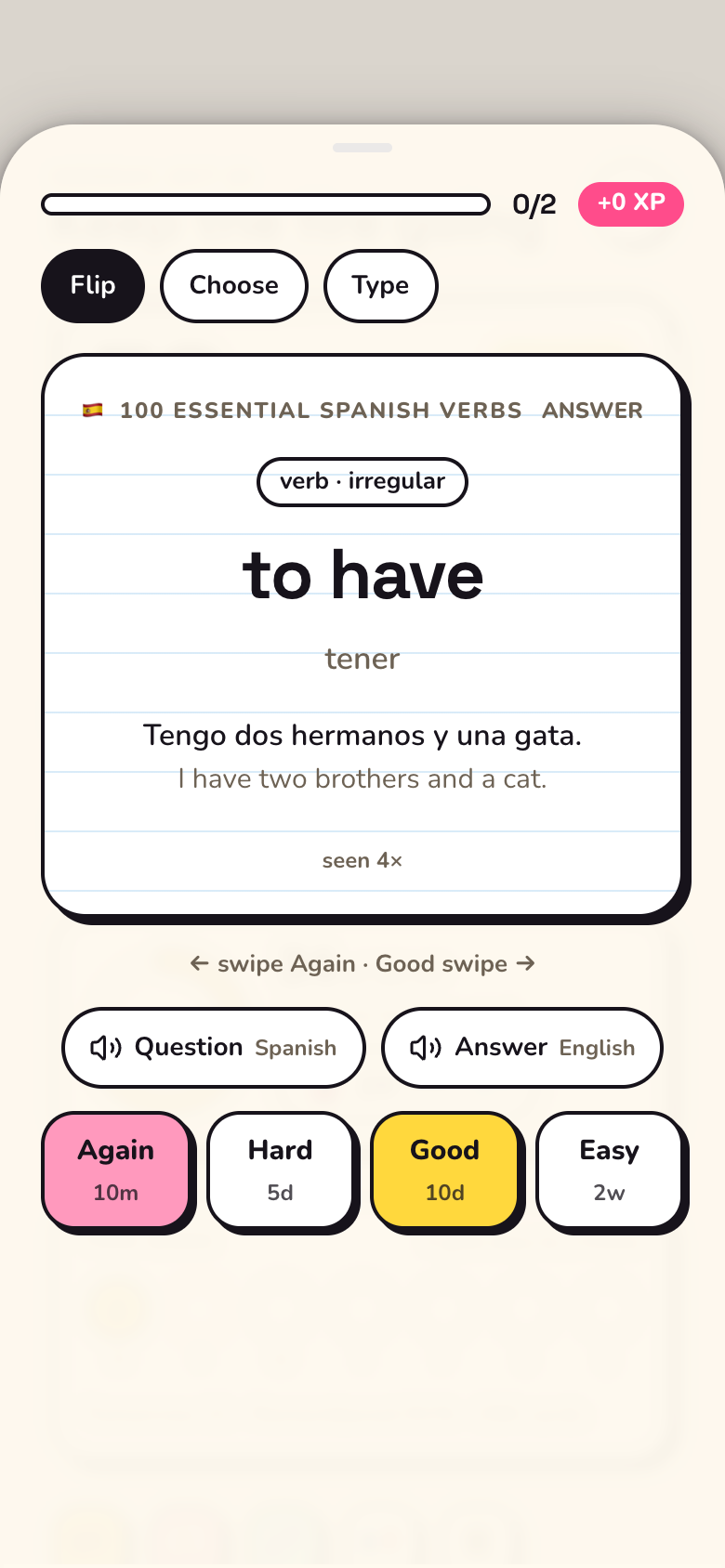
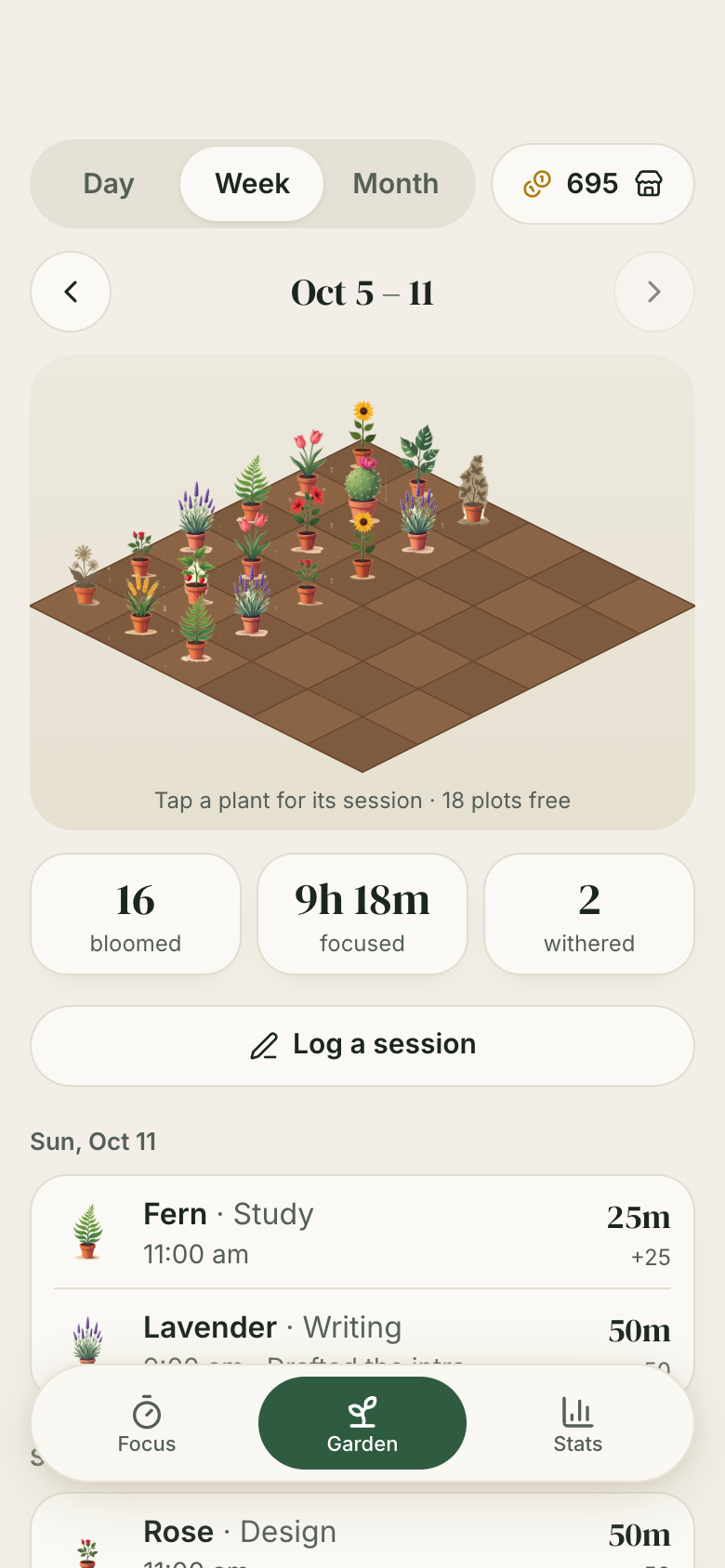
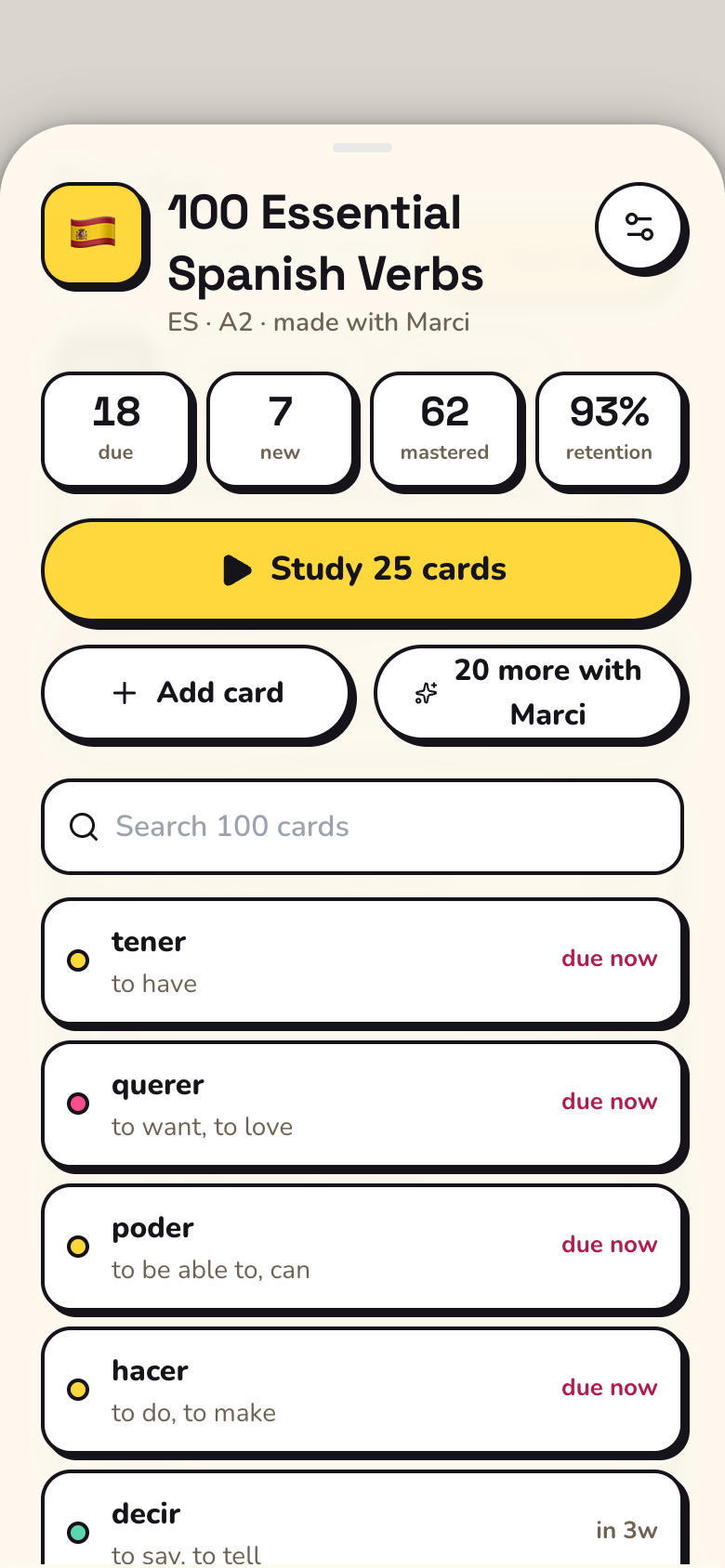
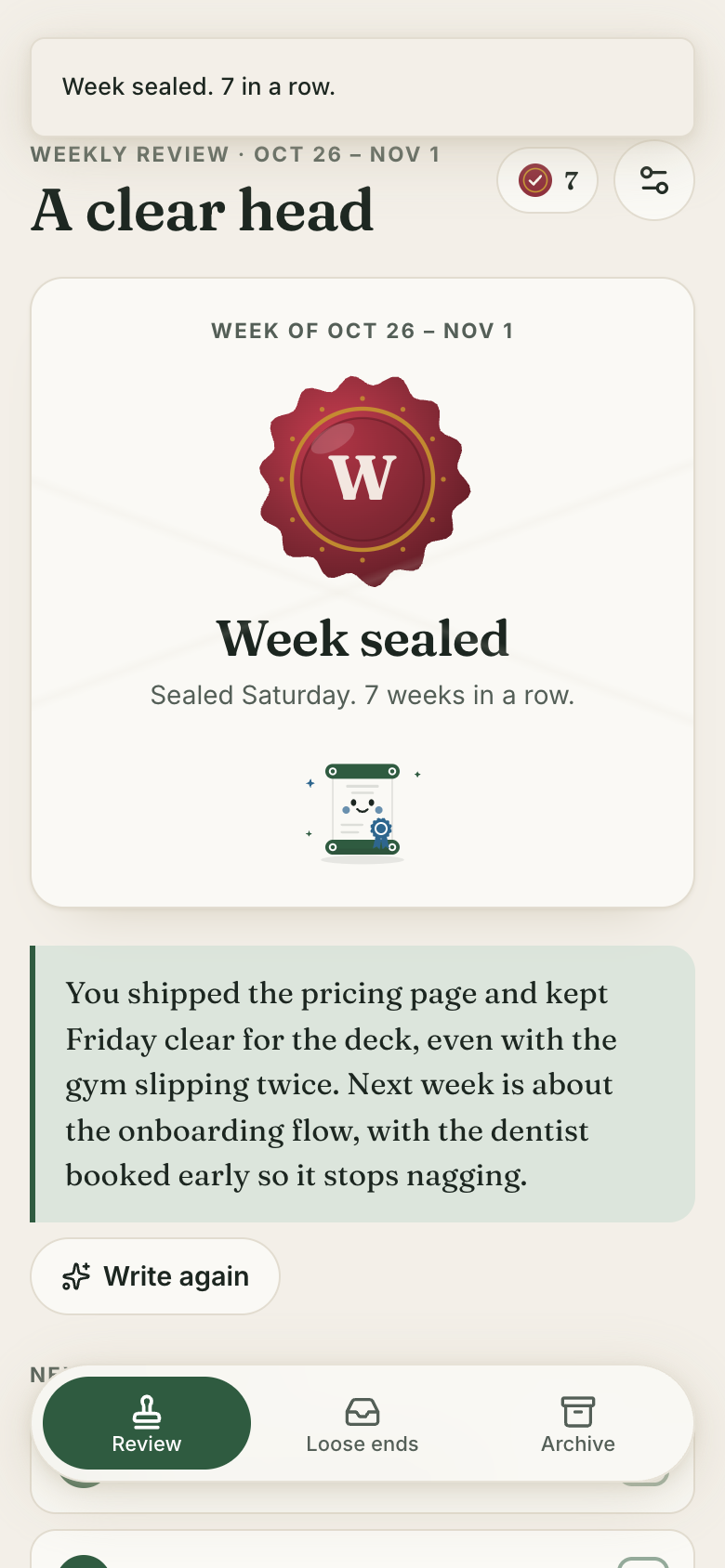
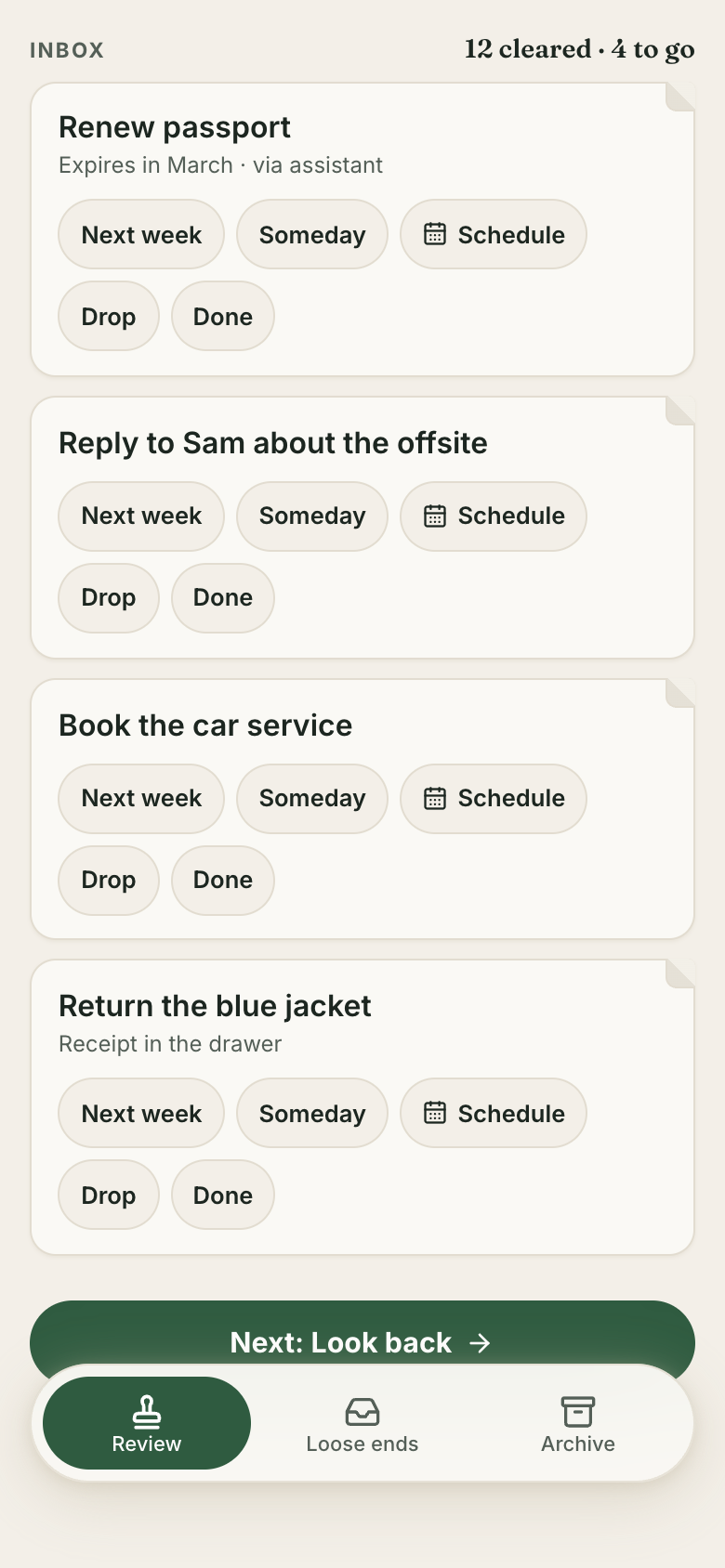
So each app is built for one moment of a study week. Flashcards is a desk of index-card decks with today's pile on top, and the last due card flying off ends in an all-caught-up mug and a streak that grows by a day. Focus Garden is a seed you plant when you sit down: it grows while you leave the phone alone and blooms at zero. Weekly Review is a letter to next week, sealed with wax.
Small piles, every day
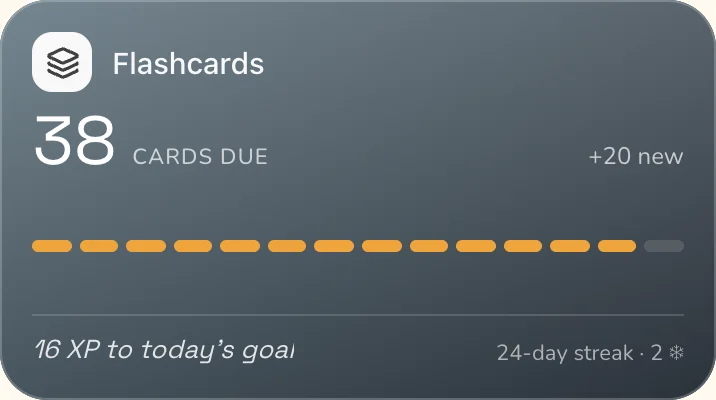
Flashcards schedules each card by how well you knew it, so today's pile stays small and doable, and a streak freeze covers a missed day.
Honest timers
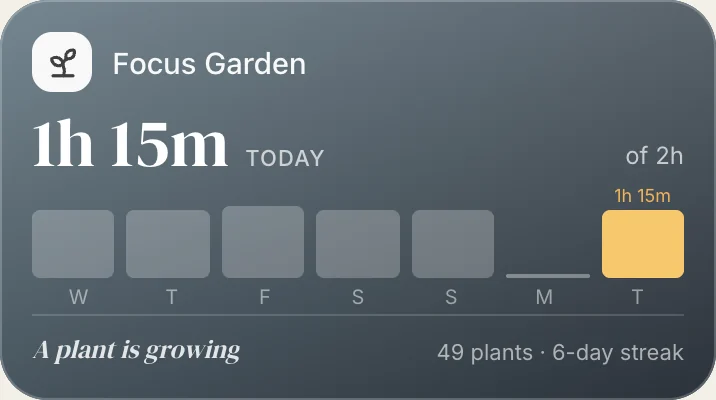
Focus Garden counts from when you started, so locking the phone doesn't stop it, and giving up leaves a dry stalk in the garden.
One shared ledger for the house
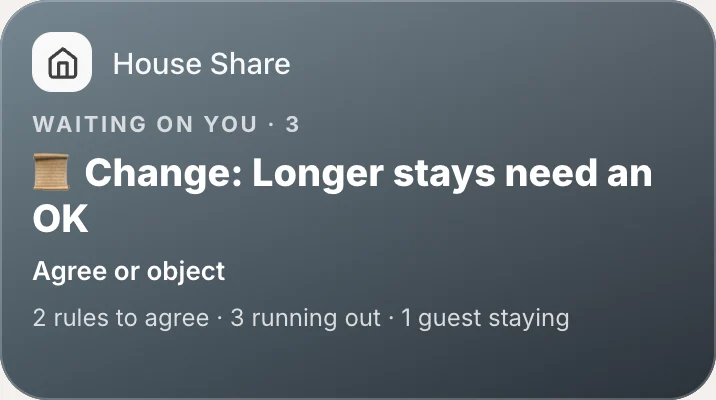
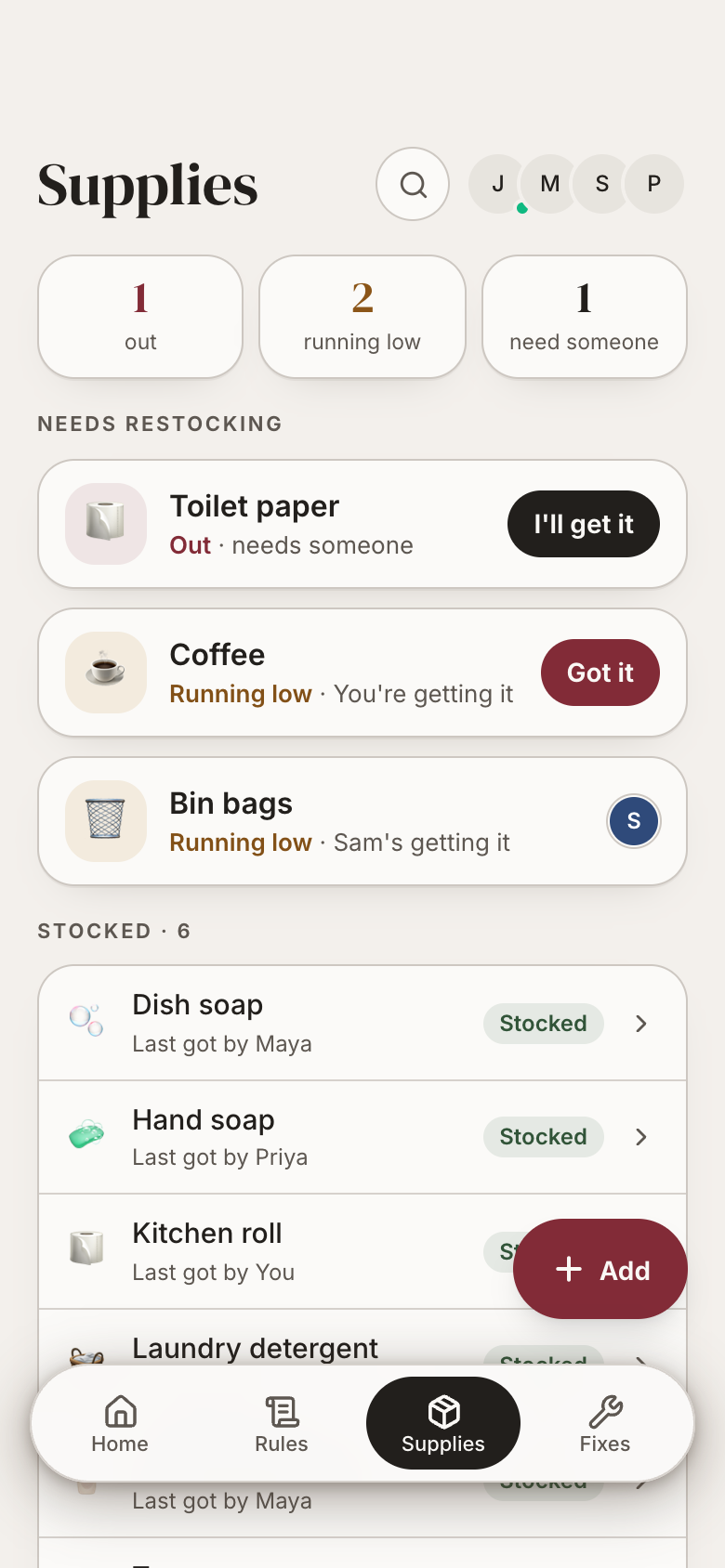
House Share is shared with your housemates on Marci. A rule counts once everyone agrees, and renegotiating it keeps the history.
Still yours to change
Ask for a new field, a new view or a new step, and Marci changes your copy of the app.
Two coaches and your goals
Study coach
Ask itWhen can I fit two hours for chem this week, and what's due in Flashcards?
Say the outcome in your own words. Progress comes from what the apps record, never from a number you type in.
Study 25 days this month18 of 25 days studied · from Flashcards
Focus 30 hours this month21 of 30 hours · from Focus Garden
Seal every week this term9 of 12 weeks sealed · from Weekly Review
Who sees what
Who
What they get
From
Housemates
House rules, supplies, guests, repairs and whose turn each bill is
House Share, shared with them
Your coaches
The apps you connect, each with Full access or Read all
Your rooms
Nobody else
Your decks, plans, focus and weekly reviews stay yours
Flashcards, Day Planner, Focus Garden, Weekly Review
From ChatGPT, Claude, Muse and Grok Bot
Connect Marci once in each. They all read and write the same apps, so each can do what it does best: read a syllabus, show where your hours really go, turn Instagram saves into cards, or catch the threads you bookmark on X.
ChatGPTFrom a syllabus
Here's my Chem 101 syllabus. Put every problem set in my Day Planner inbox with its due day, and a two-hour review block the evening before each exam.
Added 10 problem sets to your Day Planner inbox, each with its due day, and review blocks from 7 to 9 PM on November 18 and December 13, the evenings before your midterm and final. The lab practical has no date yet, so I left it out.
Look at where my focus hours went in Focus Garden and how my decks are doing in Flashcards. What should I fix next week? Put it in Weekly Review.
Chem got 13 of your 21 focus hours this month and bio only 3, and your Bio 110 deck is down to 68% remembered with 140 cards due by Friday. I added two loose ends to Next week in Weekly Review: clear the bio pile every day, and book two library blocks for bio.
Whenever I save a Spanish vocab post on Instagram, add its words to my Spanish deck in Flashcards.
You saved a post with 12 kitchen words. I added 11 to your Spanish A2 deck as new cards, the Spanish with its article on the front and the English on the back, and skipped la cuchara, which you already had. I'll do the same each time you save one.
Whenever I bookmark a thread on X, add it to my Day Planner inbox as a short task, so I read it in a gap instead of forgetting it.
Each bookmark will become a 15-minute, low-energy task in your Day Planner inbox, with the thread's link and one line on what it says. I'll bring each day's batch for one yes. Today's two: a thread on active recall and one on summer research deadlines.
Yes. Make a deck from a photo of a page that Marci reads, from a topic Marci writes cards for, or by hand. Spaced repetition then schedules each card, and every card stays editable.
Is there a Pomodoro timer?
Focus Garden has Pomodoro, Long, Deep, Quick, Sprint, Ultradian, custom lengths and a stopwatch, with breaks that count down and a plant that grows while you focus.
Can my housemates use it with me?
Yes. House Share is shared with the people you live with. Marci is invite only, and an invite to House Share brings them into Marci too.
Does Day Planner show my class calendar?
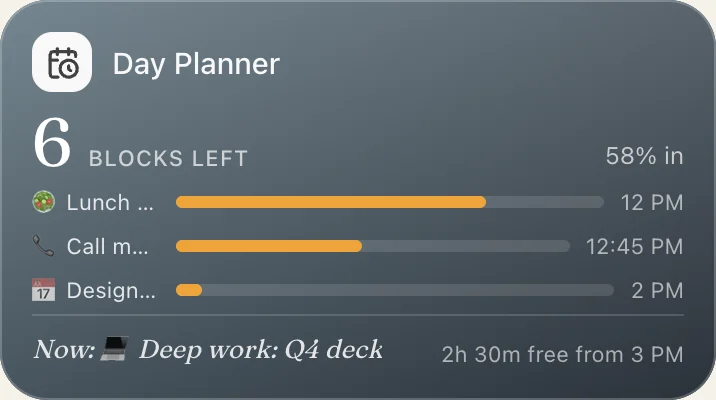
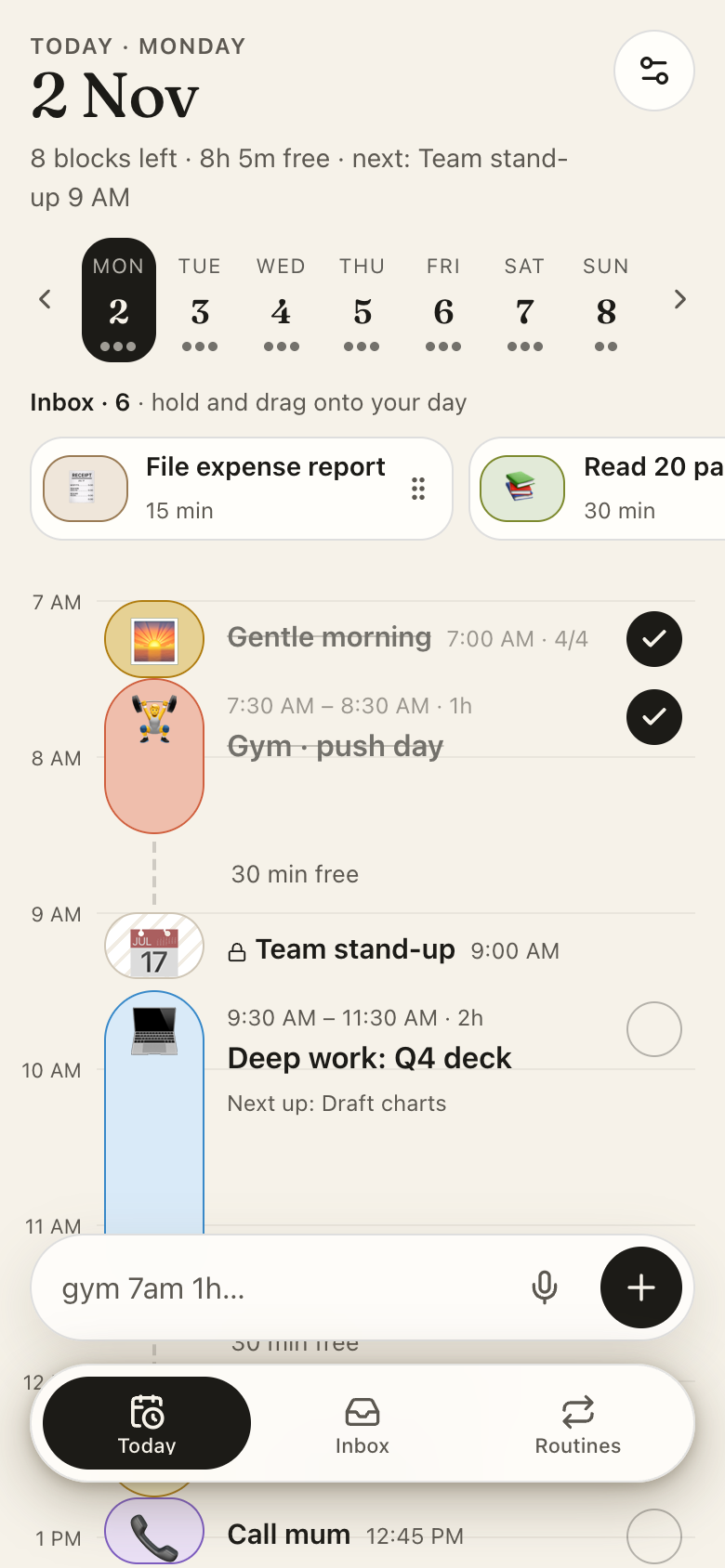
Yes. Events from a connected Google Calendar appear locked on the timeline, and you lay study blocks and tasks around them.
How much does Marci cost?
Marci is free for now and invite only, on iPhone, Android and app.getmarci.ai.
Marci is rolling out now
Marci is invite only for now. Join the waitlist, or ask a friend on Marci for an invite.
 Marci

 Weekly Review
 House Share


 Focus GardenFull access
 Day PlannerRead all


 ChatGPTFrom a syllabus
 ClaudeAcross your apps
 MuseWhenever you save one
 Grok BotYour X bookmarks