Connect Marci to Grok Bot and the posts you bookmark on X turn into something you can use. Each morning Grok Bot reads your new bookmarks and brings you the ones worth keeping. Say yes and they land in the idea bank of Content Calendar, each with a hook and the post's link in its notes. Grok Bot asks before every change it makes.
Press Play the story, then watch it happen on the phone.
On Grok Bot's schedule
Grok Bot does the reading on X: your bookmarks, your own posts, the accounts and topics you follow. It brings each batch to you for a yes, and Marci keeps what you approve. Tell Grok Bot once what to keep and how often, like "every morning, bring me the good ones from my X bookmarks for my idea bank". The schedule runs in Grok Bot.
Grok BotEvery Friday, from X
Every Friday, put the threads I bookmarked this week into Read later in my Swipe It app.
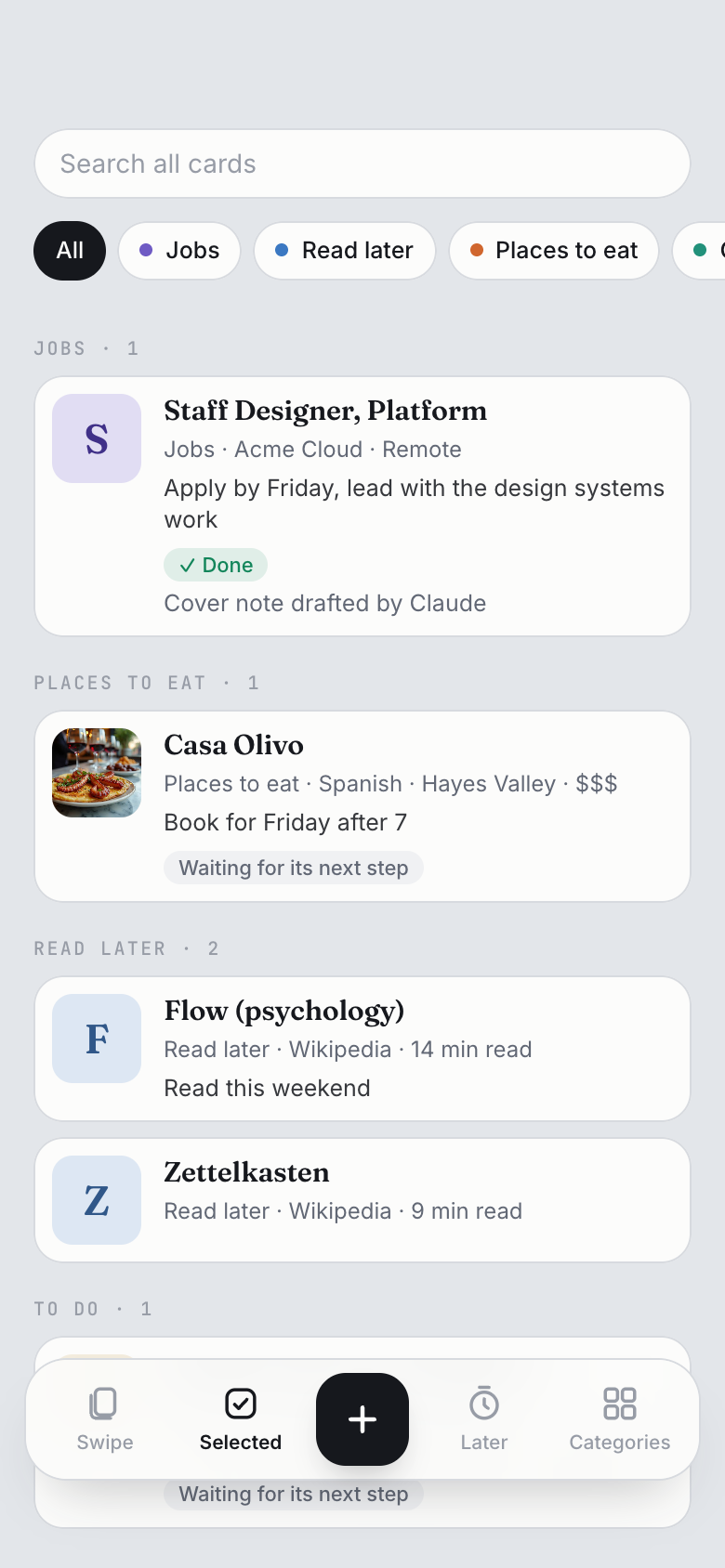
Each Friday I'll gather the week's bookmarked threads. This week there are nine. Say yes and they go into Read later: swipe right to keep one, up to see it again later with a reminder, left to drop it. What you keep waits in Selected with your note.
Every Sunday, look at what did well on X in my niche this week and draft next week's posts in Content Calendar.
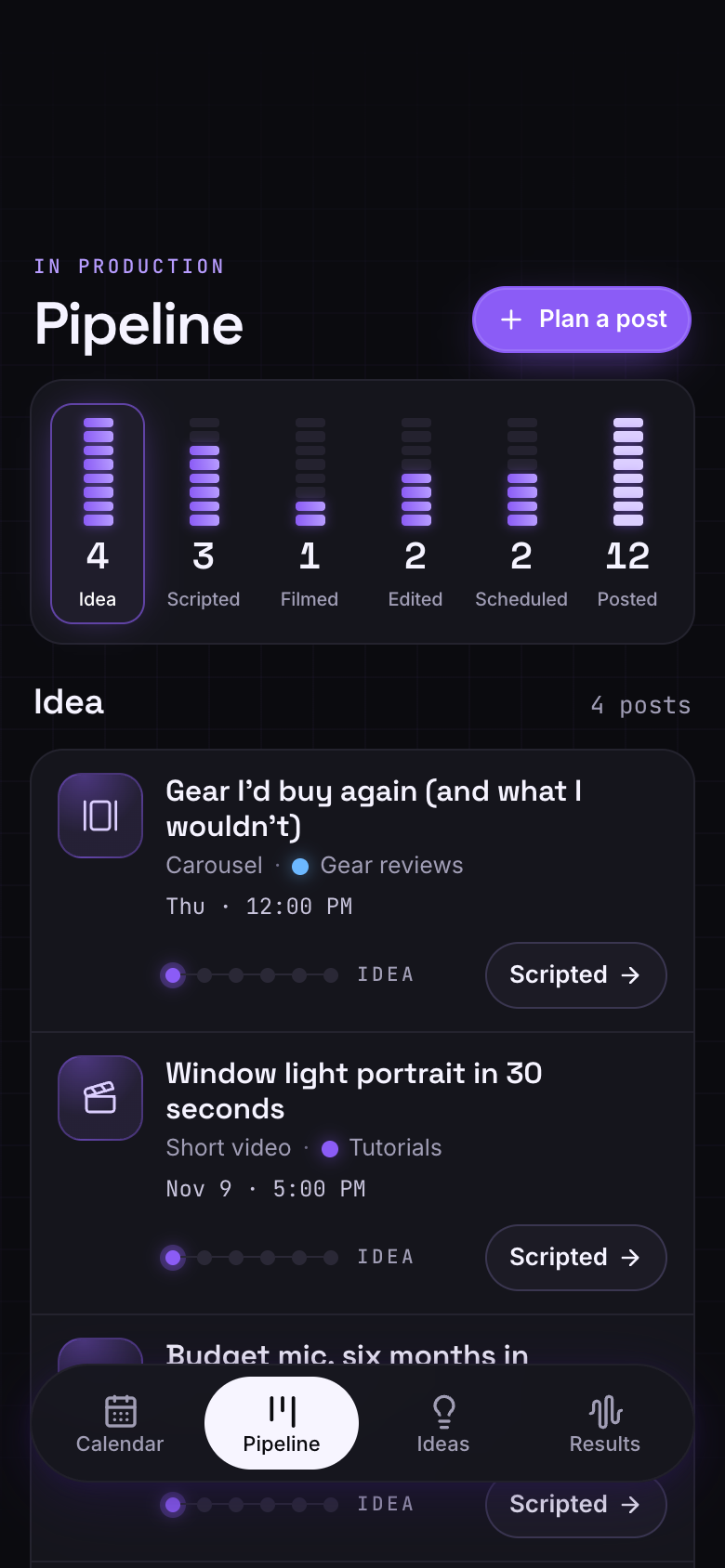
Each Sunday I'll bring five posts for the week, each with a hook, a pillar and a day. Say yes and they go in at the Idea stage, ready to move along to Scripted.
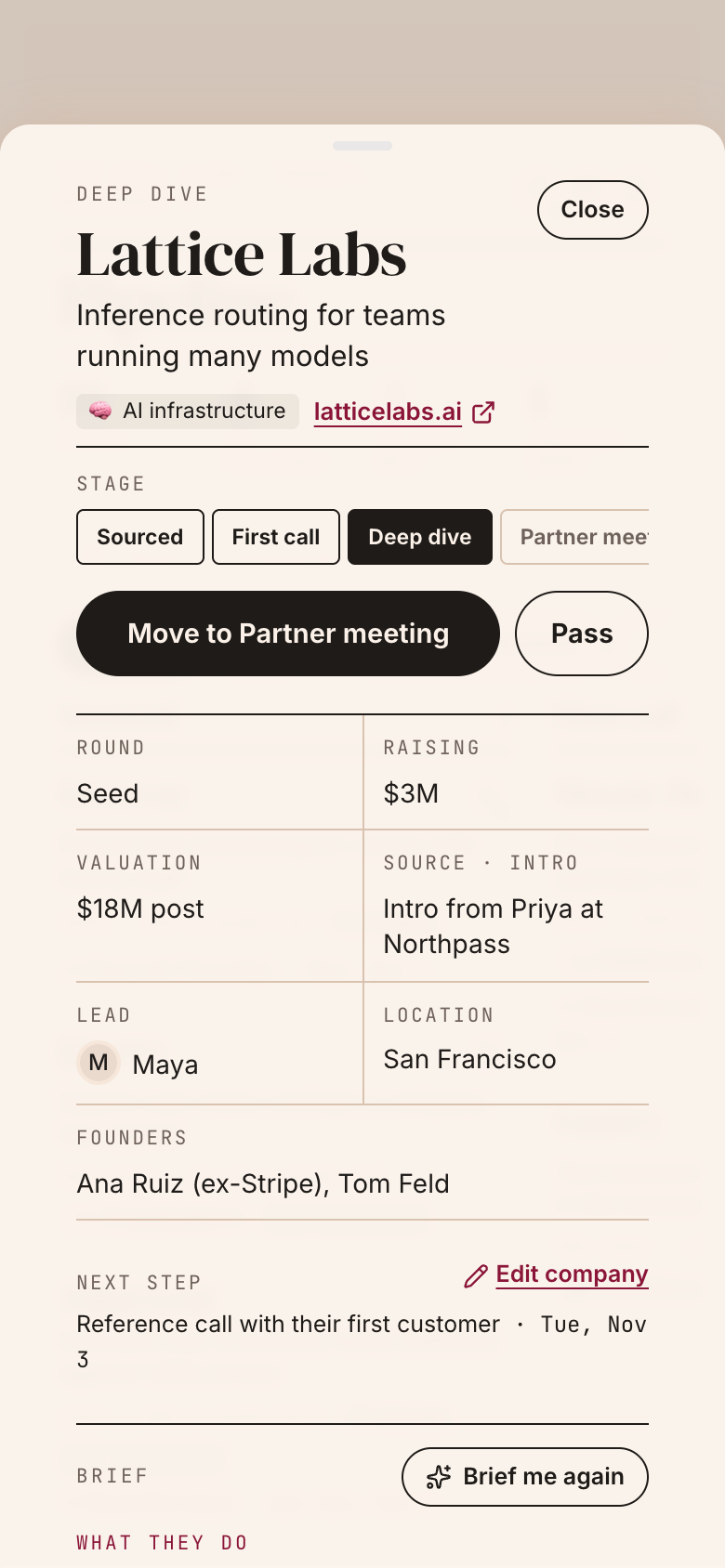
Whenever I bookmark a founder's launch thread, look the company up and add it to our Deal Flow.
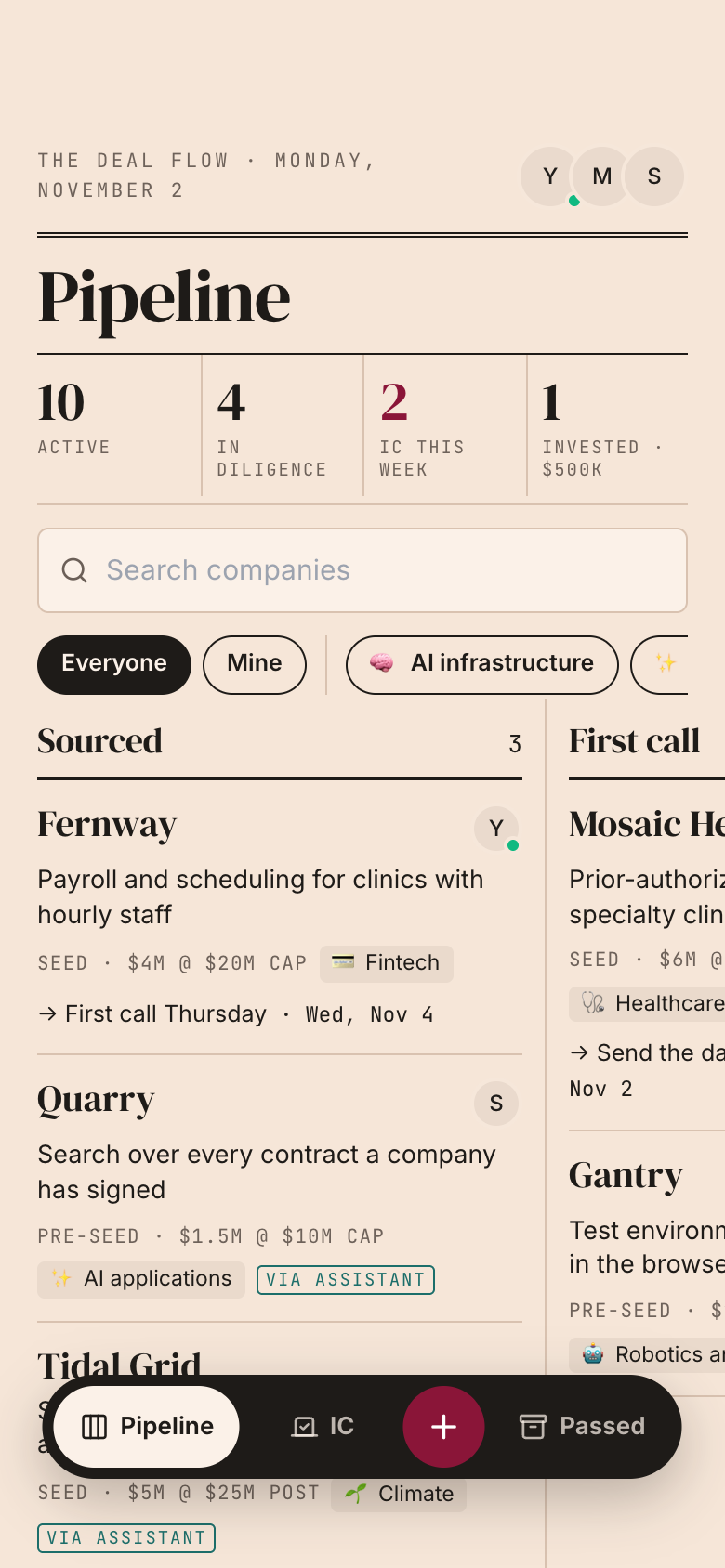
Whenever you bookmark one, I'll read the thread and the company's site and bring you the one-liner, sector and website. Once you say yes it goes into Sourced, marked Via assistant, so your partners see where it came from.
Every Monday, read what founders and investors on X said about seed rounds this week and file a short report on our Research Shelf.
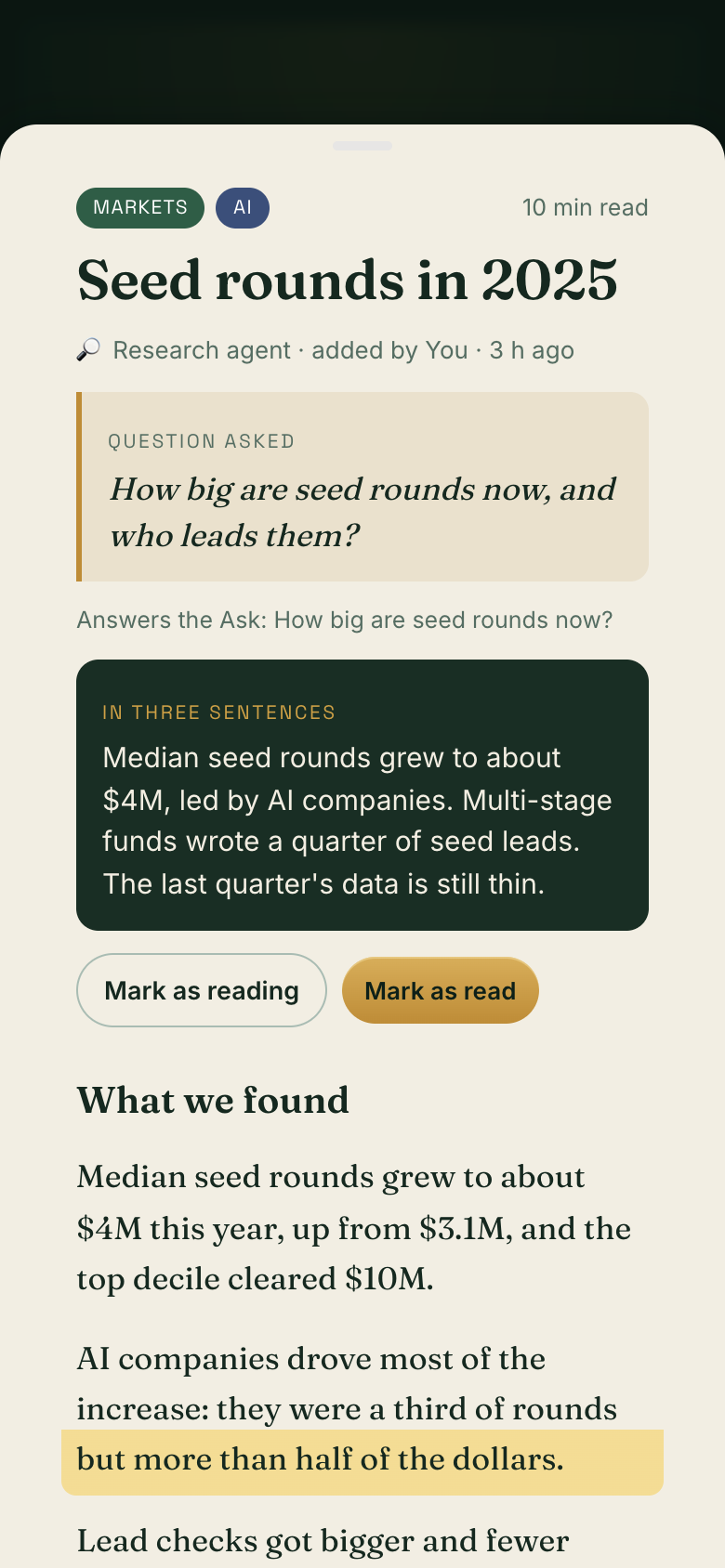
Each Monday I'll write it up: the question, a three-sentence summary and the full report with the posts linked. The shelf is shared, so I'll show you before it goes on.
Ask Grok Bot in chat to "add a custom server named marci at https://mcp.getmarci.ai/mcp" and approve the card it shows.
2
Paste the setup prompt
Copy the setup prompt from Marci (Settings › Connected tools › Set up an agent › Grok Bot) and paste it in, so Grok Bot knows how your apps work. You can also ask Grok Bot to read https://getmarci.ai/.well-known/agent-skills/marci/SKILL.md.
What Grok Bot can reach, and what it can't
Grok Bot reaches only the Marci apps you chose for it, each at Read or Read & write. It never sees your email, calendar, health, location, memories, documents, rooms or messages in Marci, and private apps kept only on your phone are never listed to it. Marci never sees your X account: Grok Bot reads X on its own side. Through Marci it can't post in your rooms or message your friends. In an app you share, Grok Bot acts as you, can do only what your role there allows, and asks before it writes.
Everything Grok Bot does shows in Marci under Settings › Connected tools as a plain sentence, like "Added 4 ideas to Content Calendar". Change its access or turn it off there any time. Full details: Connectors.
Yes. Grok Bot reads your bookmarks on X and, once you say yes, writes them into a Marci app you let it write: ideas in Content Calendar, cards in Swipe It, companies in Deal Flow.
Does Grok Bot change my apps without asking?
No. Grok Bot asks you before each change it makes, and it can bring a whole batch for one yes.
Does Marci watch my X account?
No. Marci never sees your X account. Grok Bot does the reading on its own schedule. Marci keeps what you approve, shows it on your phone and sends reminders from the dates in your apps.
How do I connect Grok Bot to Marci?
Ask Grok Bot to add a custom server named marci at https://mcp.getmarci.ai/mcp, approve the card, then paste the setup prompt from Marci.
Is Grok Bot the same as Grok?
Grok on grok.com connects through Connectors › Add connector › Other with the same address. Grok Bot connects from its chat as above.
Marci is rolling out now
Marci is invite only for now. Join the waitlist, or ask a friend on Marci for an invite.


 Marci
 Grok BotEvery Friday, from X