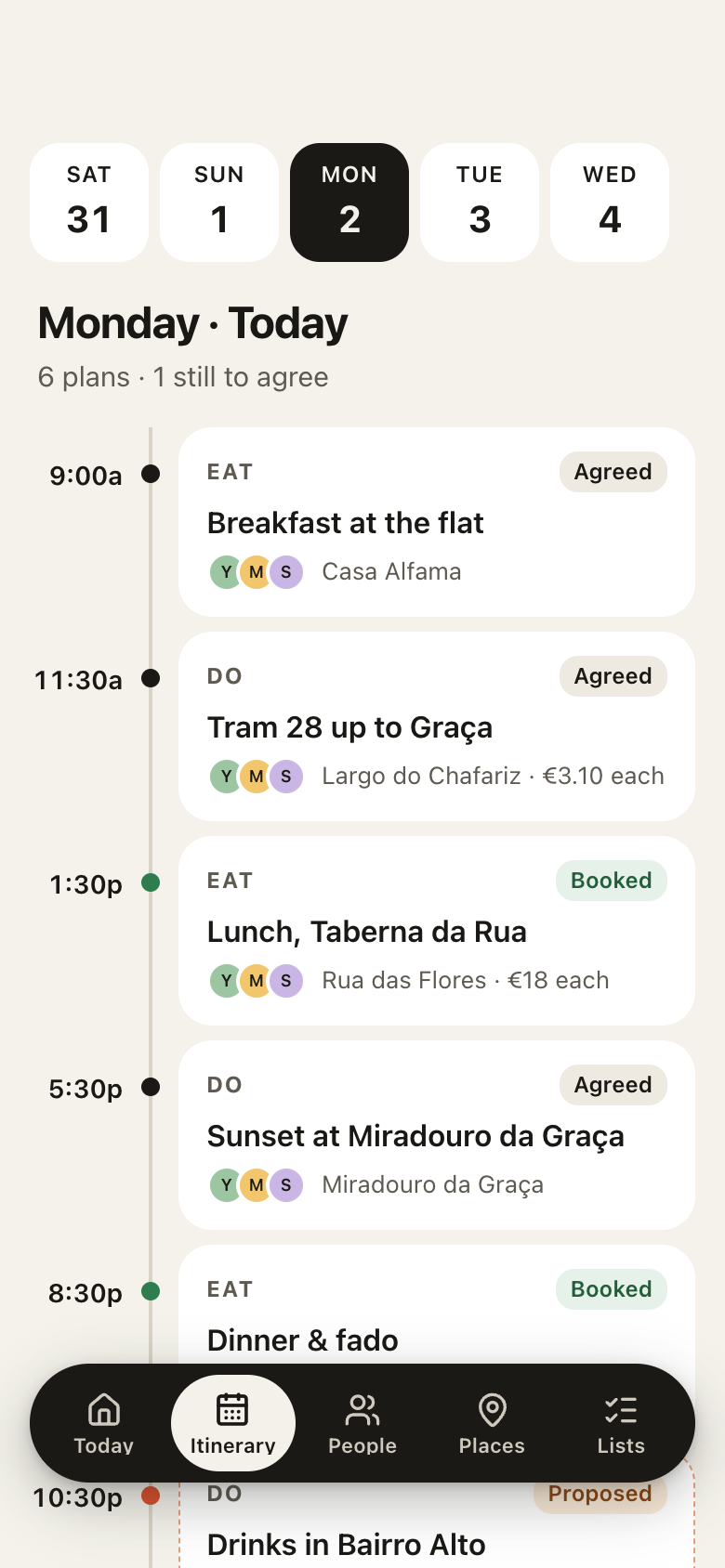
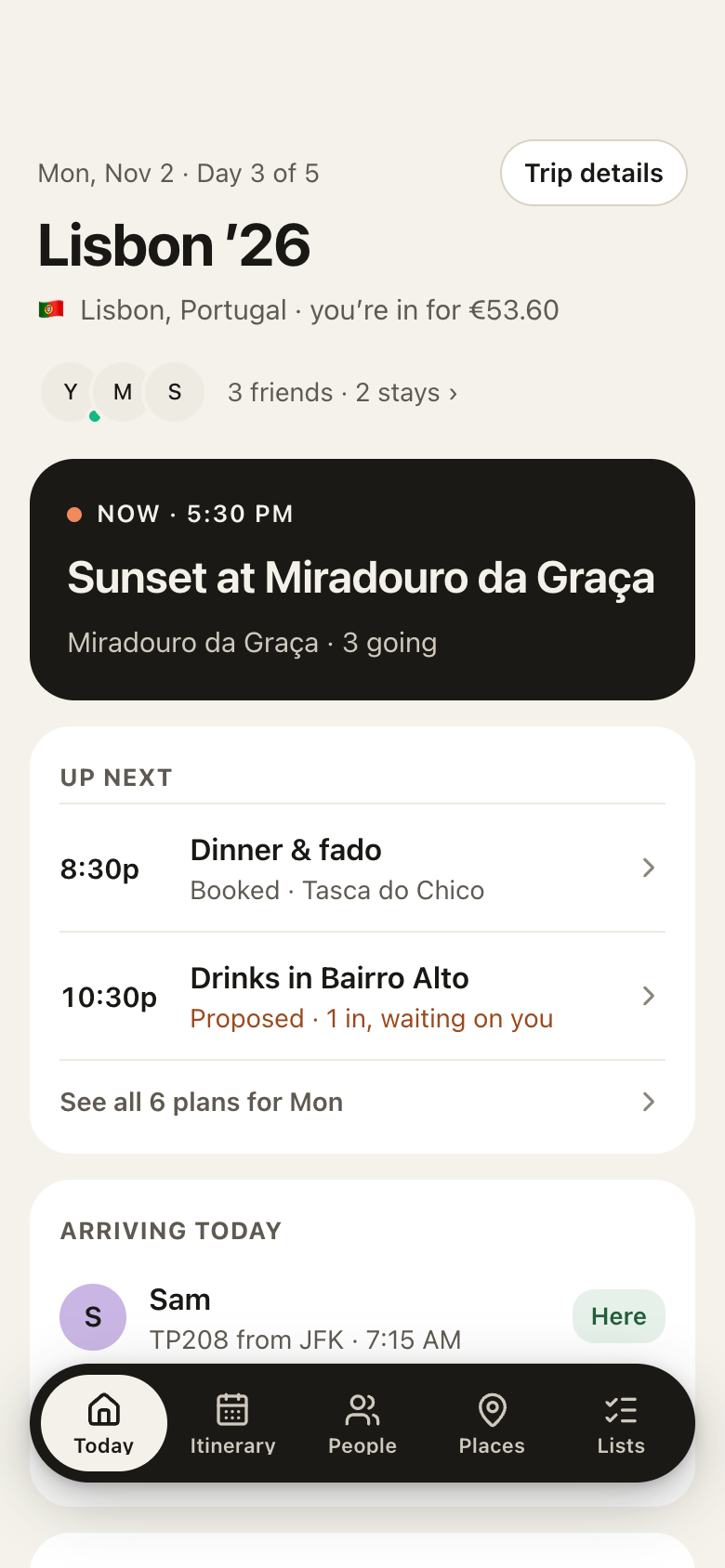
Dots reads your email on its own side, on its own schedule, and writes what needs a reply or a follow-up into Tick, your to-do app in Marci, each with a day and a note on who is waiting. You tell it once what to look for. Marci doesn't read your inbox for this, and never hands Dots your email. It keeps the list on your phone, and a task with a time of day reminds you when it comes due.
Press Play the story, then watch it happen on the phone.
On Dots's schedule
Dots does the reading on its own side: your inbox, your shop, the web. Marci is where the results are kept, in apps you use on your phone. Tell Dots once what to keep and how often, like "every weekday morning, put what needs a reply in my inbox into Tick". The schedule runs in Dots.
DotsFrom your order emails
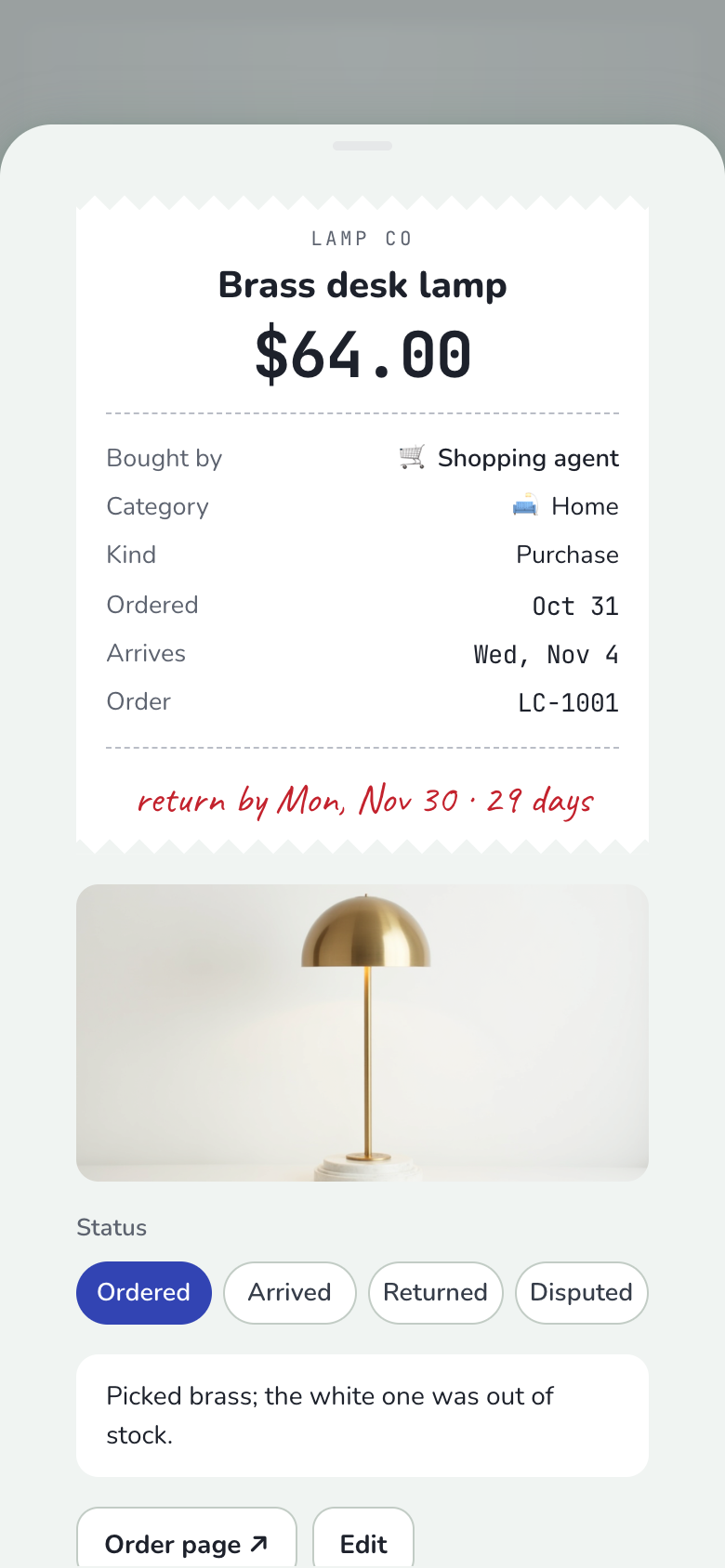
Whenever an order confirmation lands in my inbox, log it in Agent Receipts with the last day I can return it.
Each time one arrives I'll add the receipt: the shop, the item, the amount, when it arrives and the return-by date. The brass desk lamp is in at $64, back by November 30. Marci reminds you two days before a return window closes.
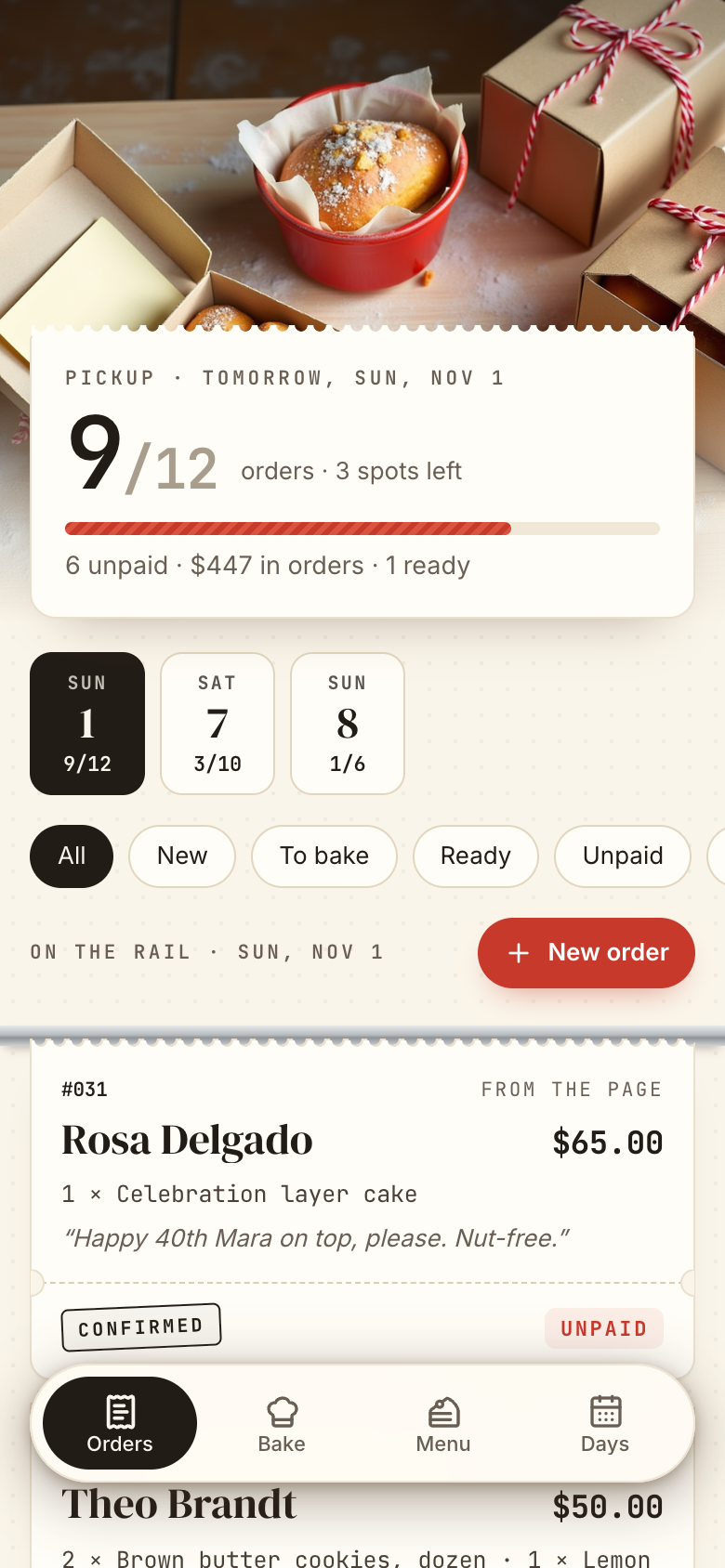
Whenever a new order comes into my bakery's online shop, add it to Order Book on its pickup day.
Each new order goes in as a ticket on its pickup day, with the items, the total and whether it's paid. Two came in overnight for Sunday, which now has 9 of its 12 spots taken. If a day is already at its limit, I'll tell you before adding to it.
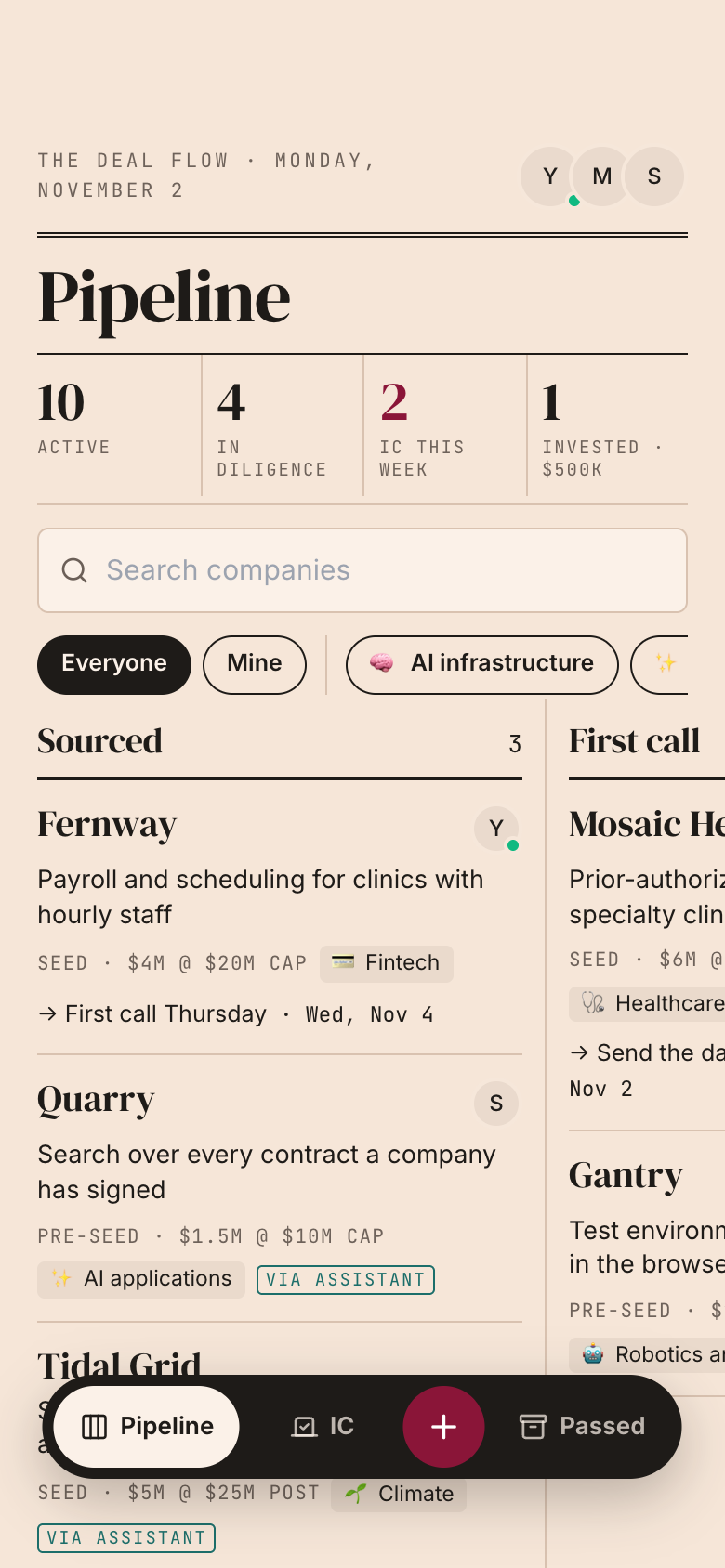
Whenever a founder intro or a deck lands in my inbox, add the company to our Deal Flow.
Each one comes to you first with the one-liner, sector and round. Once you say yes it goes into Sourced, marked Via assistant, so your partners see where it came from.
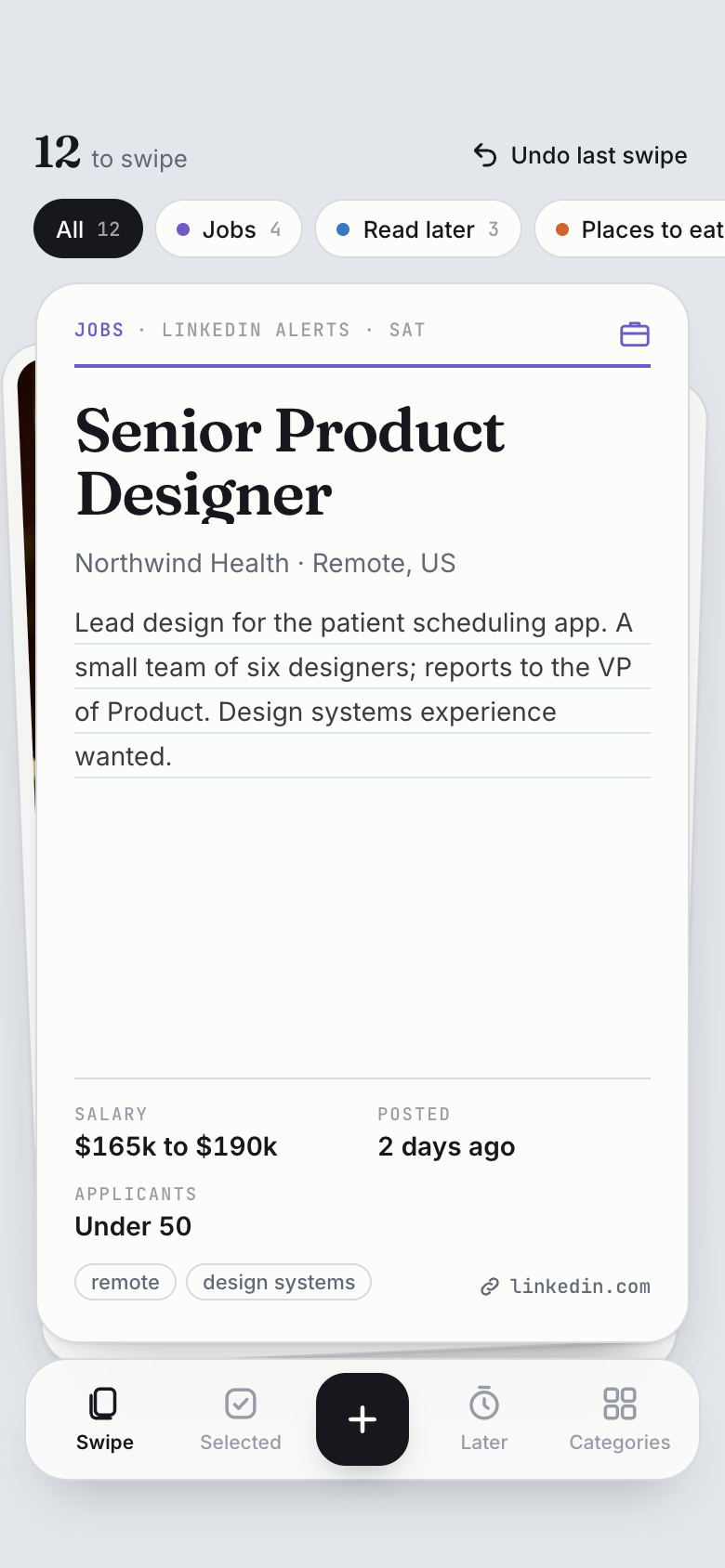
Whenever a job alert lands in my inbox, put the roles that fit me in Jobs in my Swipe It app.
Each role becomes a card with the company, the salary and the link. Swipe right and tell me what's next, like apply this week, and I'll draft the cover note for you to send.
In Marci, open Settings › Connected tools › Set up an agent and pick Dots. It shows the address to use and a setup prompt.
2
Add Marci in Dots
In Dots, add Marci as a connector with that address and sign in on the Marci page it opens.
3
Paste the setup prompt
Paste the setup prompt from Marci into Dots, so it keeps it as standing instructions.
What Dots can reach, and what it can't
Dots reaches only the Marci apps you chose for it, each at Read or Read & write. It never sees your email, calendar, health, location, memories, documents, rooms or messages in Marci, and private apps kept only on your phone are never listed to it. Marci never hands Dots your inbox: Dots reads your email on its own side, with the access you gave it there. Through Marci it can't post in your rooms or message your friends. In an app you share, Dots acts as you, can do only what your role there allows, and asks before it writes.
Everything Dots does shows in Marci under Settings › Connected tools as a plain sentence, like "Added 4 tasks to Tick". Change its access or turn it off there any time. Full details: Connectors.
Dots is OpenAI's agent. Connected to Marci, it can read and update the Marci apps you allow.
Can Dots turn my emails into to-dos?
Yes. Dots reads your inbox on its own side, on the schedule you give it, and writes what needs a reply or a follow-up into Tick, your to-do app in Marci, each with a day.
Does Marci read my email to do this?
No. Marci doesn't read your inbox for this, and never hands Dots your email. Dots does the reading. Marci keeps the to-dos and shows them on your phone, and a task with a time of day reminds you when it comes due.
How do I connect Dots to Marci?
In Marci, open Settings › Connected tools › Set up an agent and pick Dots. Add Marci as a connector in Dots with the address shown, sign in on the Marci page it opens, then paste the setup prompt.
Where do the things Dots finds go?
Into the Marci apps you allowed. Things that need your yes fit Swipe It, where you swipe right to go ahead, up for later or left to drop it.
Marci is rolling out now
Marci is invite only for now. Join the waitlist, or ask a friend on Marci for an invite.


 Marci
 DotsFrom your order emails