Add Marci as a connector in Claude and what you work out in a chat doesn't stay in the chat. Ask Claude to plan an evening of your trip and add it to Trip Together, and the plan lands in the trip you share, where everyone going can see it. Claude also reads across your apps and answers from them. Add it once on the web or desktop and it works in the Claude mobile app too.
Press Play the story, then watch it happen on the phone.
When you ask
Claude does the thinking and the reading. Your Marci apps hold the records it reads and the ones it adds, so the answer comes from your own numbers and the result is on your phone.
ClaudeAcross your apps
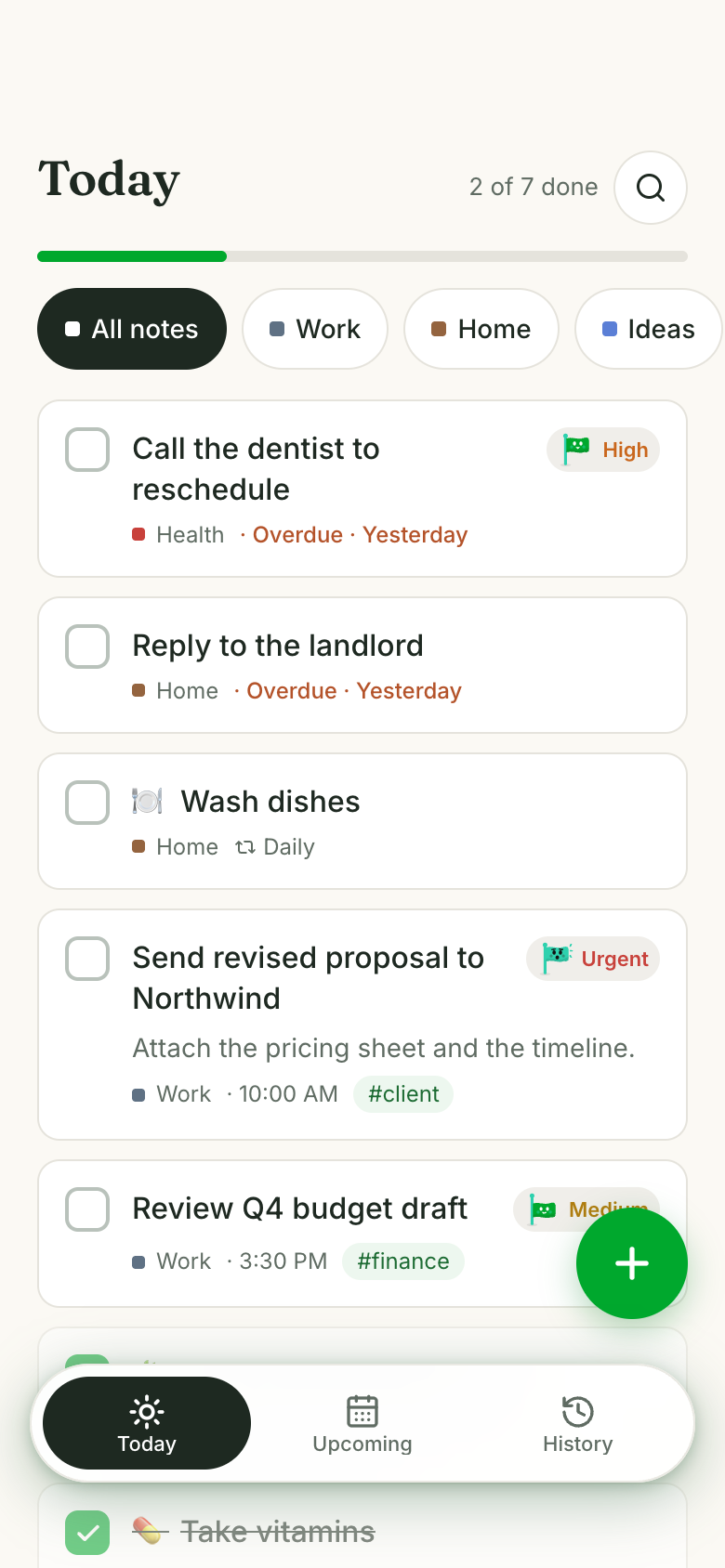
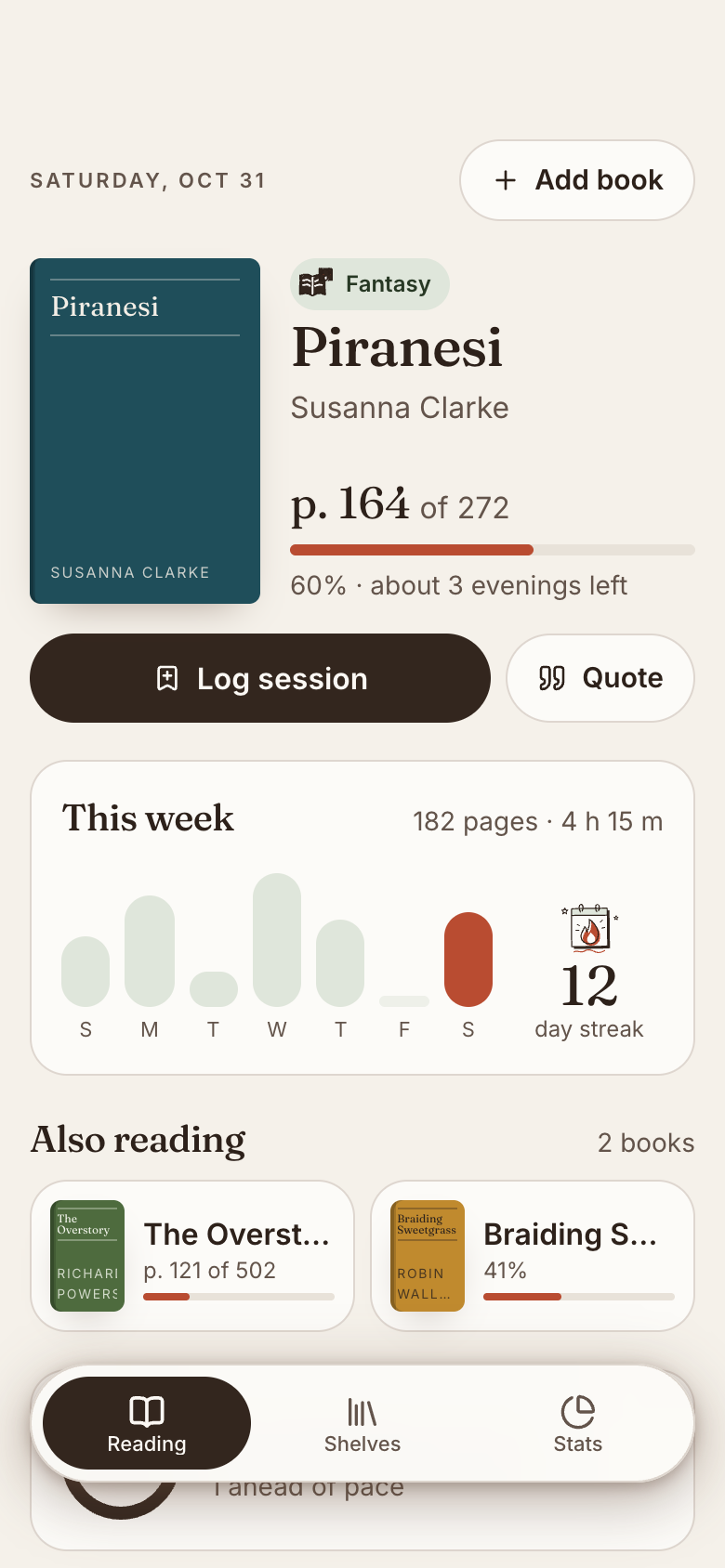
Read my Calorie Lens and Setbook for the last two weeks. Am I on track for my goal? If I'm short on workouts, put the next one in Tick.
Mostly. Your calories are a little under target and you trained four of the five days you planned. One more workout a week keeps you on pace, so as you asked, a Sunday run is in Tick.
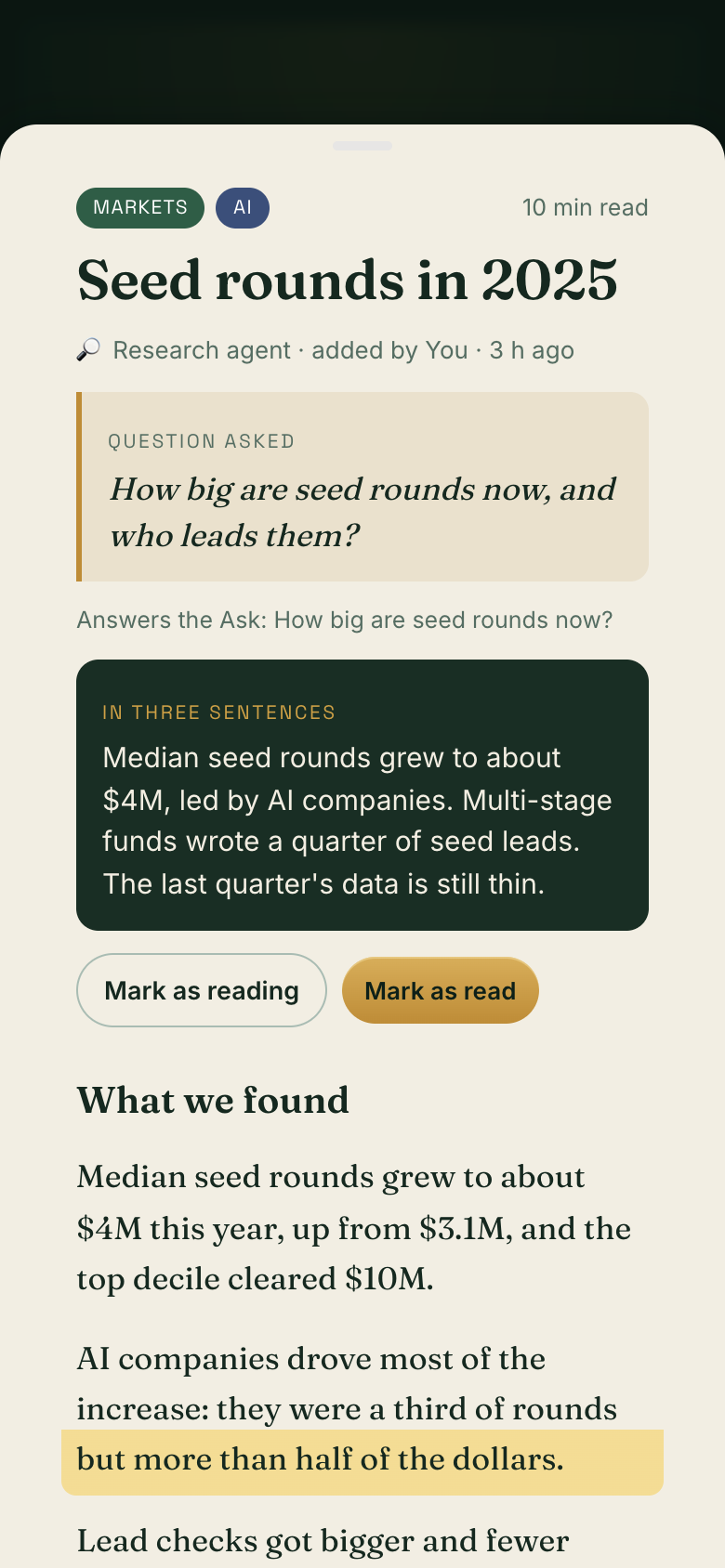
How big are seed rounds now, and who leads them? File it on the Research Shelf I share with Maya and Sam.
Here's what I found. The shelf is shared, so I filed it after your yes: the question, a three-sentence summary and the full report with sources. It shows as unread for Maya and Sam.
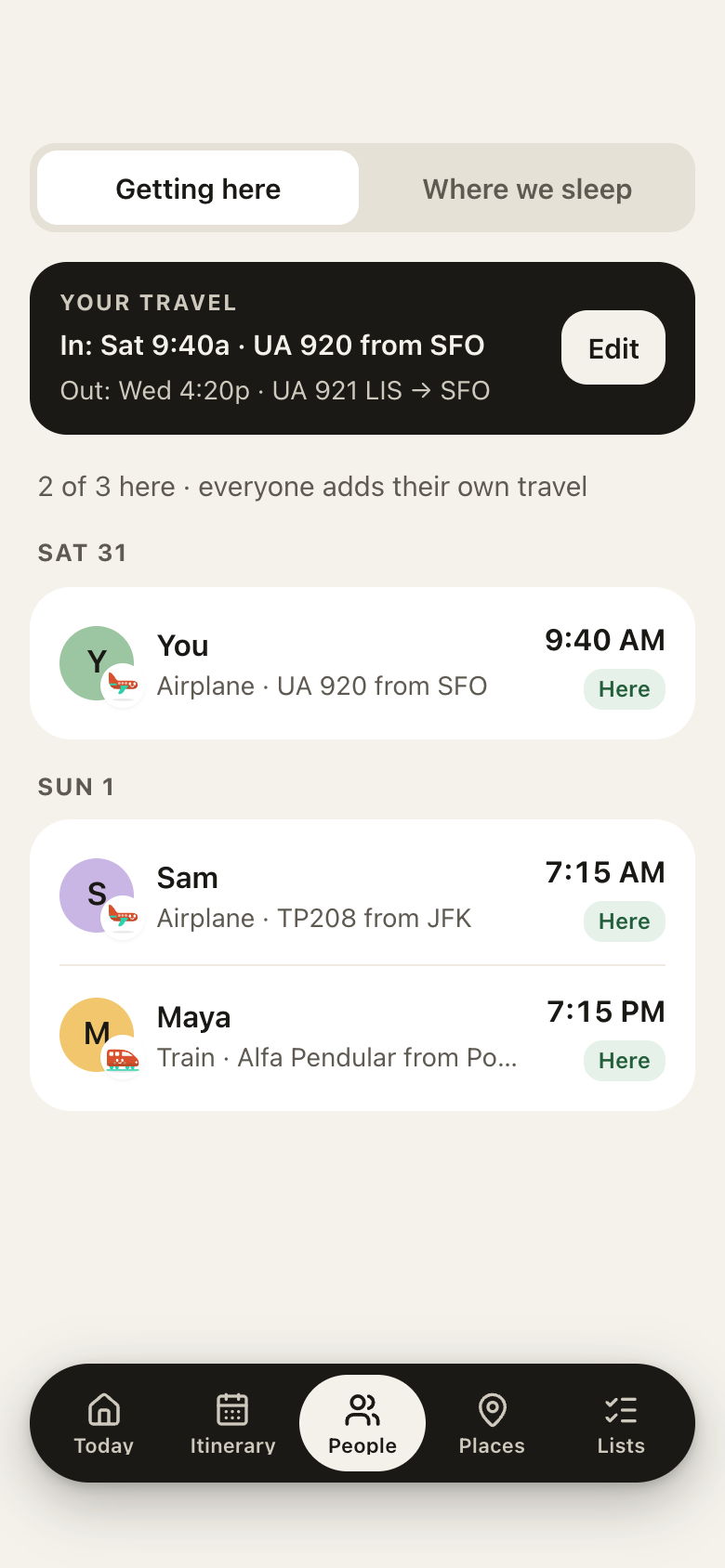
Plan Monday evening in Lisbon and add it to Trip Together
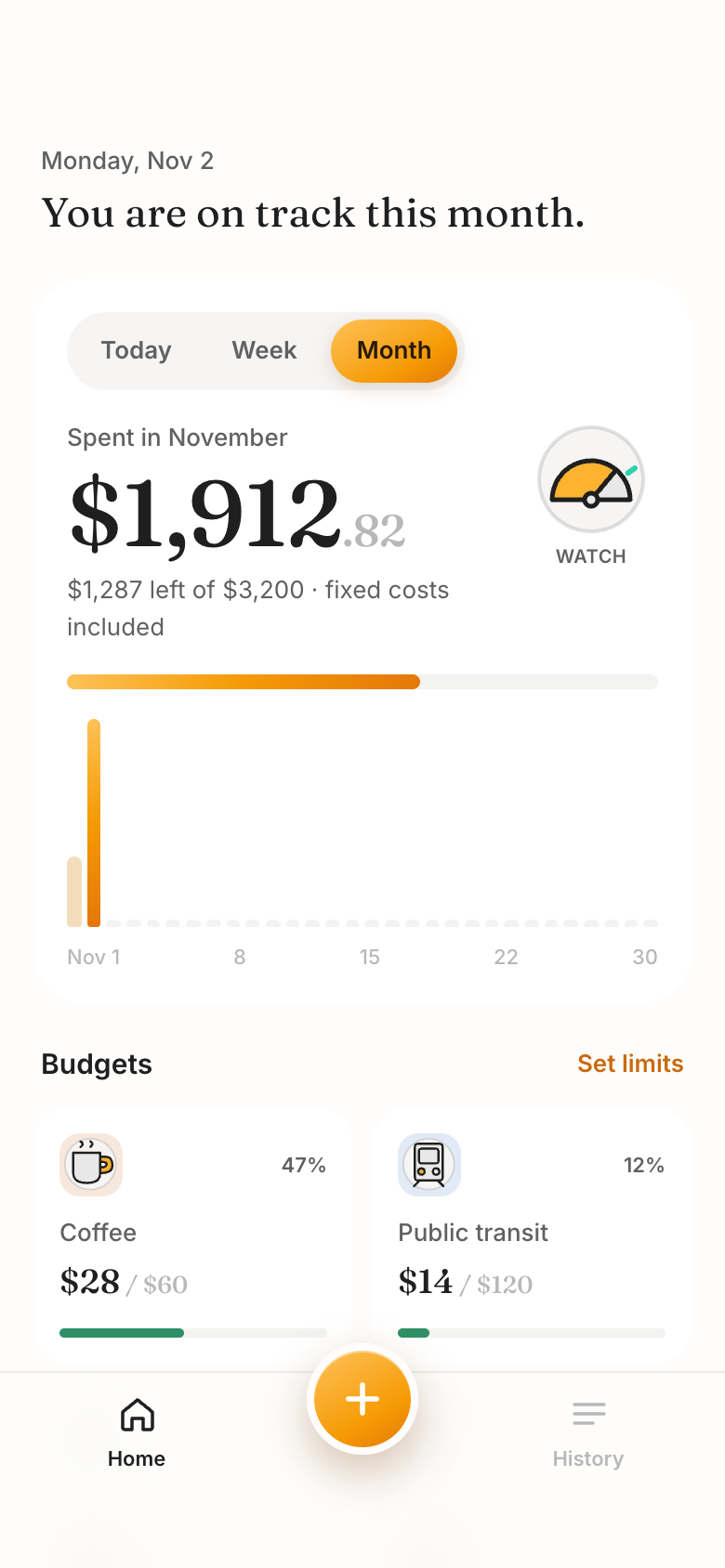
Which of my apps did you update today?
In an app you share: everyone's agents, one trip
You
You
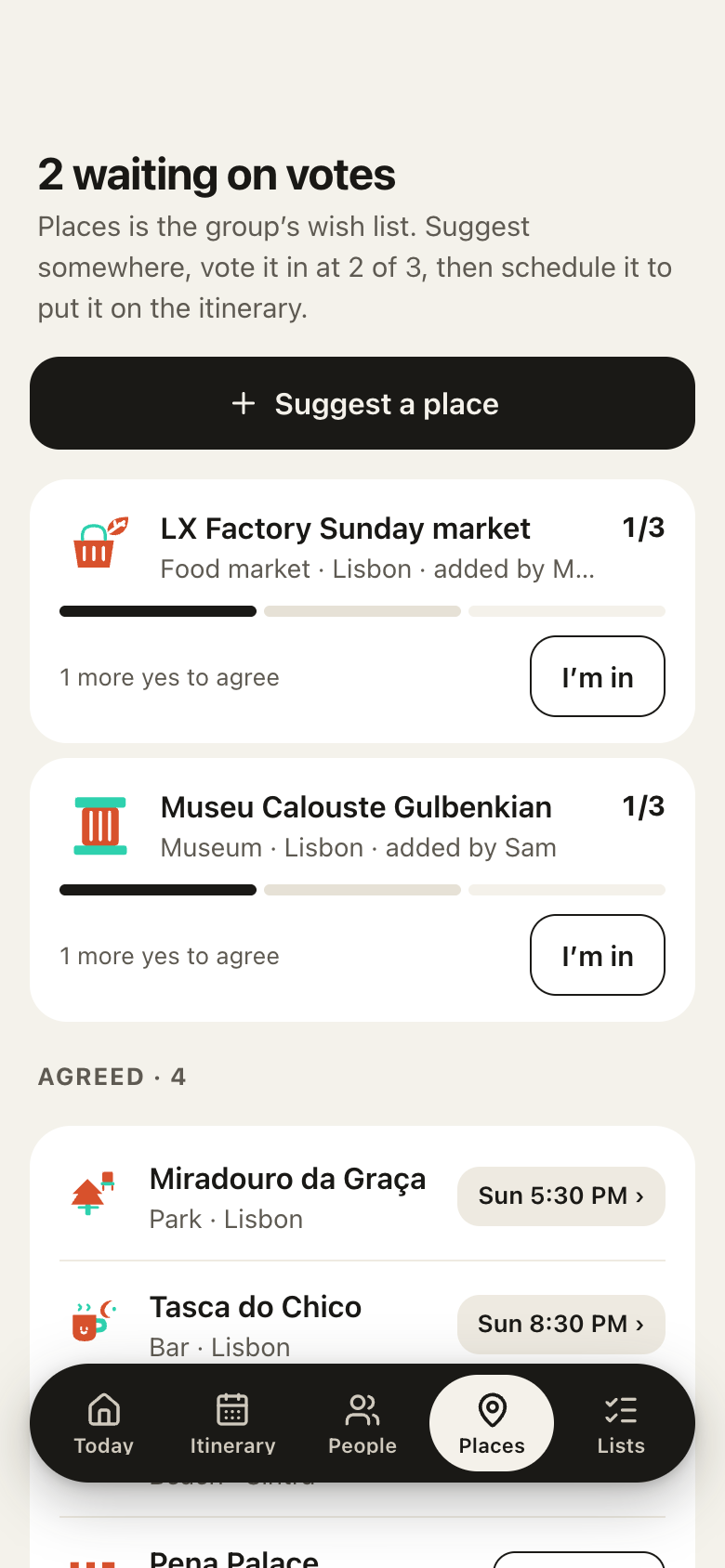
What's still waiting on votes for Lisbon?
Claude
Two places in Trip Together: the LX Factory Sunday market, which Maya added, and Museu Calouste Gulbenkian, from Sam. Each needs one more yes, and then it can be scheduled onto the itinerary.
In Claude on the web or desktop, open Settings › Connectors, choose Add custom connector and paste https://mcp.getmarci.ai/mcp.
2
Sign in and choose
Sign in on the Marci page it opens and choose which apps Claude may use, each at Read or Read & write.
3
Add the skill
To teach Claude how Marci works, download marci-skill.zip and upload it under Customize › Skills.
Good to know
In Claude, Marci works with your app data: Claude reads and updates your records and answers from them. Apps don't show inside Claude conversations, but when you ask to see one, Claude can hand you a link that opens it in your browser.
What Claude can reach, and what it can't
Claude reaches only the Marci apps you chose for it, each at Read or Read & write. It never sees your email, calendar, health, location, memories, documents, rooms or messages in Marci, and private apps kept only on your phone are never listed to it. Through Marci it can't post in your rooms or message your friends. In an app you share, Claude acts as you, can do only what your role there allows, and asks before it writes.
Everything Claude does shows in Marci under Settings › Connected tools as a plain sentence, like "Added 3 plans to Trip Together". Change its access or turn it off there any time. Full details: Connectors.
Open Settings › Connectors in Claude on the web or desktop, choose Add custom connector and paste https://mcp.getmarci.ai/mcp, then sign in on the Marci page and choose its apps.
Can Claude add things to an app I share with friends?
Yes. In a shared app Claude acts as you, with your role there, and asks before it writes. What it adds shows for everyone in the app.
Does it work in the Claude app on my phone?
Yes. Connectors you add on the web or desktop also work in the Claude mobile app.
Do Marci apps open inside Claude?
Not inside the conversation. Claude works with your app data, and can hand you a link that opens the app in your browser. The app is always in Marci on your phone and at app.getmarci.ai.
Marci is rolling out now
Marci is invite only for now. Join the waitlist, or ask a friend on Marci for an invite.


 Marci
 ClaudeAcross your apps