Every agent in one deck. You swipe, they act.
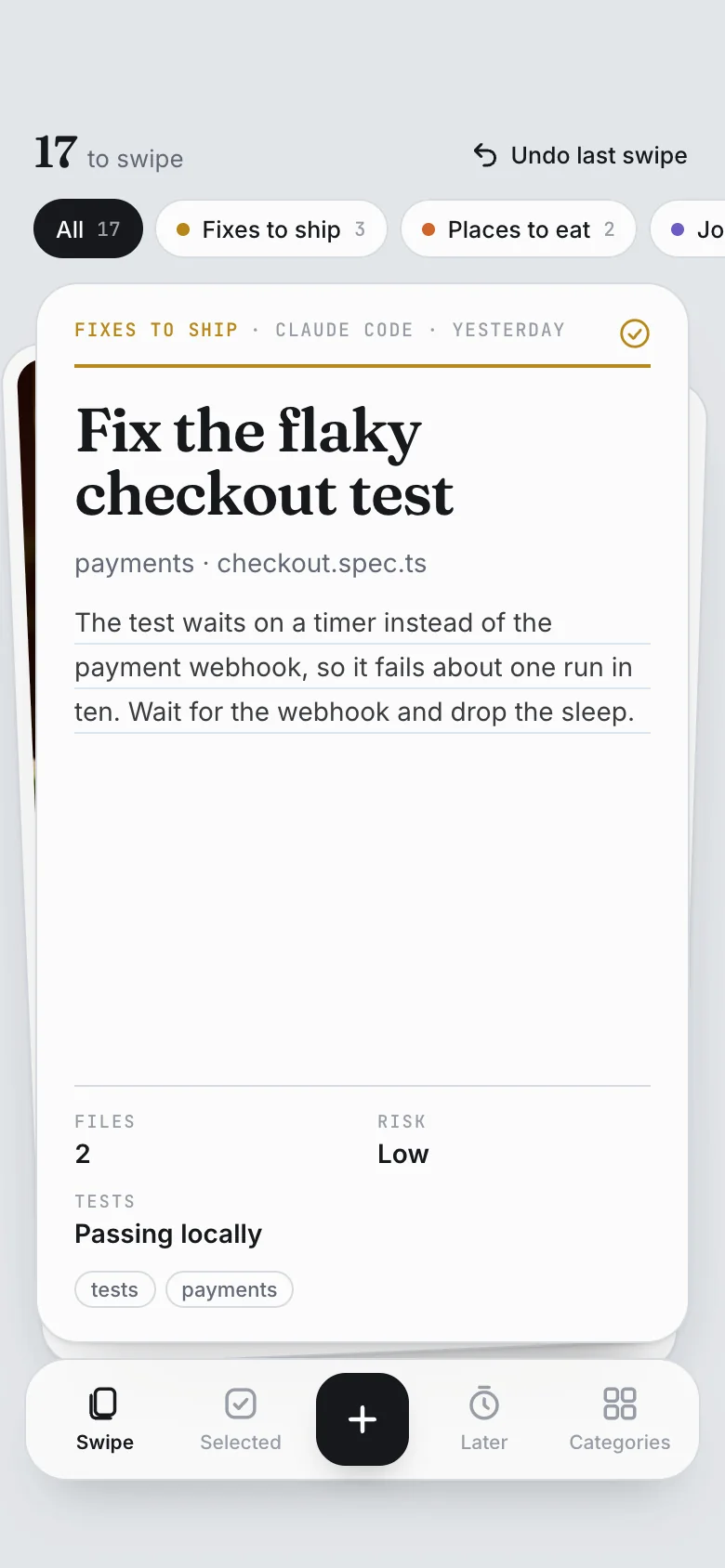
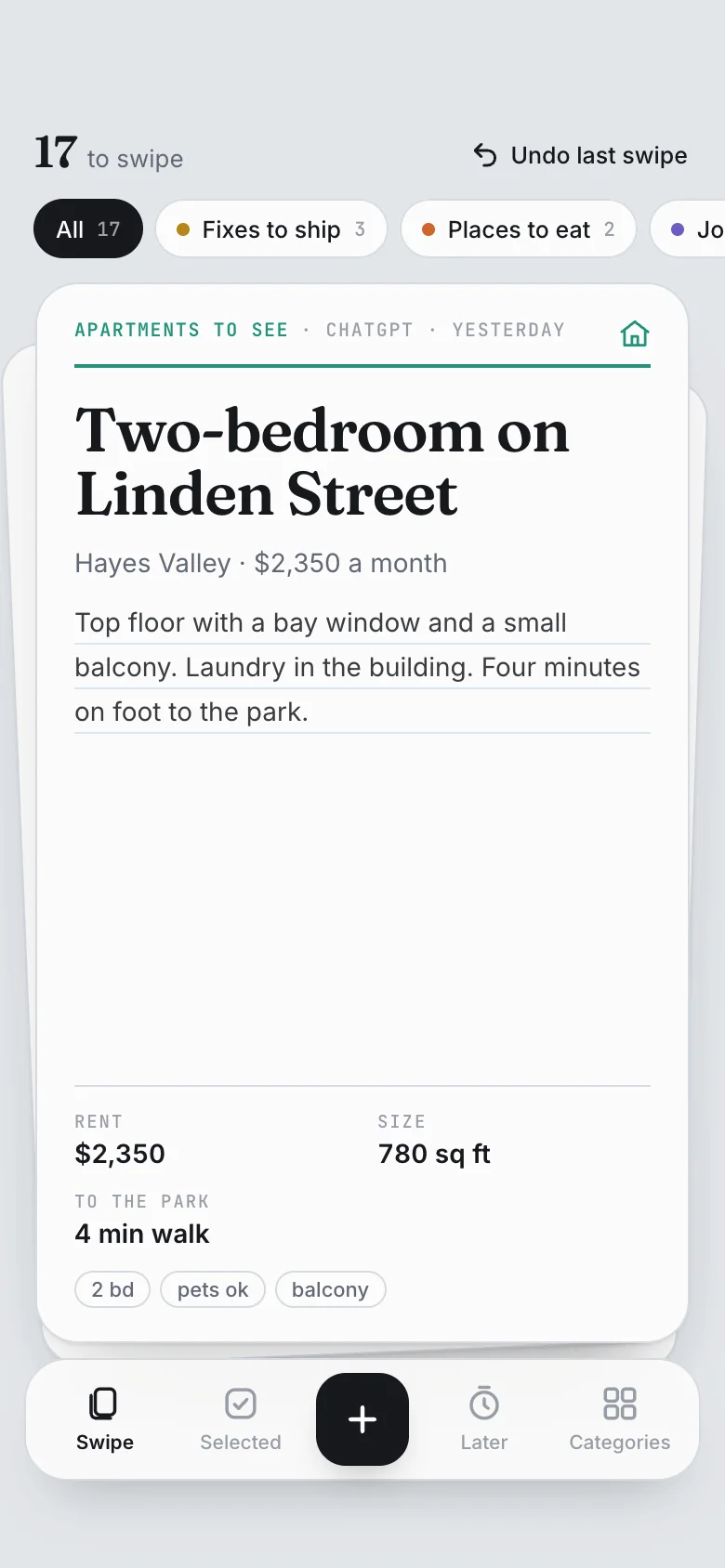
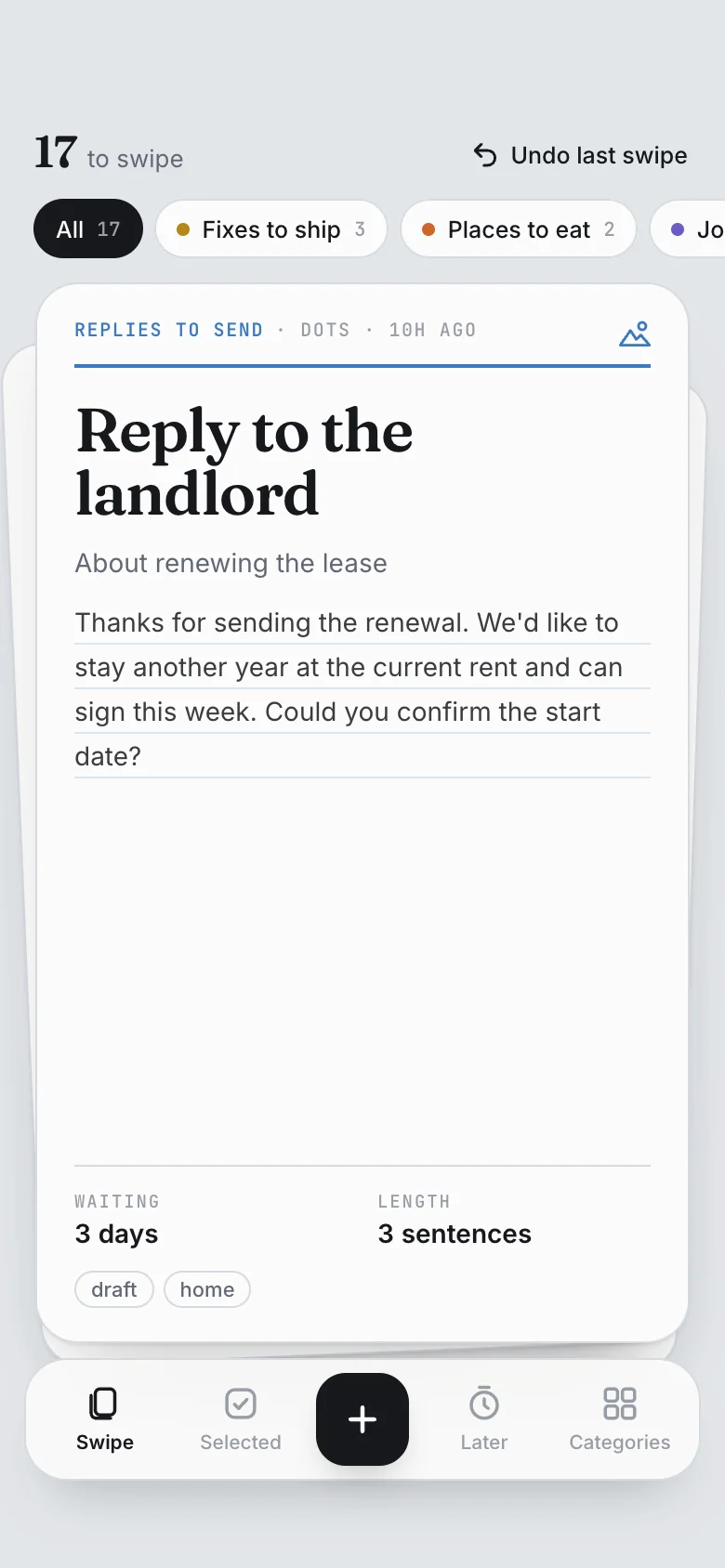
Swipe It is a Marci app where every agent you use puts what needs your yes: a fix from your coding agent, a table Muse found, a shortlist from ChatGPT, a reply Dots drafted. Each card says who added it and why. Swipe right to select it and say what happens next, up for later, left to discard. The agent picks up what you selected on its own schedule, does the work and reports back on the card.

 Marci
Press Play the story, then watch it happen on the phone.
The loop, on the real app
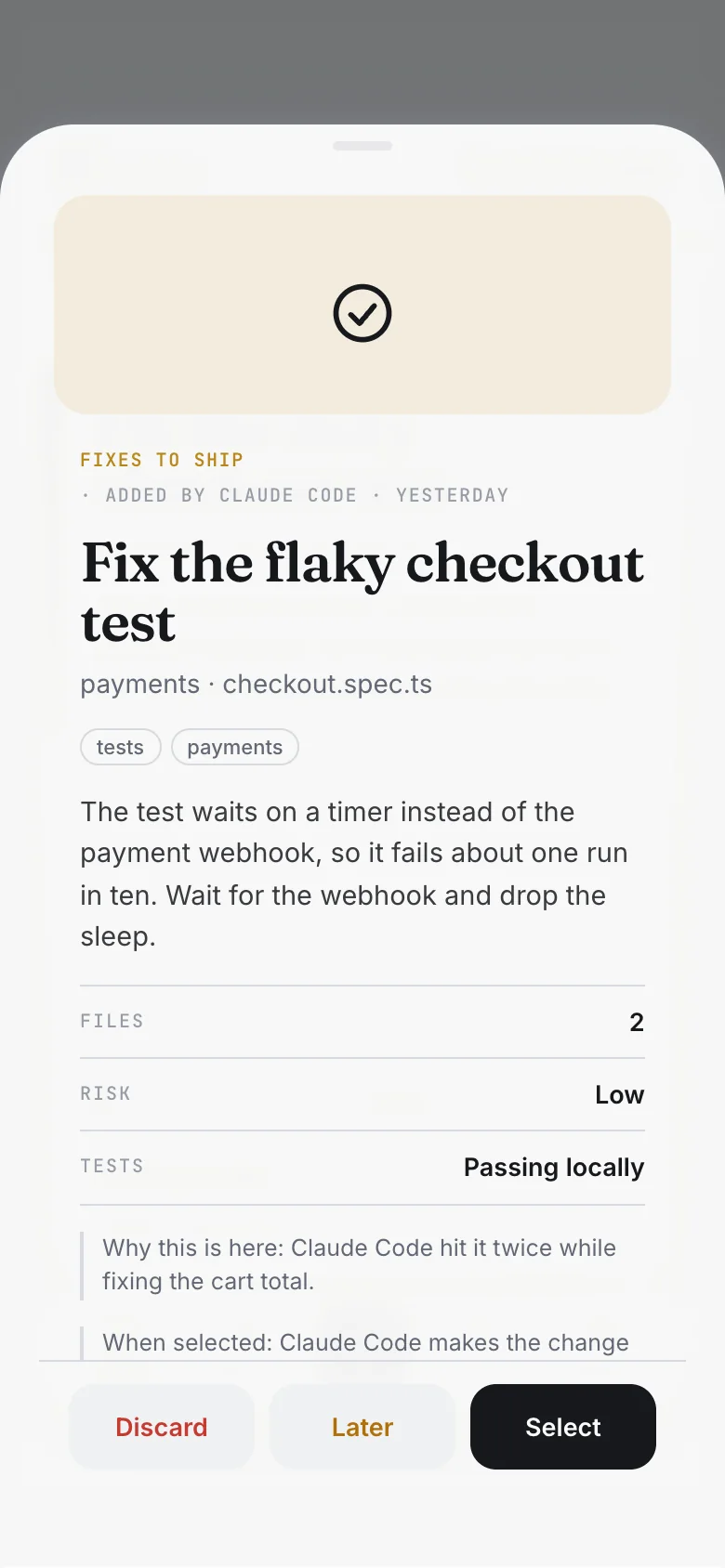
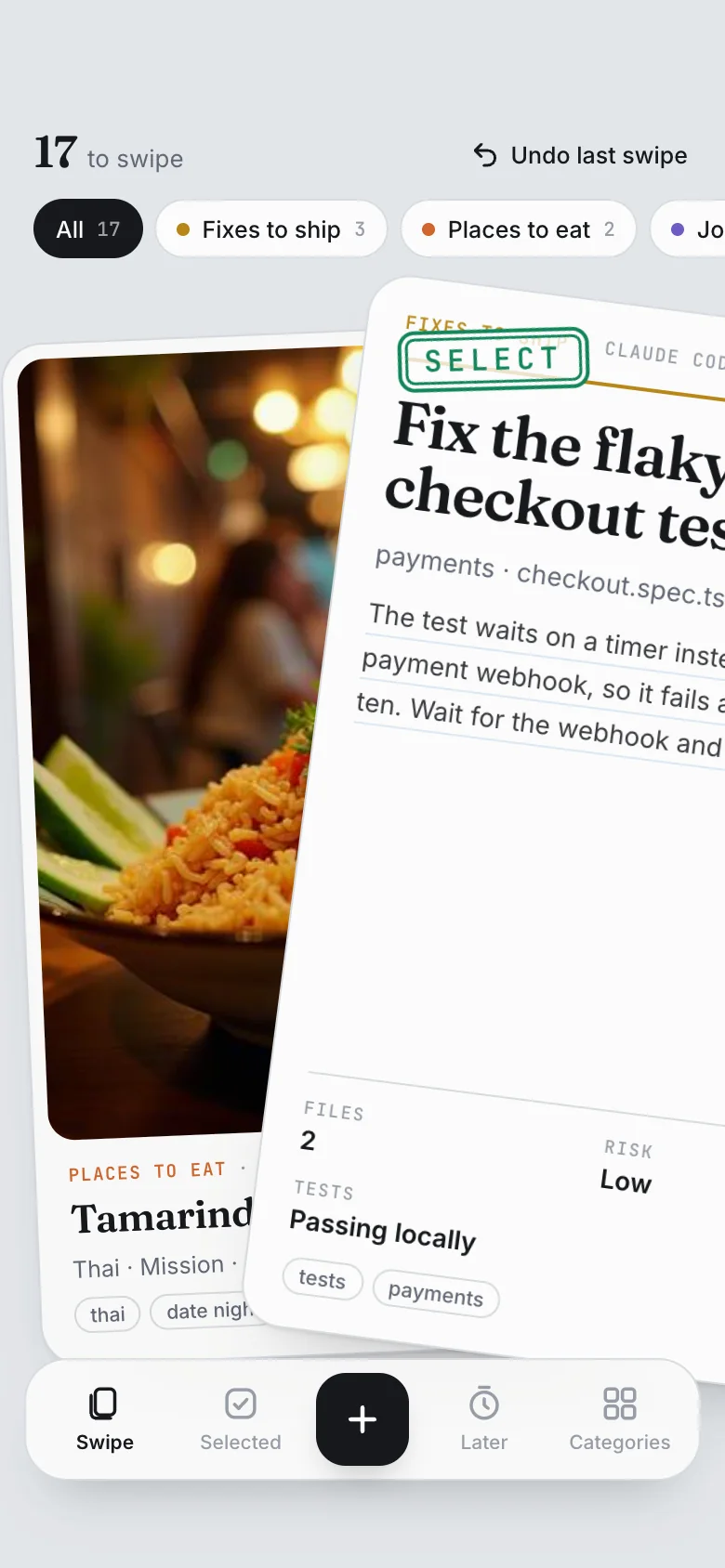

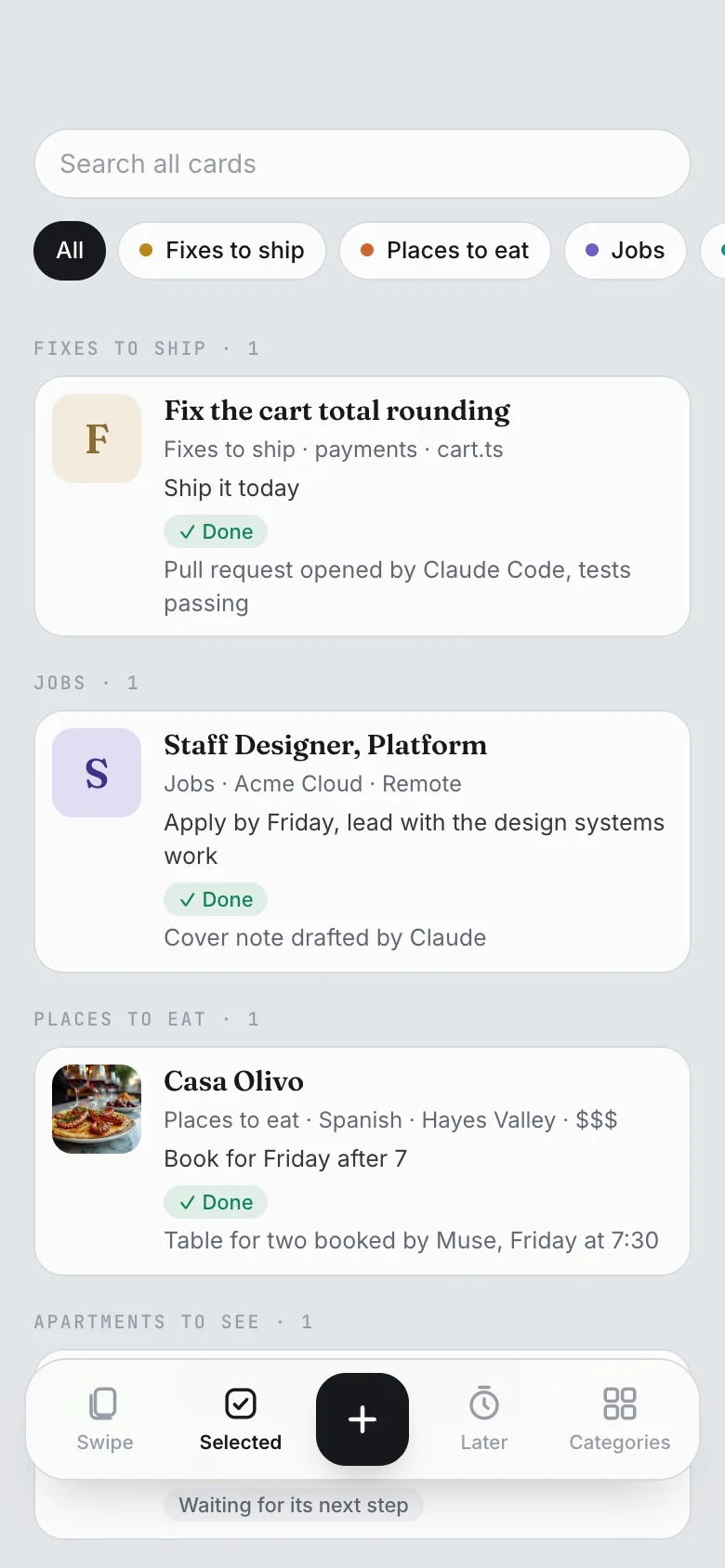
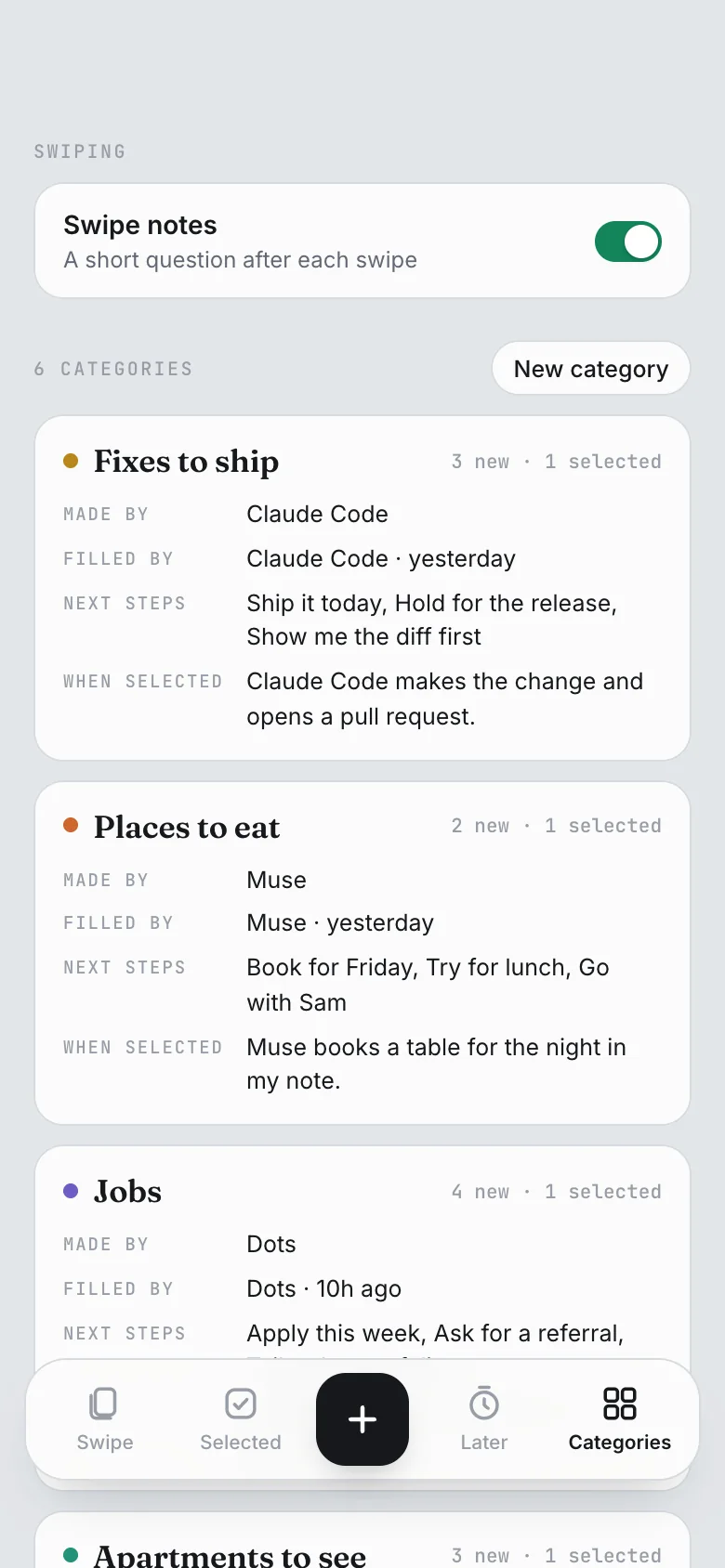

Up here, every agent reports to you.
Six loops, one deck



With someone else: Swipe Together, the shared deck
- Marci
Swipe It is yours alone. To decide with someone else, use Swipe Together: the same deck, shared, where each person swipes on their own.
 Claude
You asked me for two-bedroom apartments in the Mission. Swipe Together is shared with Priya, so I added three to Apartments after your yes.
From your Claude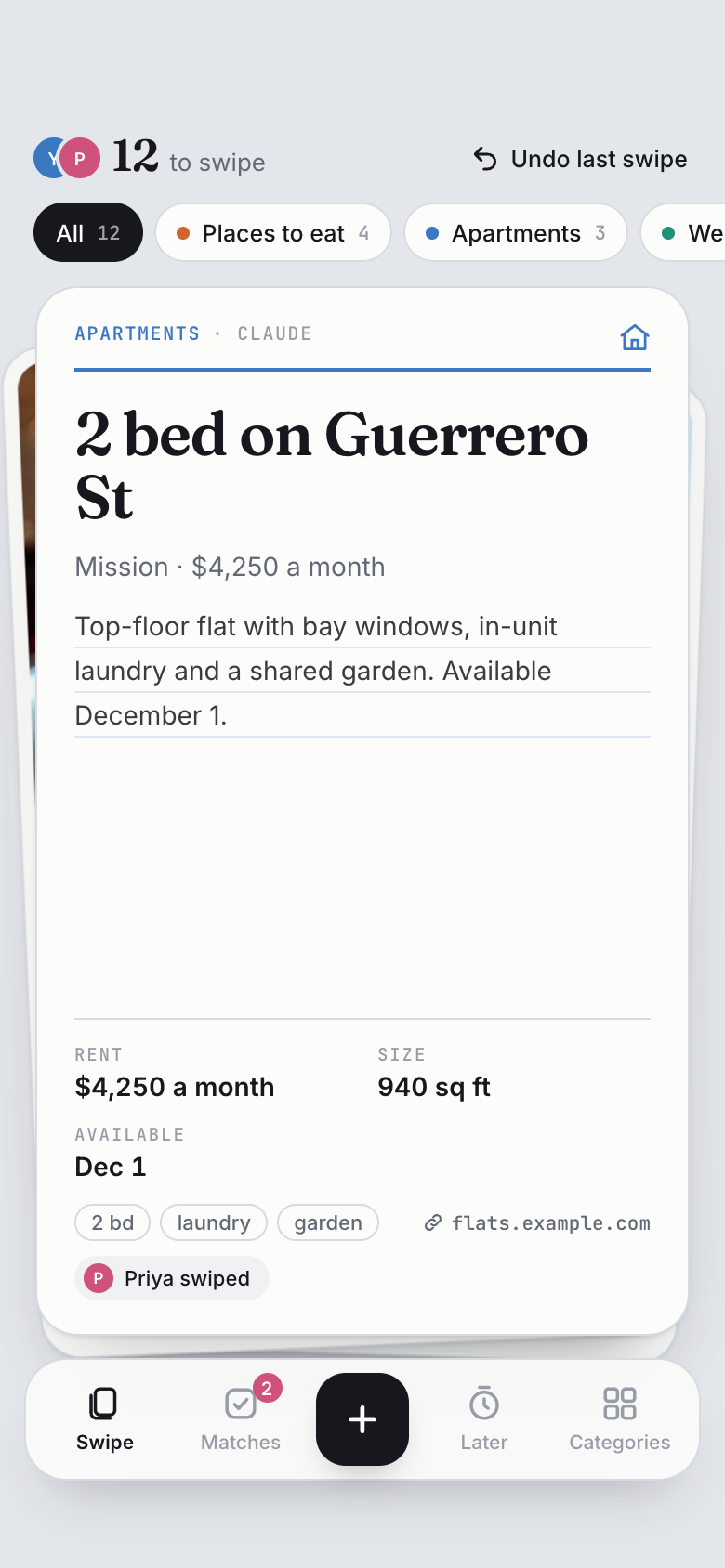 Swipe Together
- Marci
Neither of you sees which way the other swiped. When you both swipe right it's a match, with both your notes side by side.
It's a match Swipe Together
 Muse
Priya asked me to act on your matches. The pottery class matched and both your notes said this Saturday, so I booked it for Saturday at 10.
Done, from Priya's Muse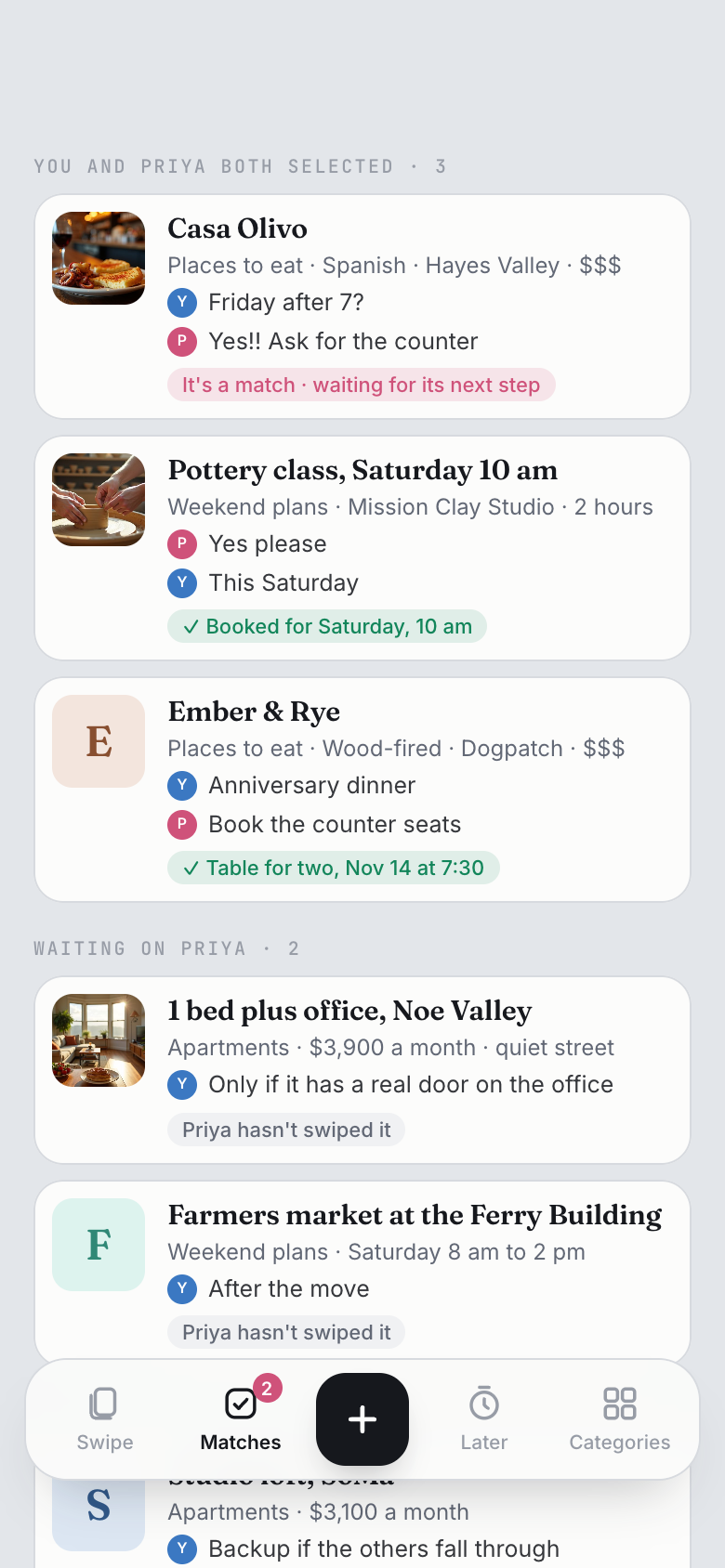 Swipe Together
Make it your own
Swipe It works for any category you can name, and any agent you connect can fill it. If you want it to work differently, ask. Marci changes the app you already use and shows you the update before applying it. Or describe a deck of your own and Marci builds it from scratch, with a plan for you to approve first. Either way, you connect your agents once and run it from your phone.
- "Add a due date to every card"
- "Add a screen that shows what each agent did this week"
- "Build me a deck for my team's pull requests, one category per repo"
Set it up
Get Swipe It
Ask Marci for Swipe It, or open Swipe It and get it from there.
Give each agent a category
Tell each one what to add and what a right swipe means, like "put small fixes you find in Fixes to ship, and when I select one, make the change and open a pull request". The schedule runs in the agent.
Swipe
Right to select with a note, up for later with a reminder, left to discard with a reason. Agents read your reasons and stop adding what you rule out.
What the agents can reach, and what they can't
Each agent reaches only the Marci apps you chose for it, at Read or Read & write. Give an agent only Swipe It and it sees nothing else. None of them sees your email, calendar, health, location, memories, documents, rooms or messages in Marci, and private apps kept only on your phone are never listed to them. Through Marci they can't post in your rooms or message your friends.
Every card says who added it. Once you discard a card, an agent can't add it again. Everything an agent does shows in Marci under Settings › Connected tools, where you can change its access or turn it off. Full details: Connectors.
The apps for this




The agents
 ChatGPTResearch kept as a shortlist you can swipe.
- ClaudePlans made in chat land in your apps.
- MuseSaved Reels become recipes and places.
 DotsYour inbox, turned into to-dos.
 Grok BotX bookmarks become content ideas.


 Coding agentsA project's to-dos and ship log beside the code.
- Every agentHow each one connects, and what they do together.
Questions
What is Swipe It?
A Marci app: a deck of cards for anything you need to decide on. Cards sit in categories that you or a connected agent creates. Swipe right to select a card and say what happens next, up to see it later, left to discard it.
How does an agent know what I decided?
It reads your decisions on its own schedule: what you selected, with your note, and what you discarded and why. It does the work with its own tools and reports back, so the card in Selected shows Done with a note on the result.
Can two different agents work on the same card?
Yes. One agent can add a card and another can act when you select it. In the Jobs example, Dots adds the roles and Claude drafts the cover note.
Can I use it with another person?
Swipe It is yours alone. Swipe Together is the shared version: each person swipes on their own, and a card everyone selects is a match that agents can act on.
Can I change how Swipe It works?
Yes. Ask Marci for the change and it updates the app you already use, after showing you what will change. You can also ask Marci to build a deck of your own from scratch.
Marci is rolling out now
Marci is invite only for now. Join the waitlist, or ask a friend on Marci for an invite.